BENNE turns Phaser 4 into a point-and-click adventure engine
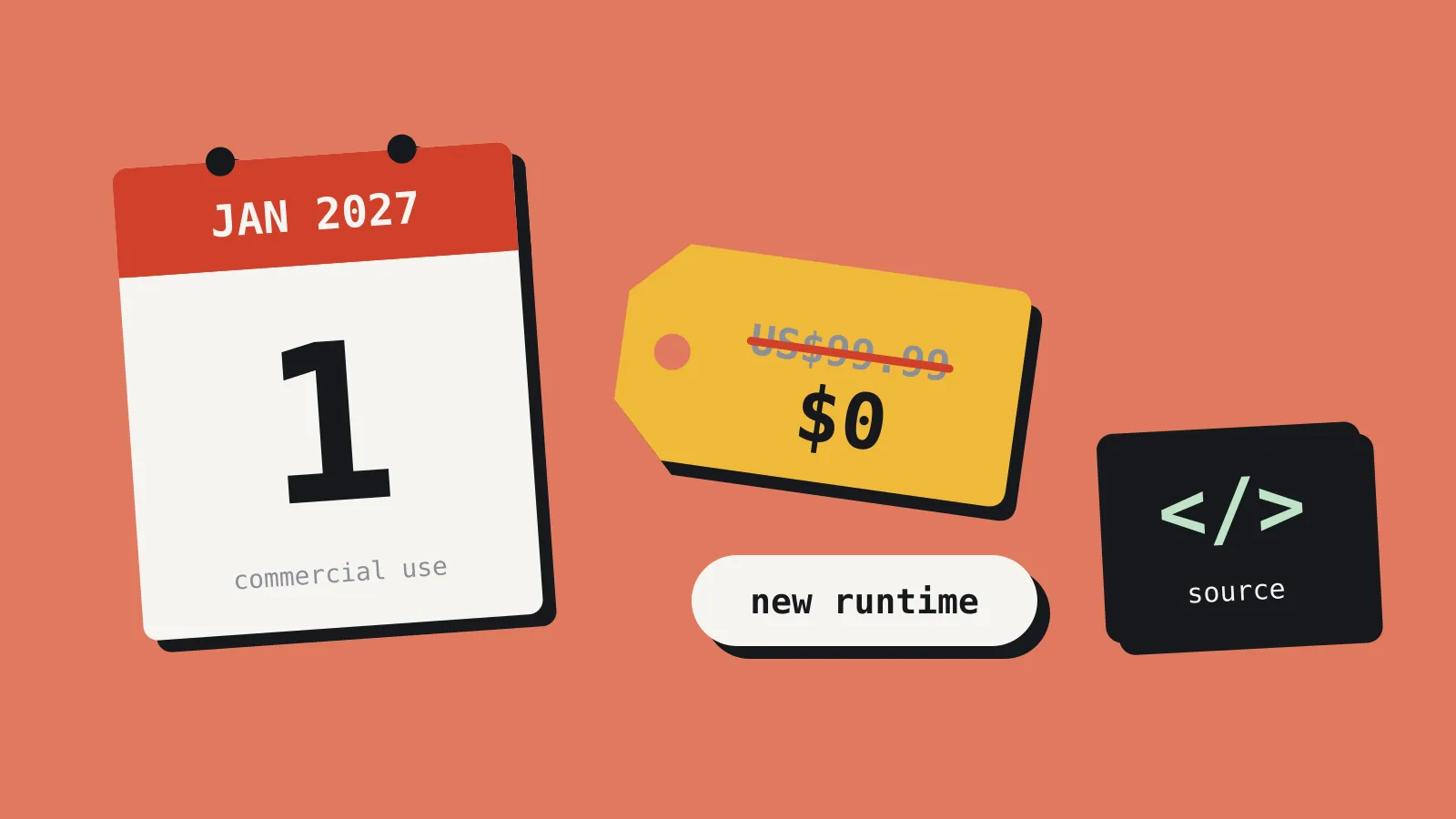
A new MIT-licensed engine bundles rooms, inventory, dialogue and a VS Code editor for classic adventures. It's young and Windows-only on desktop, but worth a weekend.
BENNE, a free point-and-click adventure engine built on Phaser 4, got its first wide airing on the Phaser news site on 30 October 2026. It’s MIT licensed, it runs in the browser, and it ships with a VS Code extension that acts as its editor. If you’ve been meaning to make an adventure game and keep stalling at the inventory system, this is aimed squarely at you.
What BENNE is
BENNE is a TypeScript engine for verb-driven adventures in the LucasArts and Sierra tradition. It sits on top of Phaser 4, the JavaScript game framework, and uses Vite for its build tooling. The author, who goes by Bennethon, says Adventure Game Studio and the classic adventures were the models.
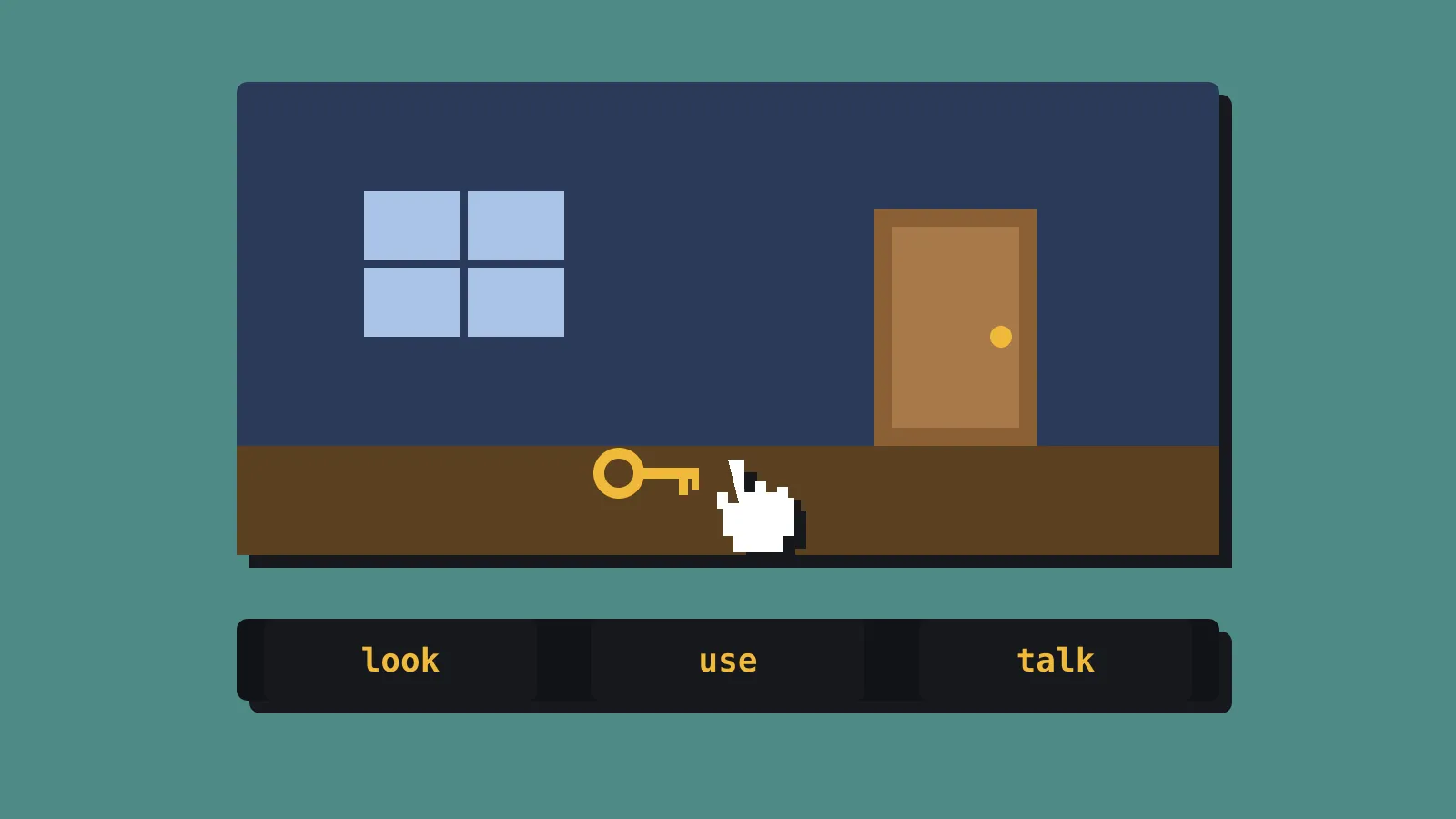
The engine handles the parts every adventure needs and nobody wants to write twice. You get rooms, characters, inventory, dialogue trees, cutscenes, fades and save games out of the box. Verbs are set in a config file, so you can build a nine-verb bar or a simpler two-click interface. The interface itself is described in JSON layouts that you can show, hide, animate and script.
Game logic lives in BenneScript, which is TypeScript with one useful twist. Each line waits for the previous one to finish. A character walks to the door, says their line, then the door opens, and the script reads top to bottom in that order. Dialogue uses a screenplay-style format, and asset names autocomplete, so a typo in a sound effect name shows up in the editor and not in playtesting.
The VS Code extension gives you live room previews, polygon editing for walkable areas and hotspots, inspectors and scaffolding commands. There’s also a “play from this room” option, which saves you clicking through the first act every time you test the third.
The first game made with it was Hank Steele and the AI Apocalypse, a retro adventure built in 14 days for a game jam. That’s a reasonable sign the tooling works for a small, fast project.
The limits you should know first
BENNE is opinionated, and its opinions are its limits.
Art comes in one way: Aseprite sprite sheets with tagged animations. If your characters live in Spine, Photoshop layers or loose PNGs, you’ll need to move them into Aseprite. The docs say other import routes are planned.
Text uses bitmap fonts only. There’s no TrueType or system font support in gameplay, which matters if you plan to localise into languages with large character sets.
Resolution is fixed low. The engine is designed around classic sizes, roughly 320 by 240 up to 640 by 480, scaled up in clean steps. That suits pixel art and rules out a painted high-resolution look.
Export targets are narrow. One command builds a browser ZIP for itch.io, another builds a portable Windows ZIP using Electron. There’s no macOS, Linux, mobile or console target today. macOS and Linux are on the author’s wish list, which the roadmap page itself says isn’t an official roadmap. The Windows builds are also unsigned, so some players will see a security warning on first launch.
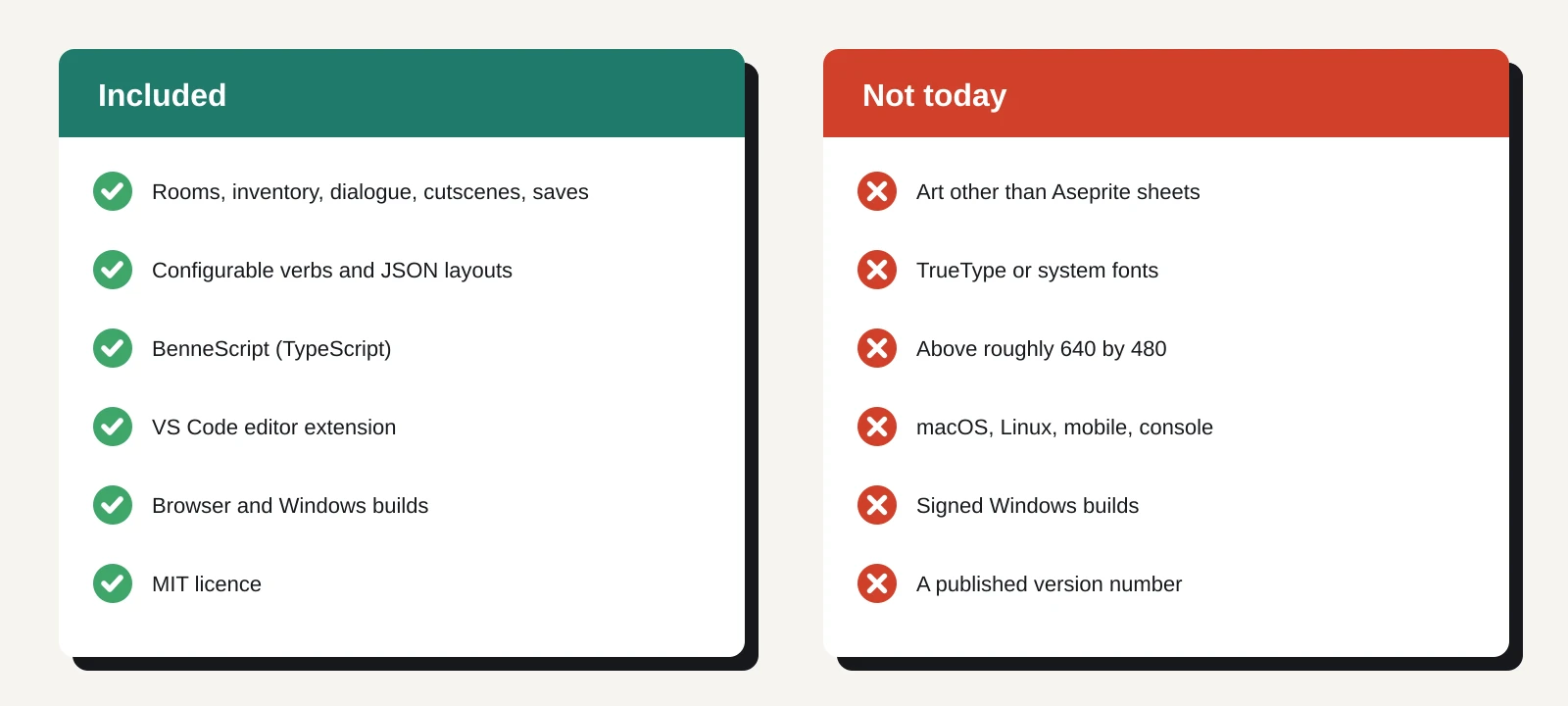
There’s no version number on the site, and releases live on GitHub. Treat it as early software from one developer. The author is open that AI tools wrote much of the code, while they handled the architecture, design and editor experience. That’s not a reason to avoid it, but it is a reason to read the code before you bet a commercial game on it.
How it compares for a solo dev
The obvious alternative is Adventure Game Studio, which has been free and open source for more than two decades and has a large community and back catalogue. Its latest stable release is 3.6.1. AGS has a much longer track record and more export options. BENNE’s advantages are a modern TypeScript workflow, a code editor you may already use every day, and a browser-first build that drops straight onto itch.io.
If you already work in Unity, PowerQuest is a point-and-click toolkit that runs inside it. That keeps Unity’s platform reach, including consoles, at the cost of Unity’s weight for a genre that rarely needs it.
Then there’s building it yourself in Godot or Unity. That gives you full control, but you’ll spend weeks on pathfinding over polygons, verb handling, dialogue and saves before your first puzzle exists. A genre engine trades that time for its constraints.
BENNE fits if you’re making a small pixel-art adventure, you’re comfortable in TypeScript, and your first release is on itch.io or the web. A jam game, a demo or a short commercial adventure all fit. It’s a poor fit if you need Steam on Mac and Linux, consoles, high-resolution art or full localisation at launch.
What to do this weekend
Give it two days and a concrete test before you commit.
- Check the requirements. The Phaser write-up lists VS Code 1.106 or newer and a current Node.js LTS release. Aseprite is recommended, and in practice you’ll need it for character art.
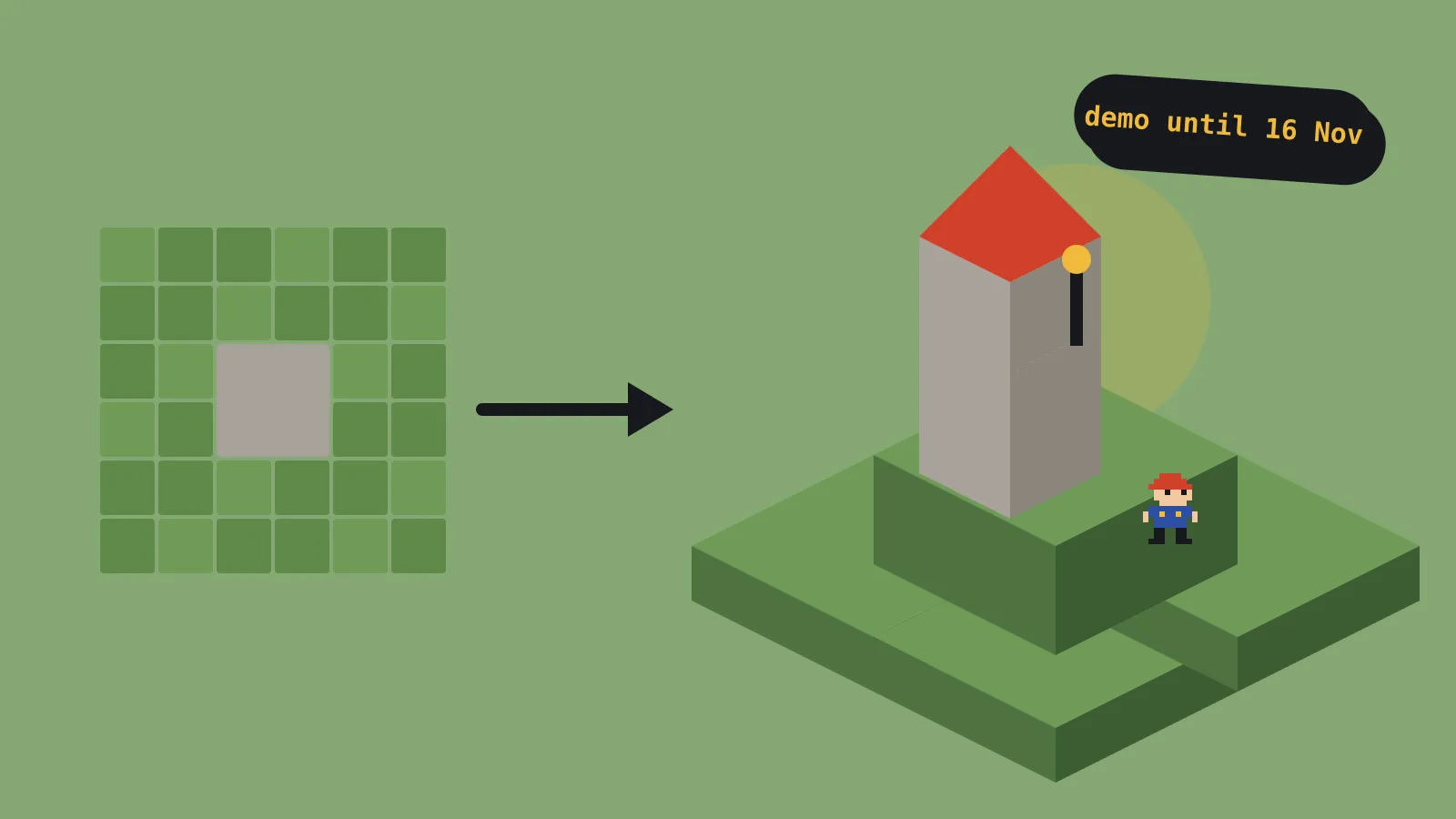
- Play the demo and the jam game first. Hank Steele shows what a finished BENNE game feels like in a browser.
- Build one room. Make a room with a walkable polygon, two hotspots, one inventory item and a short dialogue. If that takes an afternoon, the workflow suits you.
- Run both build commands. Upload the browser ZIP to a private itch.io page and test the Windows ZIP on a second machine. Check save games, scaling and the unsigned-build warning.
- Read the licence and the repo. MIT lets you ship commercially and modify the engine. Check how active the GitHub repository is and whether issues get answers.
- Pin your version. If you carry on, record the exact release you started on. One-developer engines can change fast, and an upgrade mid-project should be a choice, not an accident.
If the test goes well, you’ve saved yourself weeks of plumbing. If it doesn’t, you’ve lost a weekend and learned exactly which adventure systems you’d need to build yourself.