Defold 1.14.1 adds vector fonts and switches off WebGL 1 by default
Follow-up: Defold 1.14.1 brings runtime vector fonts, glTF browsing and a native Lua debugger, but HTML5 and older Android builds now need a settings check.
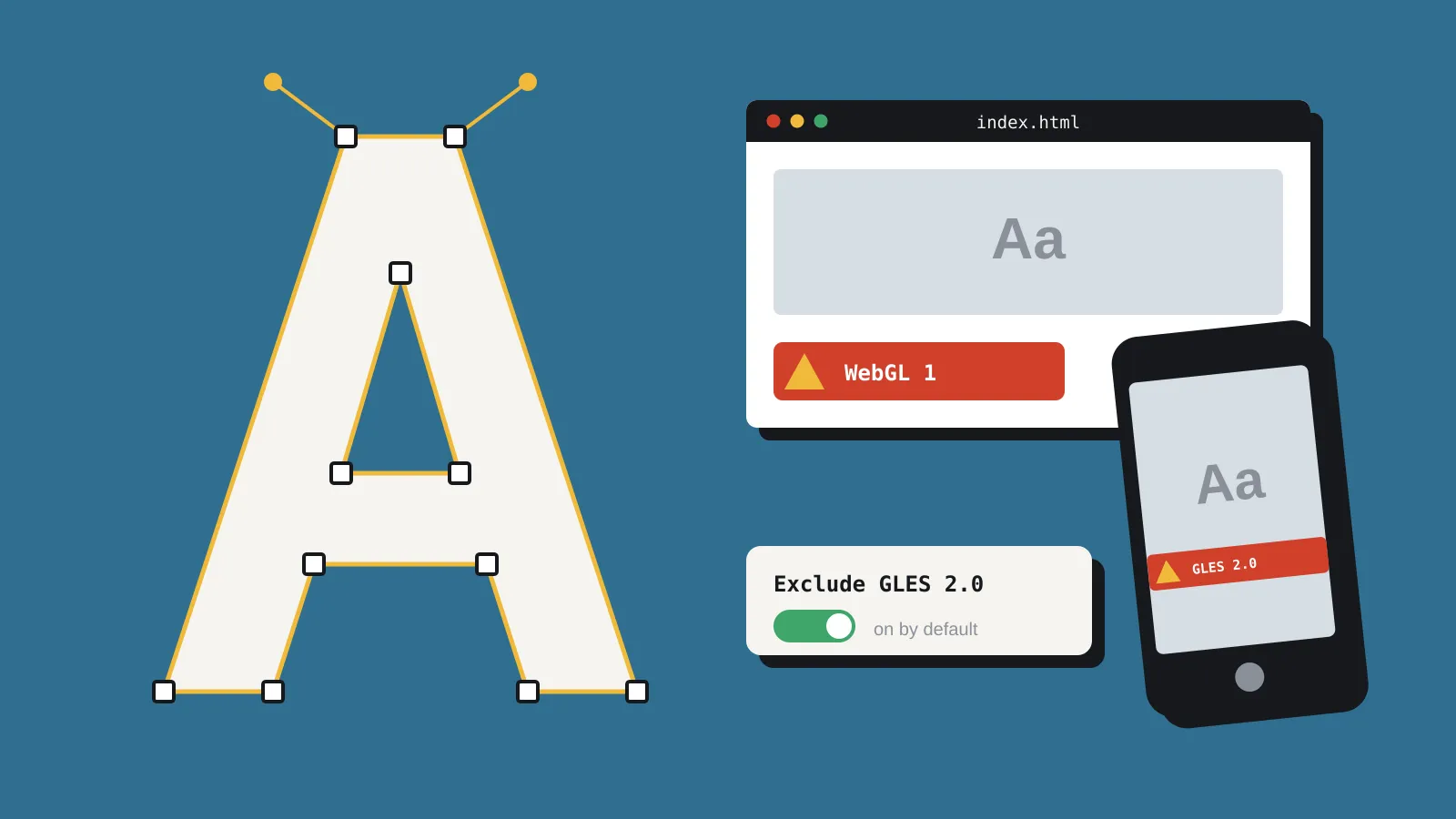
The Defold Foundation released Defold 1.14.1 on 10 November 2026, four weeks after 1.14.0. The headline additions are runtime vector fonts, glTF asset browsing and a native Lua debugger. The change most likely to bite is quieter. Shaders for OpenGL ES 2.0 and WebGL 1 are now left out of builds by default, according to the official release notes. If you ship to the web or to older Android phones, read this before you upgrade.
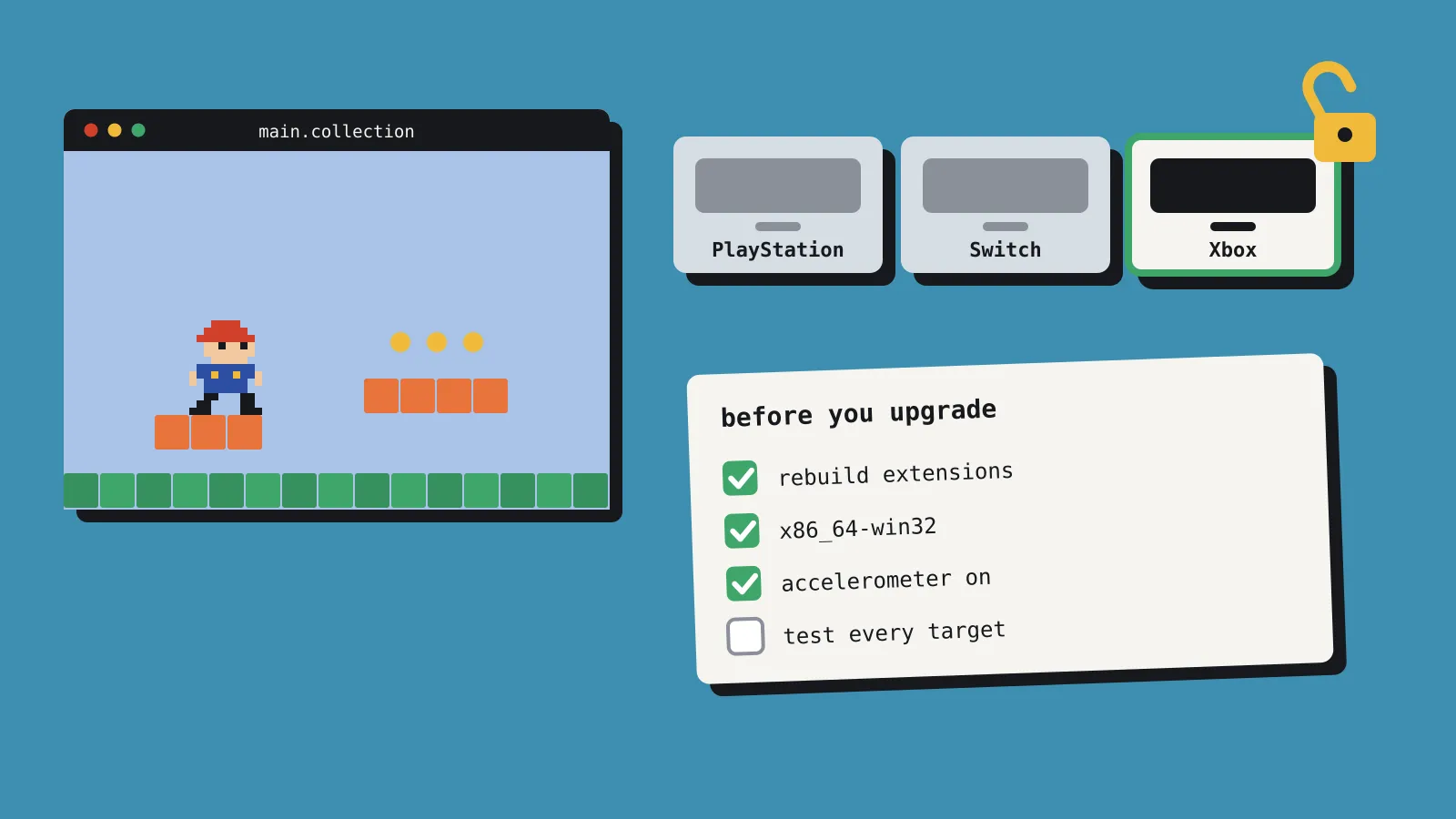
Last month we covered the bigger 1.14.0 release in Defold 1.14 adds Xbox support, and a few things that break. That piece listed a native ABI change, the end of 32-bit Windows and accelerometer input switched off by default. This point release has nothing new for Xbox. The release page mentions Xbox only in a trademark notice. It does bring its own short list of breaking changes.
What’s new in 1.14.1
Fonts. Font resources now have three rendering modes: Bitmap, SDF and Vector. SDF stands for signed distance field, a texture trick that keeps text sharp when scaled. Vector mode draws glyphs from their outlines, using the Slug technique, and glyphs can be generated at build time or at runtime. Outlines and shadows still go through SDF. Existing SDF fonts keep working, but any new font resource defaults to Vector. The release notes also mention emoji support.

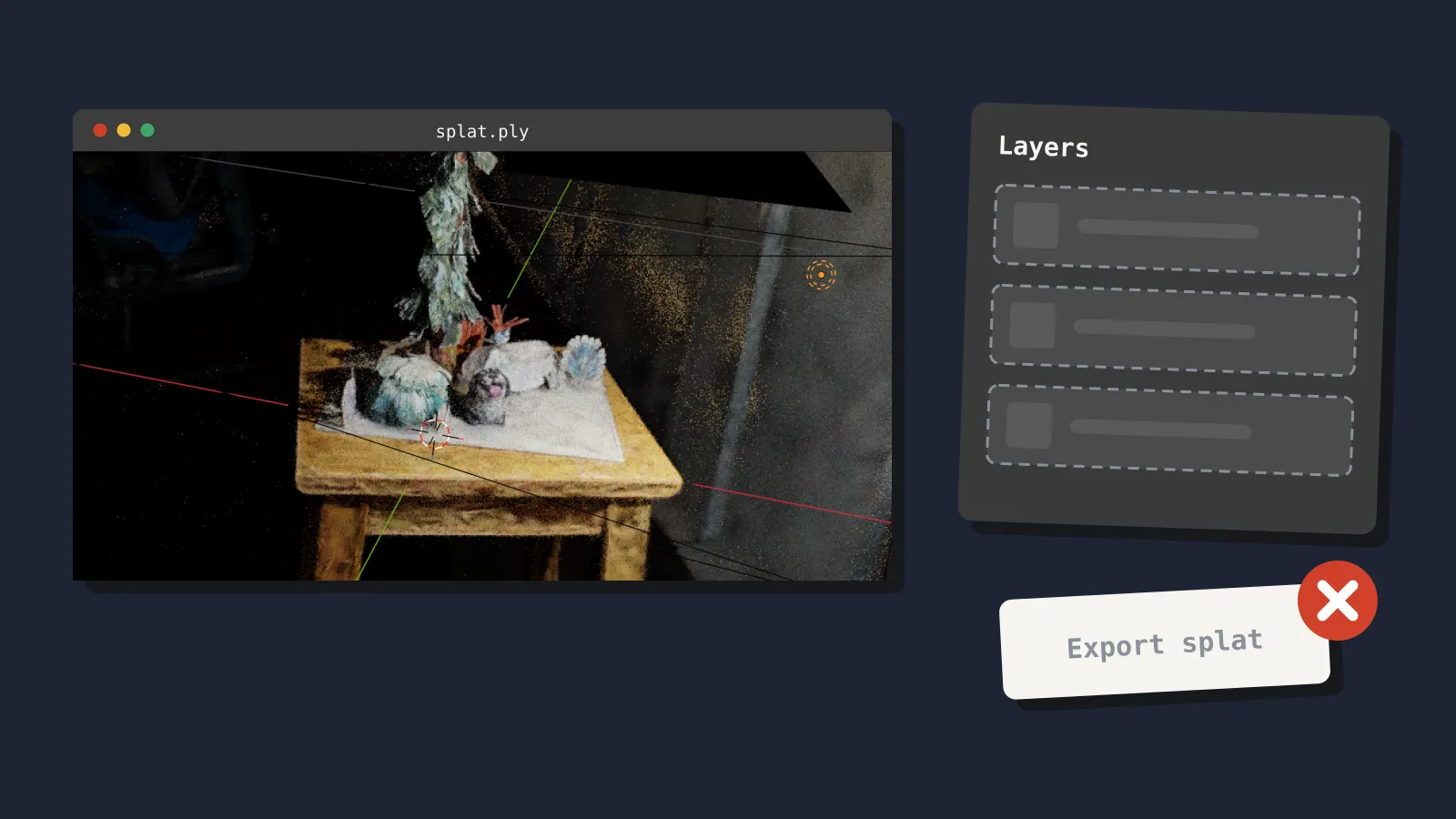
3D assets. The Assets view can now open .gltf and .glb files so you can browse the meshes, materials and images inside. When you preview or add a model, the editor can pick up the materials and textures the source file defines. You can import glTF files compressed with Draco or Meshopt, two common mesh compression formats. KTX2 textures referenced by a glTF file also import. One catch: this is import only. The engine does not decompress Draco or Meshopt at runtime.
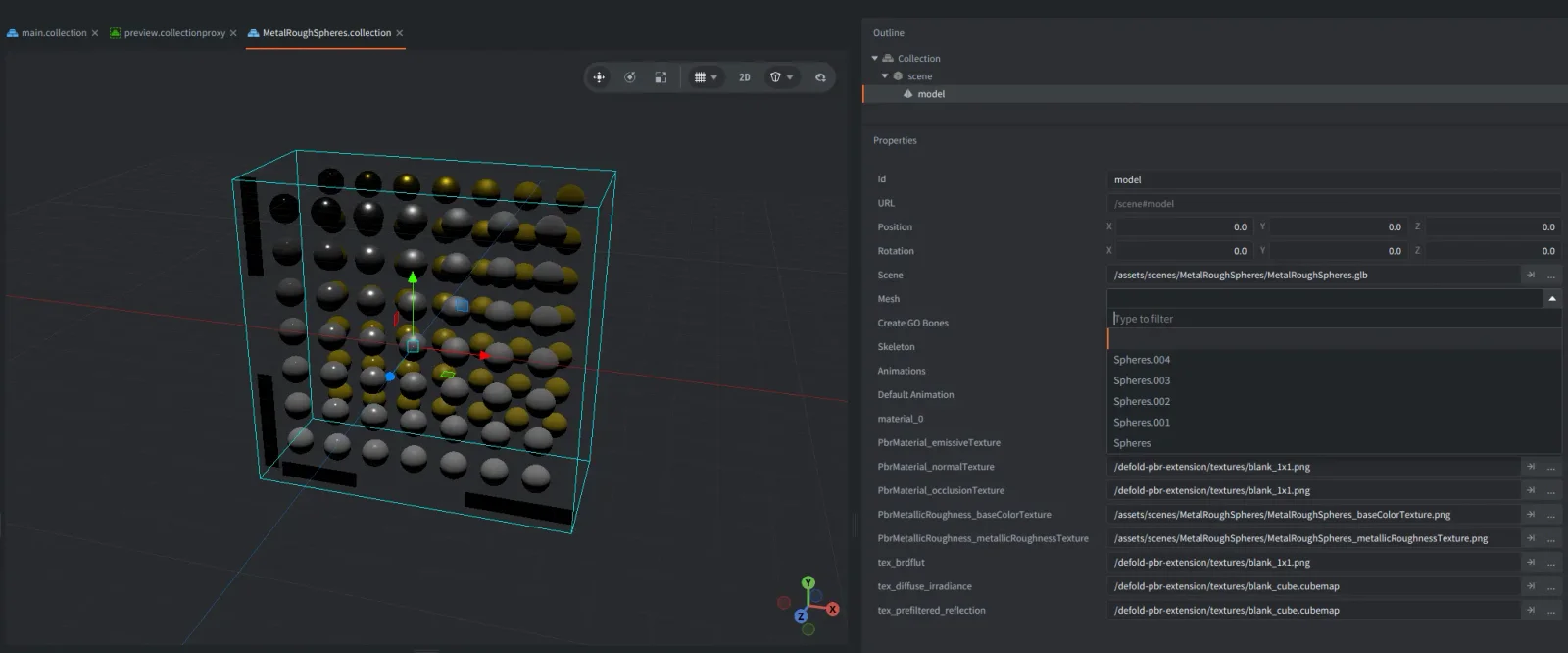
Debugging. The Lua debugger now runs on a native implementation of the Debug Adapter Protocol (DAP). DAP is the standard many code editors use to talk to debuggers. You get breakpoints, stepping, variable inspection and editing, and expression evaluation across script contexts and coroutines. The Defold editor uses this backend, and outside DAP-compatible tools can connect too.
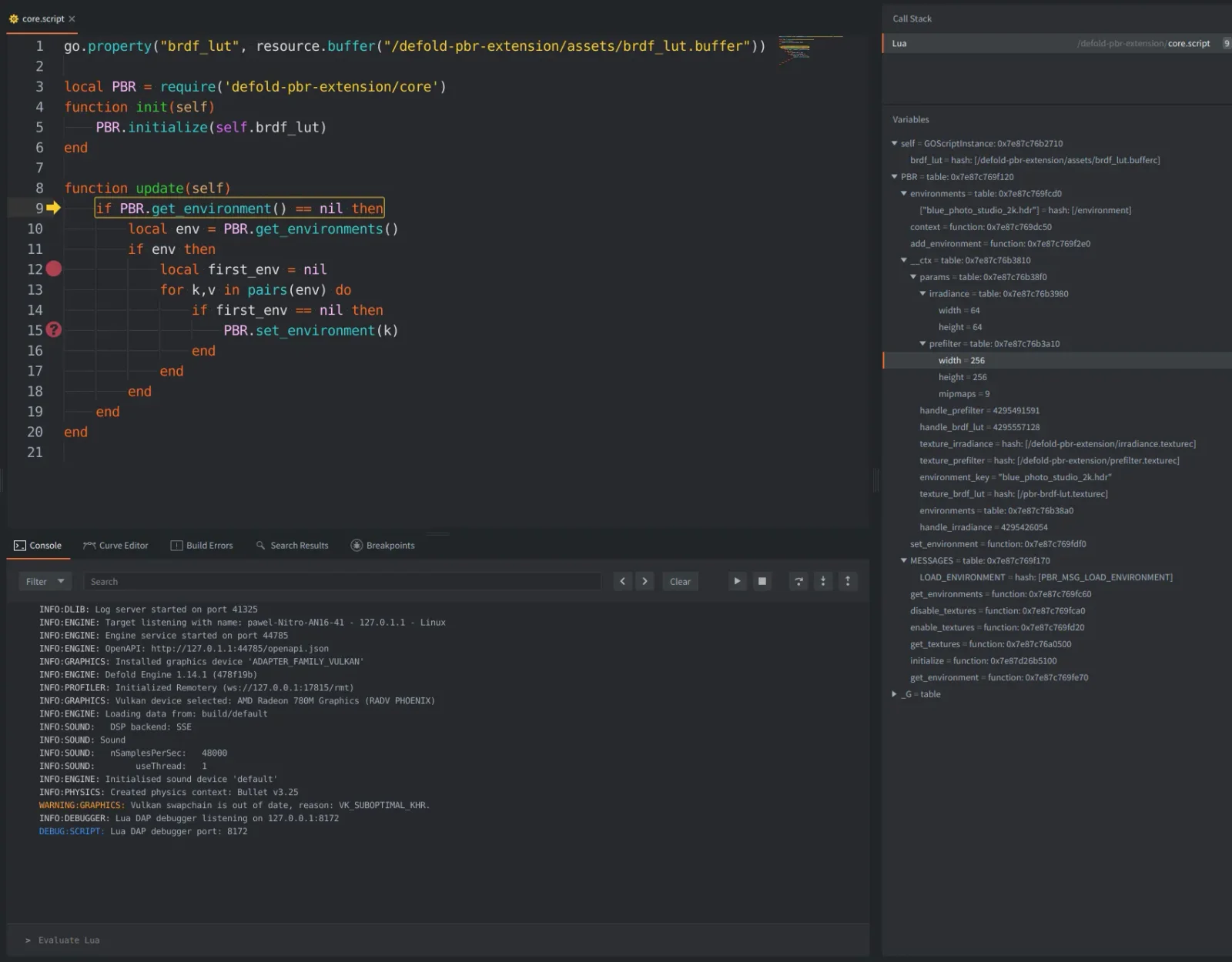
Performance. The particle vertex format is more compact. In Defold’s own test with 200,000 particles on an M1 Pro using Metal, vertex generation was about 94 to 95 per cent faster for the default materials tested. Transform and animation updates in 100,000-object tests improved by roughly 1.17 to 3.25 times. The notes say real frame-time gains depend on your scene and hardware.
Everything else. Desktop debug builds now record MP4 video in H.264, replacing the old VP8/IVF output. You can drive recording from Lua through a new recorder module. Audio capture works on macOS and Windows, while Linux records video only. On Windows, the App Manifest now lets you pick OpenGL (the default), Vulkan or DirectX 12. Input callbacks gain an action.source value, which tells you whether input came from a mouse, touch, keyboard or gamepad. HTML5 projects can set minimum and maximum pixel ratios when High DPI is on. Tile source animations accept frame lists such as 1, 3-5, 8, 3.
The breaking changes
The release notes list four changes that can break an existing project:
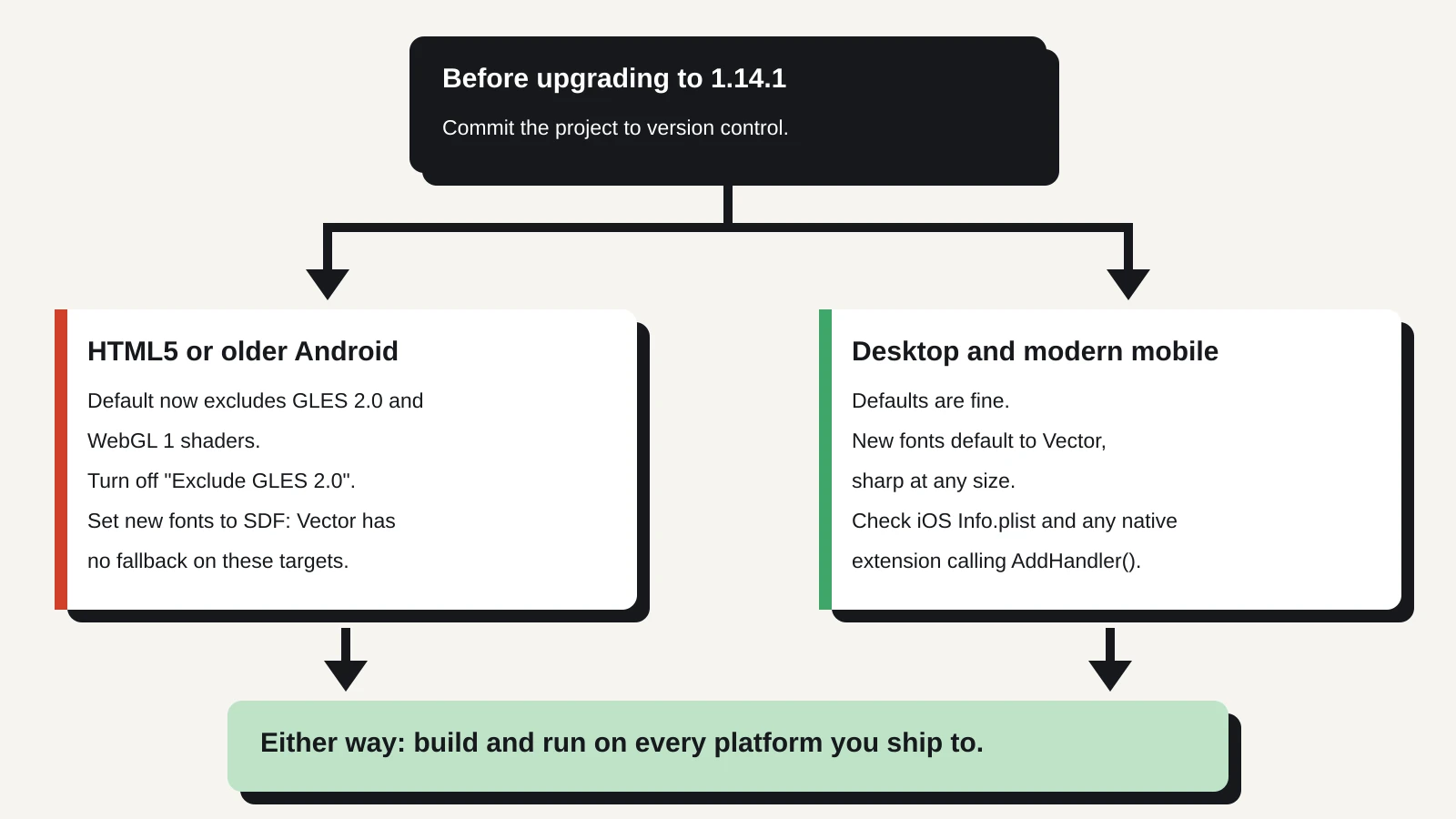
- GLES 2.0 and WebGL 1 shaders are excluded by default. A setting called “Exclude GLES 2.0” in
game.projectcontrols this. Turn the exclusion off if you still need those targets. - Vector fonts do not work on GLES 2.0 or WebGL 1. There is no automatic fallback to SDF on devices that lack support.
- The iOS
Info.plisttemplate has changed. If you use custom orientation settings, compare your file with the new template. You may need to add theUIApplicationSupportsIndirectInputEventskey for the new input source behaviour. dmWebServer::AddHandler()takes an extra argument. Native extensions that call it must pass an OpenAPI Paths Object and be updated.
What it means for a solo dev or small team
For most desktop and modern mobile projects, 1.14.1 is a friendly upgrade. Sharper text at any size is welcome if your UI scales from phones up to large monitors. The native debugger matters more than it sounds. Stepping through coroutines is where print-statement debugging tends to fall apart.
The glTF work helps if you buy 3D packs or export from Blender. Browsing a GLB inside the editor saves a round trip to another tool. Compressed imports also mean you can keep the smaller files a store or exporter hands you. Just remember the runtime build does not benefit from Draco or Meshopt compression.
The risk sits with web and low-end Android builds. WebGL 1 and OpenGL ES 2.0 are older graphics standards. Some browsers and older or budget phones still fall back to them. If your players include those devices, a default build from 1.14.1 may leave them without working shaders.
Fonts add a second trap. Because new fonts default to Vector, a font you create after upgrading will not render on those same older targets. Nothing will switch it to SDF for you. The safe path for an HTML5 game that must reach every browser is to keep GLES 2.0 shaders enabled and set your fonts to SDF yourself.
If you write native extensions, the AddHandler() change only affects you if your extension registers handlers on the engine’s web server. Most small teams using community extensions will instead wait for those authors to publish updates.
What to do now
Before you upgrade, commit your project to version control. The release notes recommend this, and it makes rolling back painless. Then work through these checks:
- Open
game.projectand find “Exclude GLES 2.0”. If you ship HTML5 or support older Android hardware, decide whether to turn the exclusion off. - Check every font resource you create after upgrading. Switch it to SDF if it must render on GLES 2.0 or WebGL 1 targets.
- Test text on a real low-end device or an older browser profile, not just your development machine. The notes advise testing font rendering on target devices.
- If you ship on iOS with custom orientation settings, diff your
Info.plistagainst the new template. - Search your native extensions for
AddHandler(and update the calls. If you rely on third-party extensions, check for new versions before you upgrade. - Build and run on every platform you ship to, as the release notes advise.
If you are mid-launch on web, staying on 1.14.0 until after release is a reasonable choice. The new features are additive, and nothing here forces an upgrade today. The full list of fixes is in the Defold forum thread linked from the release page.