Blender 5.3 imports Gaussian splats, but texture layers missed it
Blender 5.3 shipped on 10 November with view-only splat support and Vulkan by default, while the promised texture layers did not make the release.
Blender 5.3 was released on 10 November 2026, according to the official release notes. It is a free upgrade with three changes game artists will notice. Blender can now import and render 3D Gaussian splats. Vulkan is the default graphics backend on Linux and most Windows machines. And a new DLSS denoiser speeds up the viewport on recent NVIDIA cards. The feature many texture artists hoped for, a native layer stack for painting, is not in the release notes. If you were waiting on 5.3 to drop a paid texturing tool, keep waiting.
What’s new in 5.3
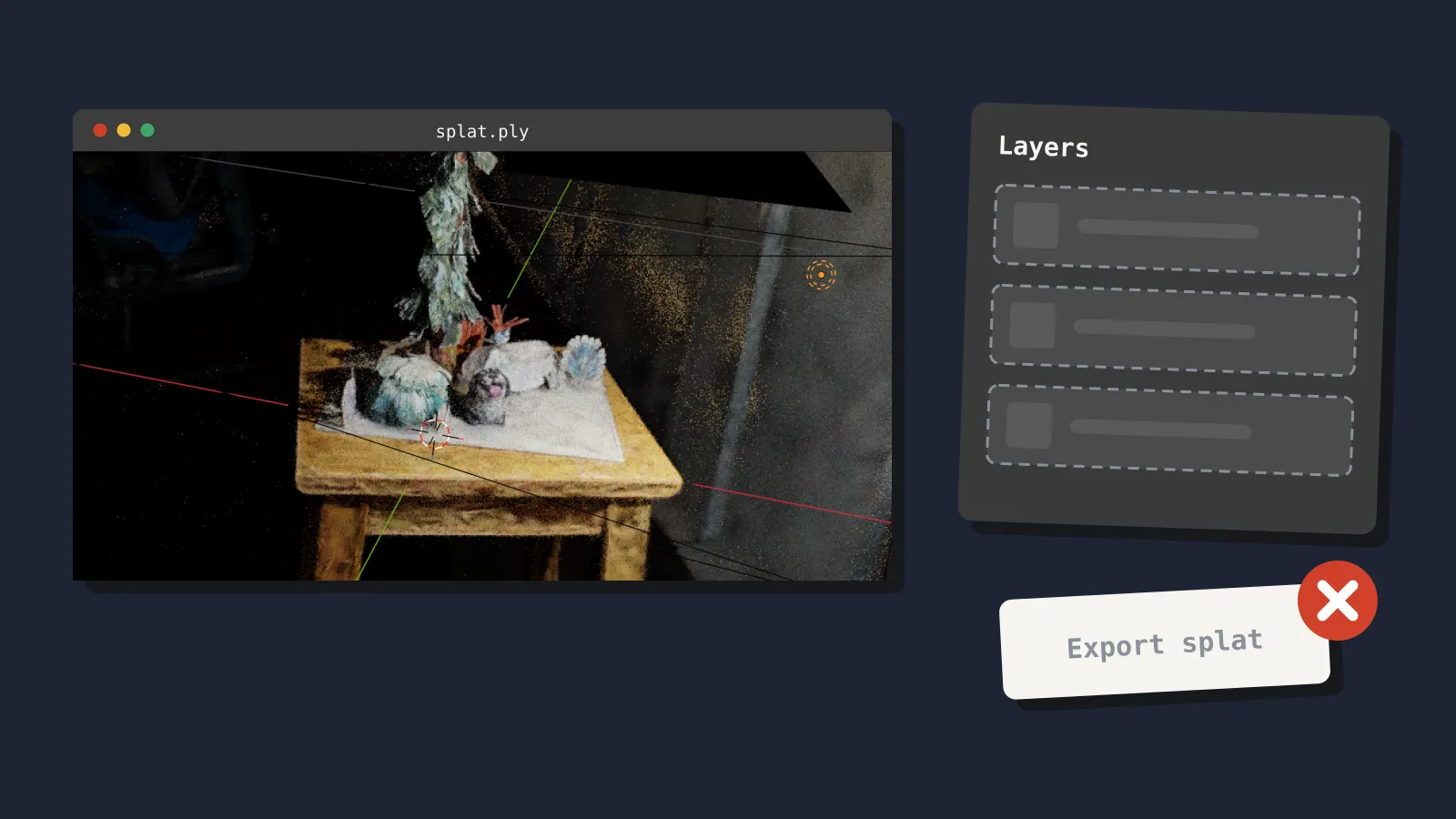
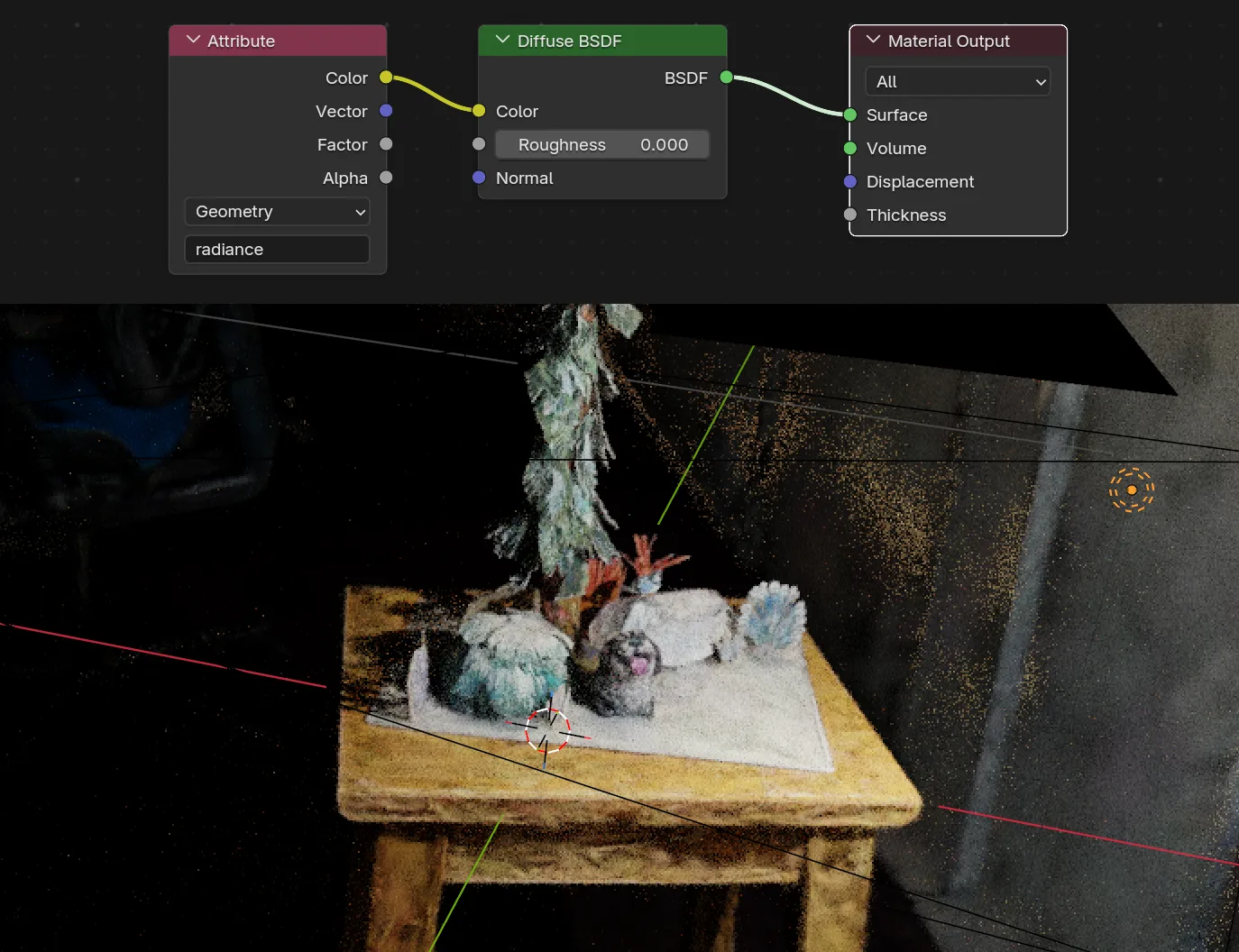
Gaussian splats. A Gaussian splat is a 3D capture made of millions of soft, coloured blobs, usually trained from photos or video. Blender 5.3 adds a splat type to its point cloud object, per the Rendering notes. You can import PLY files and SPZ files up to version 4. The Pipeline and I/O notes add import from USD and glTF as well. Workbench, EEVEE and Cycles can all render them. Splats use an emissive shader by default, and you can swap in a Diffuse BSDF for basic relighting.
The notes are frank about the limits. There is no export. Performance is described as not ideal. Colour handling assumes splats were trained in sRGB, so low-opacity, bright areas render slightly wrong. Apply Transform also ignores the new scale and rotation data for now.
Vulkan by default. The EEVEE and Viewport notes say Vulkan replaces OpenGL as the default on Linux and on Windows (except ARM). The minimum is now Vulkan 1.1, so more older GPUs qualify. On the developers’ single test machine, Vulkan beat OpenGL on all seven viewport scenes. One scene rose from about 193 to 282 frames per second. Treat that as one data point, not a promise.
DLSS viewport denoiser. NVIDIA users get a DLSS-based denoiser in the viewport, which reuses samples from earlier frames to clean up the image faster. The Cycles notes say it needs NVIDIA driver 620 or newer.
Baking and painting, in smaller steps. Cycles baking quality improves for small or thin triangles and near UV margins, per the Cycles notes. The Sculpt, Paint, Texture notes list faster undo for high-resolution and UDIM textures, plus automasking for vertex and weight paint. EEVEE also gains six Material Lighting nodes for effects like toon shading.
What didn’t ship: texture layers
Blender’s 2026 roadmap promised layered textures, as 80.lv reported in February. Preview coverage during the 5.3 alpha, such as this StraySpark post from August, described a layer stack and a reworked bake workflow. We checked every section of the 5.3 release notes. Neither appears. The only baking change is the quality fix above.
So 5.3 does not replace Substance Painter, or any other paid texturing tool, for props. Your options are the same as last month. The free Ucupaint 3.0 add-on already gives Blender a layer-based painting workflow. If you need a dedicated app, our two-year cost comparison of texturing tools prices the choices from free to US$600.
What it means for a solo dev or small team
Splats are reference, not game assets. You can now drop a phone scan of a location into Blender and model against it. That is handy for blocking out a level or matching real lighting. But Blender cannot export splats, so they stop there. To get a splat into your engine, you still need a separate tool or plugin on the engine side. For shipped geometry, you still model or photoscan to meshes.
Your exports should be stable. The Pipeline and I/O notes list no FBX changes at all. The glTF exporter gains KTX2 texture export (a GPU-friendly compressed format) and faster material export. It also fixes more than a dozen bugs, including vertex colour and bone parenting exports. One behaviour change matters: instance collection exports now drop one level of hierarchy. If your engine import relies on that nesting, test it.
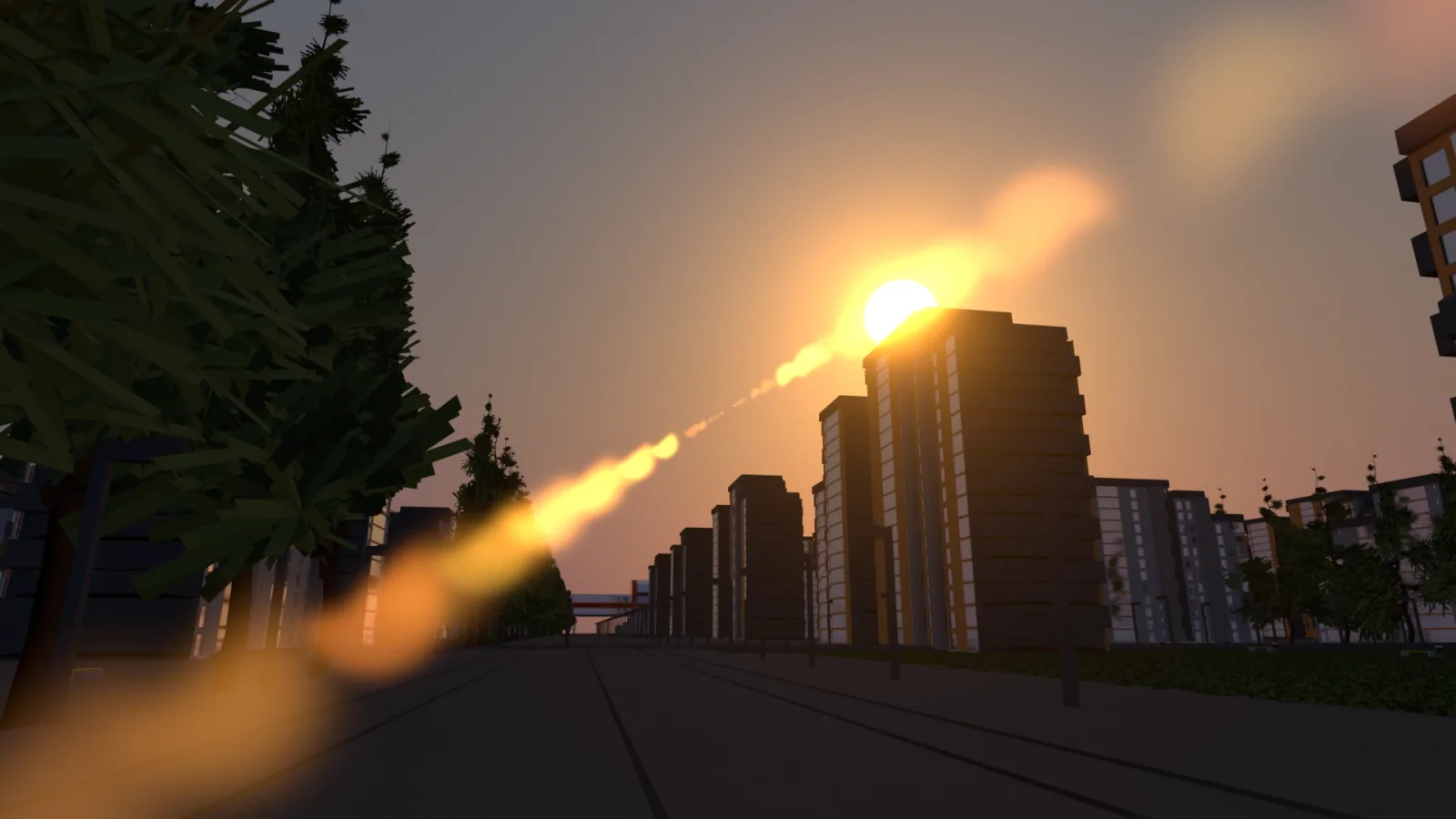
Small breaking changes can catch you out. The EEVEE notes flag the Sky Texture sun disc as a breaking change. It now lights the scene, so outdoor renders may look different. Untick Sun Disc to restore the old look. The default weight paint brush is now Add Weight, and the old Paint brush is renamed Set Weight. In node editors, Ctrl+X now cuts nodes, and Dissolve moves to Shift+X, per the User Interface notes.
Most add-ons should survive. The Python API notes list few breaking changes. The order of IDs in one internal collection has changed. The default name property on PropertyGroup is now read-only, per the overview page. Add-ons that relied on either may misbehave, so check before you depend on them.
Vulkan may be faster, or may surprise you. Most people on recent drivers should see a smoother viewport. If you hit glitches on an older card, you can switch back to OpenGL in Preferences.
What to do now
If you are mid-project and close to a milestone, stay on 5.2. The developer docs label it the long-term support release, so it will keep getting fixes. Upgrade between milestones instead.
When you do upgrade, run these checks first:
- Install 5.3 alongside 5.2. The download page offers portable builds, around 406 MB on Windows.
- Open a copy of your project, never the original. Save it in 5.3 only once you’re happy.
- Export a rigged character and a textured prop to FBX or glTF. Import both into your engine and compare them with your 5.2 exports.
- Check every add-on you rely on, especially exporters and texturing tools. Look for 5.3 notes from each author.
- Re-render any outdoor scene that uses Sky Texture, and toggle Sun Disc if it looks too bright.
- On NVIDIA, update to driver 620 or later before you try the DLSS denoiser.
If you want to try splats, start with a free PLY or SPZ capture and import it into a scratch file. Treat it as a reference layer. For texturing, set up Ucupaint or keep your current tool. Then watch the 5.4 notes, now in alpha, for texture layers.
Sources
- Blender 5.3 release notes (Blender developer documentation)
- Blender 5.3 download page (blender.org)
- Blender 5.3 Rendering, EEVEE and Viewport, Cycles, Pipeline and I/O, Sculpt, Python API and User Interface notes (Blender developer documentation)
- Blender 5.3 brings Gaussian splats home (Digital Production)
- Blender 5.3 finally gets native Gaussian splat support (Creative Bloq)
- Blender in 2026: planned features (80.lv)
- Blender 5.3 texture layers and baking for game developers (StraySpark)