A PS5 emulator now runs on Xbox. Should indie devs worry?
PS5X boots smaller PS5 games on a retail Xbox Series X through Developer Mode. What runs, how it works, and what it means if you ship on PlayStation.
An experimental PS5 emulator now runs on a retail Xbox Series X. The project, PS5X, is a port of the open-source KytyPS5 emulator by developer Devran Cosmo Uenal. It runs through Xbox Developer Mode, not a jailbreak. The first games to boot weren’t big exclusives. They were smaller multi-platform releases, including indie titles.
What’s running
PS5X first surfaced on 19 September in a post on X. Notebookcheck and GodisaGeek reported four games booting: GEX Trilogy, Hellboy: Web of Wyrd, Marvel Cosmic Invasion and Quake II. All four also release on other platforms. Xbox controllers worked in all of them, and SlashGear says one produced sound.
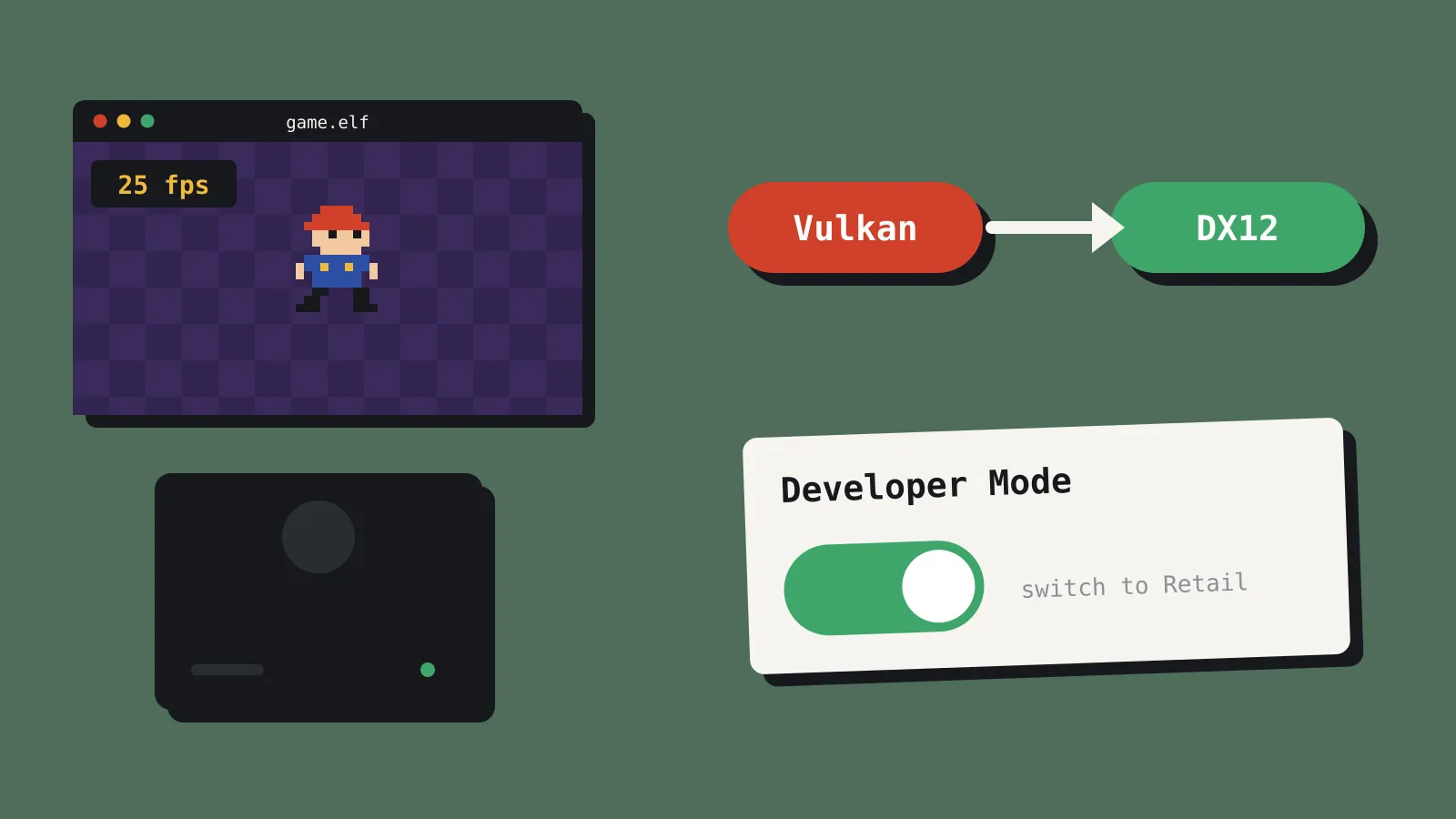
Only Quake II was shown being played. It ran at roughly 25 to 45 frames per second, dropped below 20 in busier scenes and had noticeable input lag.
On 13 October, Windows Central shared footage, titled as Astro’s Playroom, of a PlayStation exclusive running on the Xbox at around 10 frames per second. That’s well below playable, but it shows the emulator moving past simple multi-platform games.
There’s no public release yet. TalkEsport says no download or official repository for the Xbox port exists, though KytyPS5 itself is open source under the GPL 2.0 licence.
How it works
KytyPS5 runs on Windows and Linux, with experimental macOS support, and it draws graphics with Vulkan. Xbox doesn’t support Vulkan, so the port translates everything to DirectX 12, using Mesa’s spirv_to_dxil tool to convert shaders. That costs performance and compatibility. Fixes to the PC version’s renderer also don’t carry over automatically.
Uenal calls PS5X a research project for PS5 homebrew and legally obtained game backups. The build includes no Sony firmware or decryption keys. KytyPS5’s README says the project doesn’t distribute games or copyrighted system software. Uenal has also said he used AI tools in the work, without saying how much.
Why Developer Mode matters
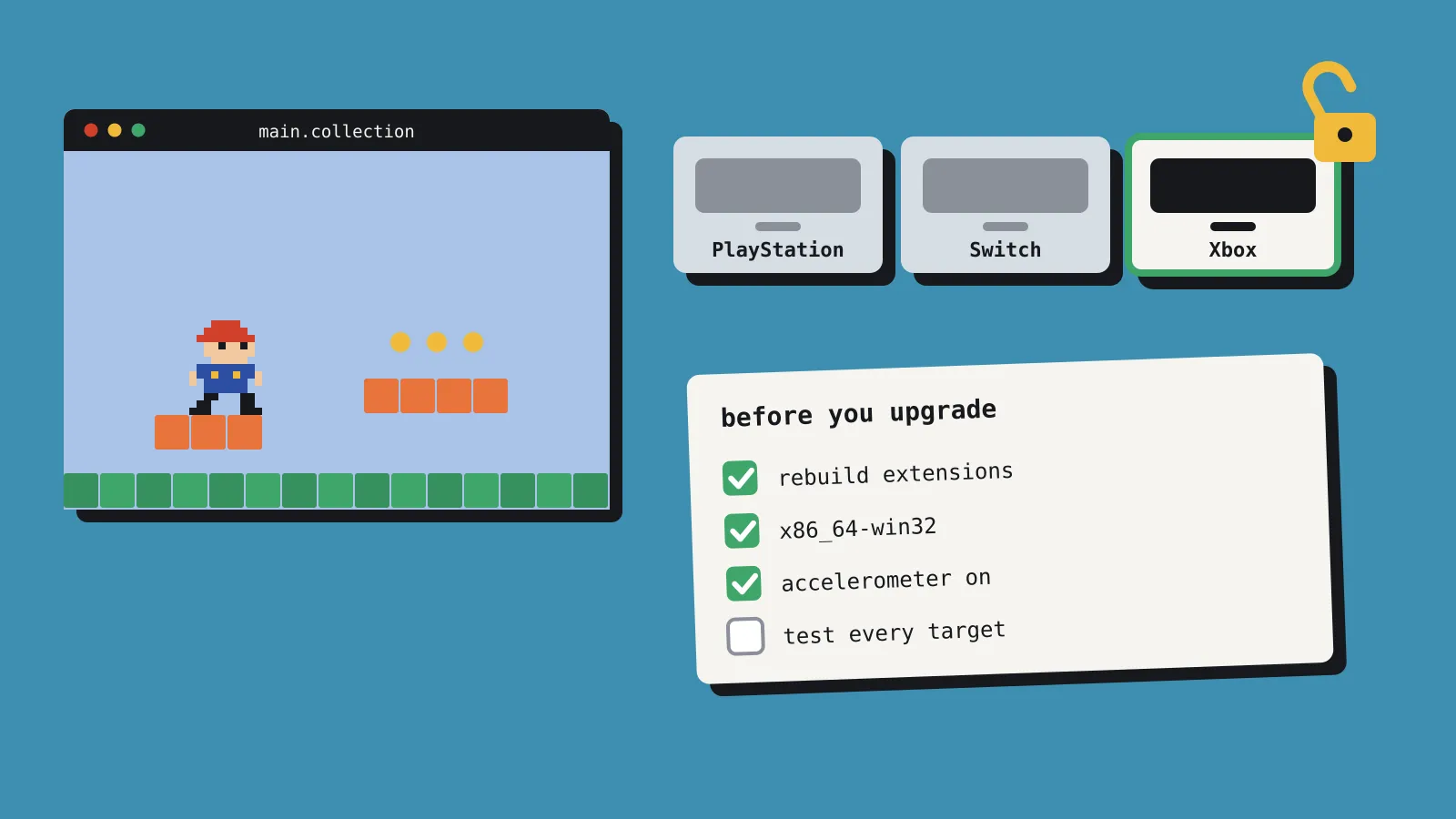
The part most relevant to developers is how PS5X gets onto the console. Any retail Xbox One or Xbox Series console can be switched into Developer Mode. That lets it run your own Universal Windows Platform (UWP) apps, which is how homebrew emulators like this one reach the hardware. It isn’t a hack, and Microsoft documents it.
You install the Xbox Dev Mode app from the Microsoft Store, create a Microsoft Partner Center app developer account, and enter an activation code on the Partner Center website. You can switch the console back to Retail Mode, but your normal games and apps don’t run while it’s in Developer Mode.
Microsoft used to charge individual developers a one-time US$19 to register. It dropped that fee for the PC Microsoft Store in June 2025. Microsoft’s sign-up page says Xbox sign-ups still use its older flow, without saying what that costs, so check before you budget for it.
For indie developers, this is a cheap way to try your game on real Xbox hardware. It isn’t a route to selling on Xbox. Retail Xbox releases still go through Microsoft’s approval process, usually ID@Xbox, which we covered in our Defold 1.14 piece. Developer Mode apps also run with tighter limits: a UWP game gets 5 GB of memory, and a UWP app gets 1 GB and about 45% of the GPU.
Should you worry about piracy?
Probably not yet. PS5X ships without games, firmware or keys, so anyone using it has to supply a game in a form the emulator can read. In our reading, that’s well beyond most players, before you add Developer Mode and poor performance.
The games that booted first are worth noticing, though. In our view, smaller games tend to lean less on PS5-specific hardware features, which can make them easier to emulate than large exclusives. If your game is on PS5, it could be among the first to run well, simply because it’s simpler to emulate.
Your PC build is still the easier target. A Steam release can be copied without a console or an emulator. As we wrote in our piece on AI decompilation, AI tools are also making it faster to take games apart. Uenal using AI on PS5X fits the same pattern: projects that used to take a team years are moving faster.
None of this calls for new DRM. Console platform holders own the protection on their own hardware, and stronger anti-tamper on PC rarely pays off for small teams. Put that effort into the things emulation can’t copy: updates, community and a good store page.
What Sony and Microsoft have said
Nothing, as far as we can find. None of the coverage we read includes comment from either company. Notebookcheck thinks there’s a good chance Sony tries to shut the project down. Emulators of current consoles tend to attract legal attention from platform holders, but we haven’t seen any action against KytyPS5 or PS5X.
Should you care?
| You are | Our verdict |
|---|---|
| Shipping on PS5 | No action needed. PS5X needs a lot of work from users and runs poorly. Watch for news, but don’t spend on new protection. |
| Wanting to test on Xbox hardware | Developer Mode is a cheap way to run a UWP build on a real console. Check the current Partner Center fee first. |
| Planning an Xbox release | Developer Mode won’t get you there. You still need ID@Xbox approval and Microsoft’s tools. |
| Building emulators or homebrew | KytyPS5 is GPL 2.0. Read its licence and its rules on game files before you contribute. |
Sources
- Pirat_Nation post on PS5X (X)
- Developers get PS5 software running on Xbox Series X (Notebookcheck)
- Xbox Series X runs PS5 games with PS5X emulator (GodisaGeek)
- PlayStation 5 games on Xbox Series X (SlashGear)
- PS5 games are now booting on Xbox hardware (Windows Central)
- PS5 emulation on Xbox Series X: what PS5X can run (TalkEsport)
- KytyPS5 (GitHub)
- Xbox Developer Mode activation (Microsoft)
- System resources for UWP apps and games on Xbox (Microsoft)
- Register as a Windows app developer (Microsoft)
- Microsoft makes registration free for individual app developers (Pure Xbox)