What Stride 4.4 changes, and who should try it
The C# engine rebuilt its graphics backends, rewrote its shader compiler and dropped OpenGL. What's new, what breaks and whether it's worth your weekend.
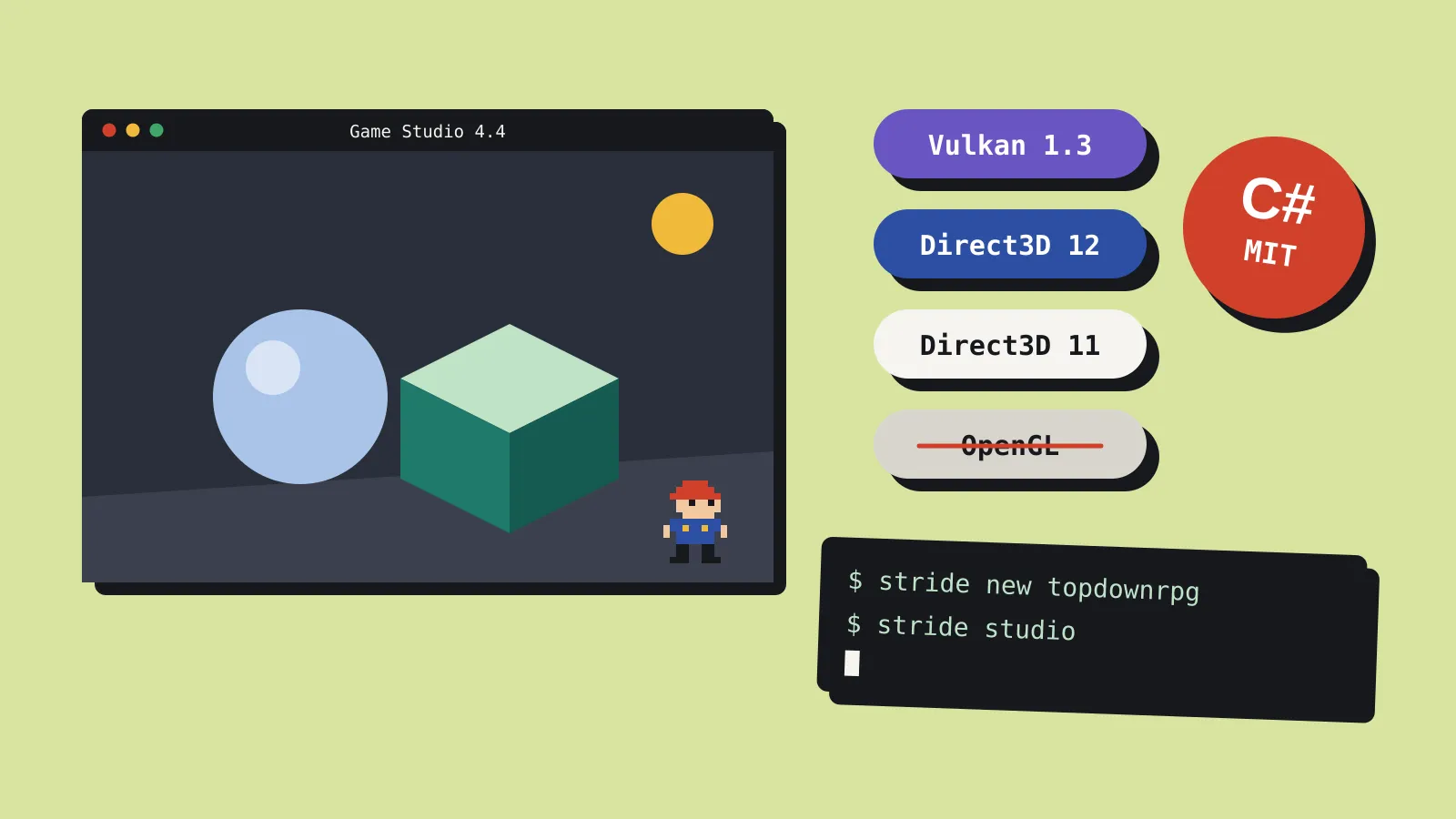
Stride 4.4 came out on 9 October, and the team calls it one of the biggest updates the open-source C# engine has had in years. The graphics code was rebuilt, the shader compiler was rewritten and there’s a new command-line tool. OpenGL is gone. If you already use Stride, read the upgrade notes before you update. If you’ve never tried it, this is the version to start with.
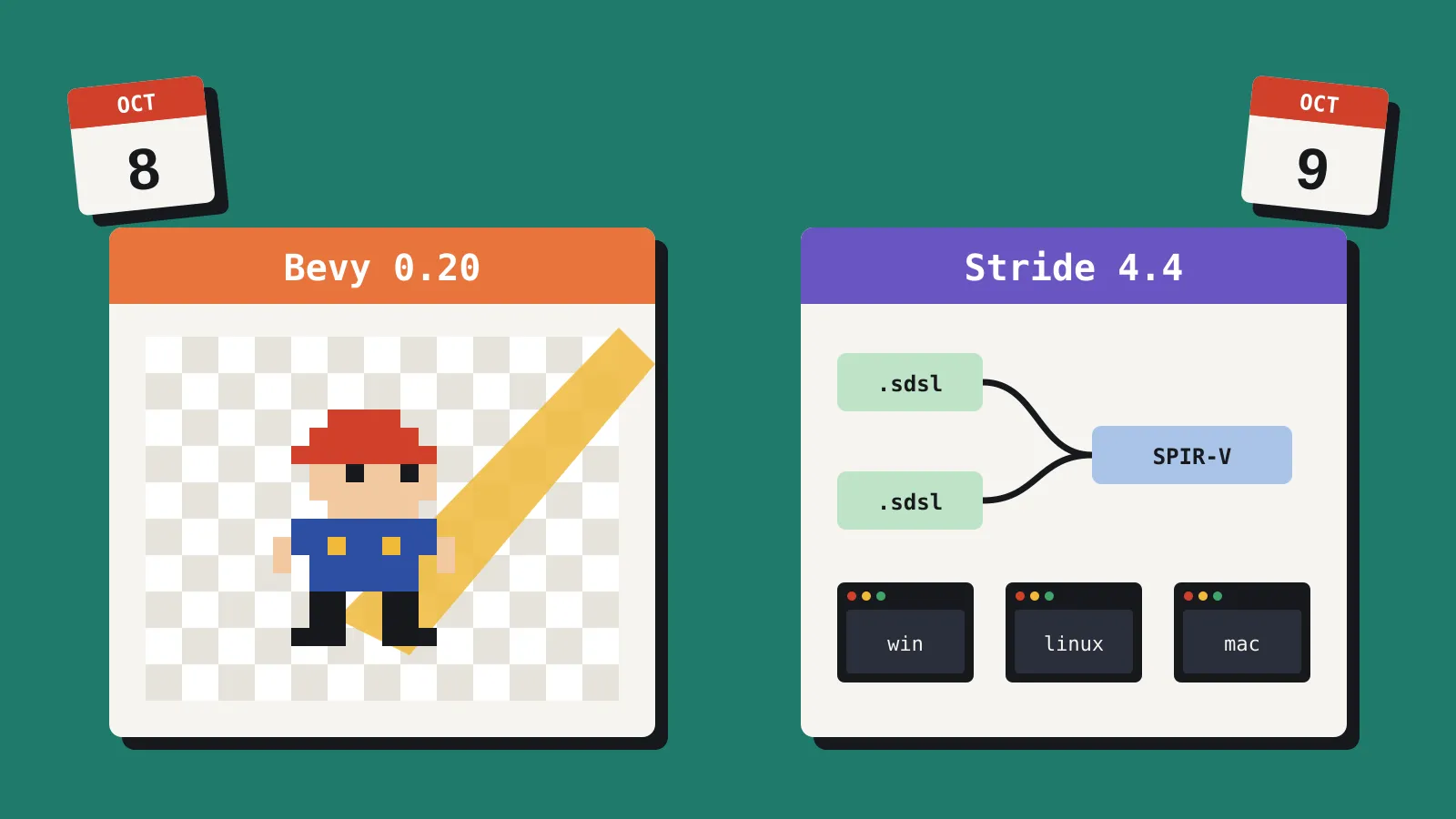
We covered 4.4 alongside Bevy 0.20 in Bevy 0.20 and Stride 4.4 landed a day apart. This piece looks at Stride on its own: what it is, what changed, what breaks and who should care.
What is Stride?
Stride is a free, open-source 3D game engine that you script in C#. It’s MIT licensed, so there are no royalties, seat fees or runtime fees, and you can read and change every line of the engine and editor. It started life as Xenko, built by Japan’s Silicon Studio, and went open source before it was renamed. Today it’s community-run and supported by the .NET Foundation.
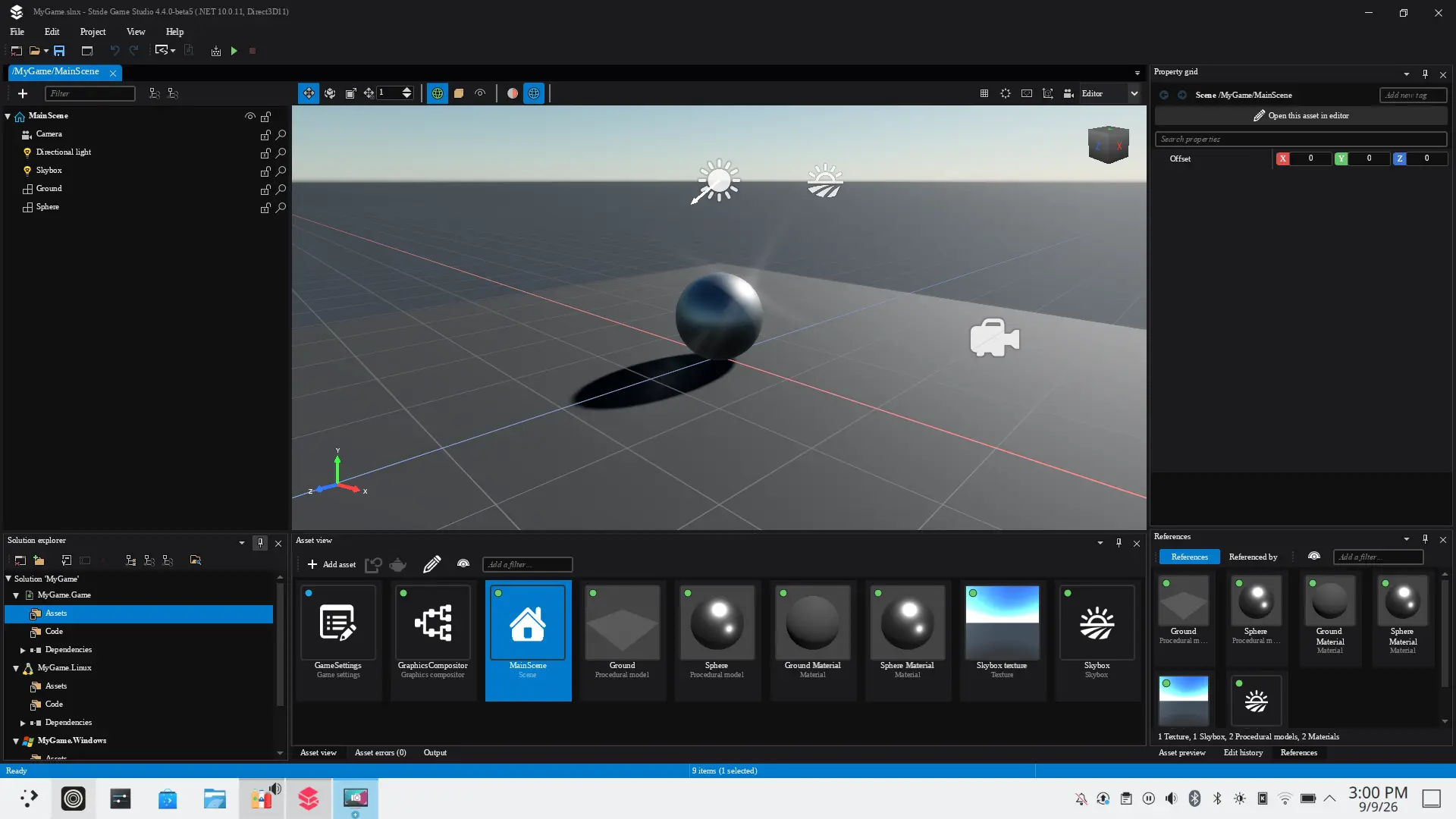
The Stride site lists C# 14 on .NET 10, and you can write code in Visual Studio, VS Code or Rider. The editor, Game Studio, gives you a scene editor, an asset pipeline and project templates, much like Unity’s editor. Under that sits a multi-threaded engine with a customisable rendering pipeline, PBR rendering and VR support.
The catch is that the editor is Windows-only for now. The team is porting it from WPF to Avalonia so it can run natively on Linux and macOS, and it’s asking for contributors.
What’s new in 4.4
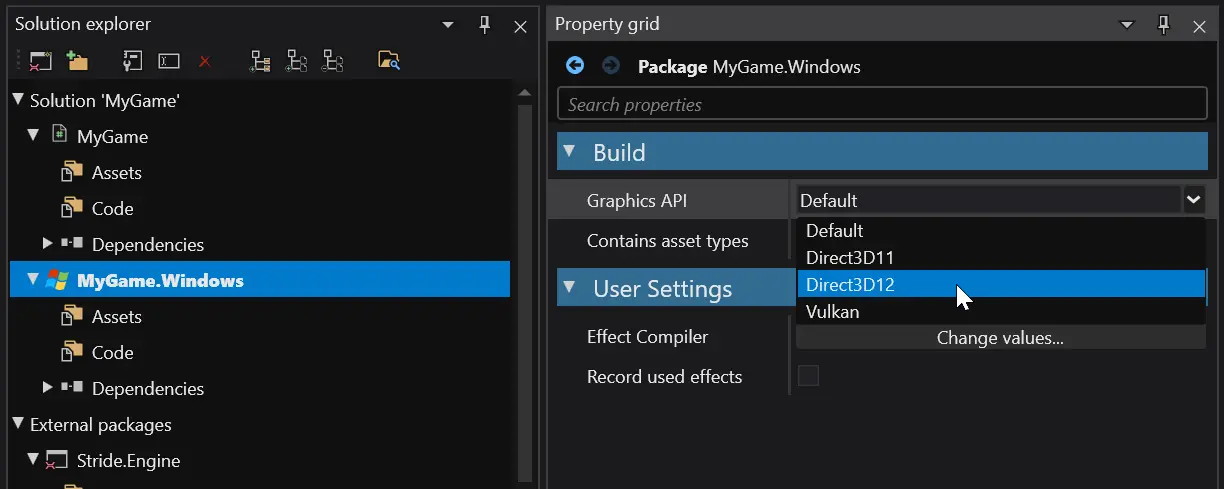
The headline is graphics. Until now, Direct3D 11 was the default and the most complete backend, with Direct3D 12 and Vulkan behind it. In 4.4 the team rebuilt both, and says your game should now behave the same whichever one you pick.
| Change | What it means for you |
|---|---|
| Vulkan and Direct3D 12 rebuilt | Modern backends you can rely on. Vulkan now targets 1.3, so very old GPUs and drivers may drop off. |
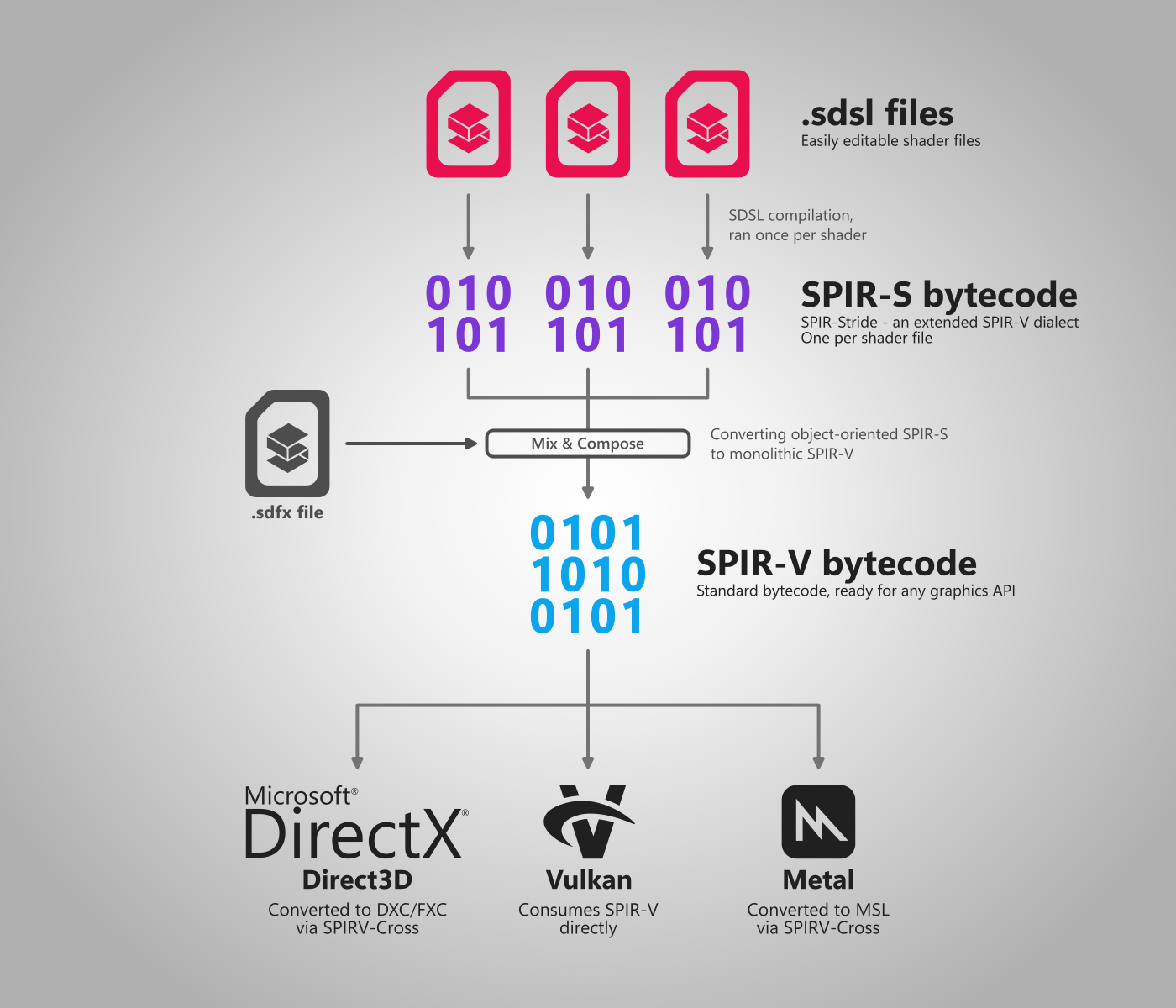
| New shader compiler (SDSL to SPIR-V) | Each shader compiles once to bytecode, which feeds Vulkan directly and Direct3D and Metal through SPIRV-Cross. Shader builds are faster, and the team says it makes features like ray tracing easier to add later. |
stride command-line tool |
Install versions, make a project from a template and open the editor from your terminal. |
Generated Assets class |
Asset references are typed. Rename a model and you get a build error instead of a “content not found” crash at runtime. |
| Asset build cache | The team says typical games build their assets about twice as fast. |
| Native AOT support | Smaller, self-contained builds that start faster. |
| Linux and macOS builds | Building a project on Linux or macOS now works the same as on Windows. |
| Editor on Linux via Proton or Wine | Usable, but the team admits it’s rough. |
| Telemetry removed from the editor | Game Studio no longer collects usage data. Crash reports go to Sentry only when you choose to send them. |
There are smaller changes too. You can replace engine or package assets, such as the default font, without forking anything. The Bepu physics character controller handles gravity, moving platforms and slopes better. New projects use the .slnx solution format, though .sln still works.
Before you upgrade
Back up your project and upgrade a copy first. The project upgrader fixes some things for you, but not everything.
The upgrader handles these automatically:
- Asset paths from external packages now start with a namespace, and the upgrader rewrites them in your code.
GameSettings.Configuration.Get<T>becomesGameSettings.GetOrCreateConfiguration<T>.- Memory helpers move from
UtilitiestoMemoryUtilities(for example,AllocateMemorybecomesAllocate).
You’ll need to check these yourself:
- OpenGL and OpenGL ES are gone. If your project used them, switch to Vulkan, Direct3D 12 or Direct3D 11.
- Custom shaders. The compiler was rewritten, so custom
.sdslshaders may need fixes. Compare each one against your current build. - Missing assets.
ContentManager.Loadnow always throws when an asset is missing, so code that checked for null needs updating. - Character controllers. The Bepu
CharacterComponentwas reworked, so existing setups need adjusting. - Convex hulls. The V-HACD library uses new parameters. Regenerate your hulls and check them.
- Game Settings overrides were removed. Use a custom
Gameclass for platform-specific settings. - Low-level graphics code. Custom Direct3D 12 or Vulkan code has to use the explicit barrier model, and Direct3D 12 now needs Enhanced Barriers support.
- 32-bit builds were dropped.
Looking further ahead, the team says Direct3D 11 may be removed in the next major release. If you’re still on it, start planning your move to Vulkan or Direct3D 12.
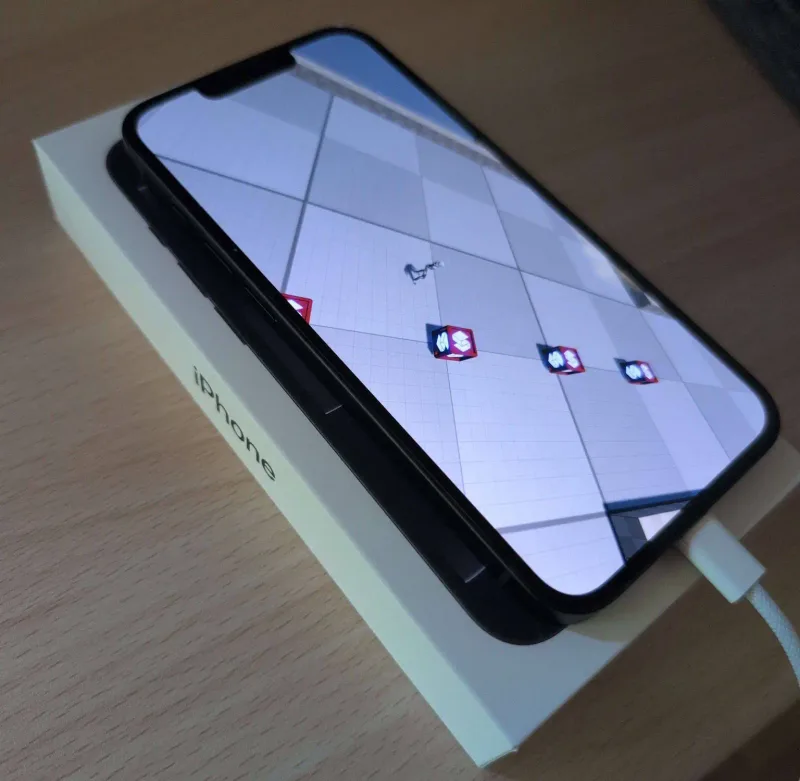
Mobile gets some repair work. The GitHub release notes say iOS works again on devices and in the simulator, and Android builds have been fixed, including Vulkan problems after suspend, resume and screen rotation. With OpenGL ES gone, though, Android now relies on Vulkan, and the move to Vulkan 1.3 may rule out older phones. If you ship to mobile, test on real devices before you commit.
Where it shines
Stride suits C# developers making 3D games for PC or VR who want full source access and no licence strings.
It’s a good fit for:
- Unity developers who want out. You keep C#, a familiar editor layout and a component-based workflow, but you lose Unity’s asset store and tutorial library.
- Code-first developers. Modern .NET, typed asset references and a command-line tool make it feel like any other .NET project.
- 3D PC and VR projects, where the engine’s rendering and tooling are strongest.
- Anyone who wants to own their engine. The MIT licence means you can fork it, patch it and ship it, and the terms can’t change under you.
Look elsewhere if:
- You’re making a 2D game. Stride has sprite tools, and 4.4 adds a 2D platformer template, but its tooling and docs lean towards 3D. Godot, GameMaker or Defold are better-trodden paths.
- Web or older Android phones are your main target. The 4.4 notes don’t mention web, and Vulkan 1.3 may leave older phones out.
- You need consoles. Stride doesn’t list console support.
- You want lots of tutorials and plugins. The community is small next to Unity, Unreal or Godot.
- You develop on a Mac or Linux. The editor stays Windows-only until the Avalonia port lands.
How you’d use it
With the new command-line tool, you can go from nothing to a running project in four commands. Install the .NET SDK first.
dotnet tool install -g stride.cli      # install the Stride CLI
stride sdk install                     # install the latest Stride
stride new topdownrpg && cd TopDownRPG # make a project from a template
stride studio                          # open it in Game Studio
If you’d rather use standard .NET tooling, the templates also work with dotnet new install Stride.Templates and then dotnet new stride-game -n MyGame. The launcher still works too. Grab it from the Stride download page.
Should you care?
| You are | Our verdict |
|---|---|
| On Stride, shipping to desktop | Upgrade a copy this week. Faster asset builds and typed assets pay off quickly. Check custom shaders and character controllers first. |
| On Stride, shipping to mobile | Test on your target devices first. iOS and Android were fixed in 4.4, but OpenGL ES is gone. |
| A Unity developer weighing options | Worth a weekend. The modern graphics backends have been rebuilt, and you keep your C# skills. |
| Making 2D or web games | Probably look elsewhere. The new 2D platformer template is a start, but Stride’s strengths are in 3D. |
| On a Mac or Linux | Watch the Avalonia editor port. You can build there now, but editing is still a Windows job. |
Sources