Capcom open-sourced a piece of RE Engine. Here's what you can use
RE:Dox, the data library behind Capcom's next engine upgrade, is free under Apache 2.0. It needs .NET 10, which rules out Unity for now.
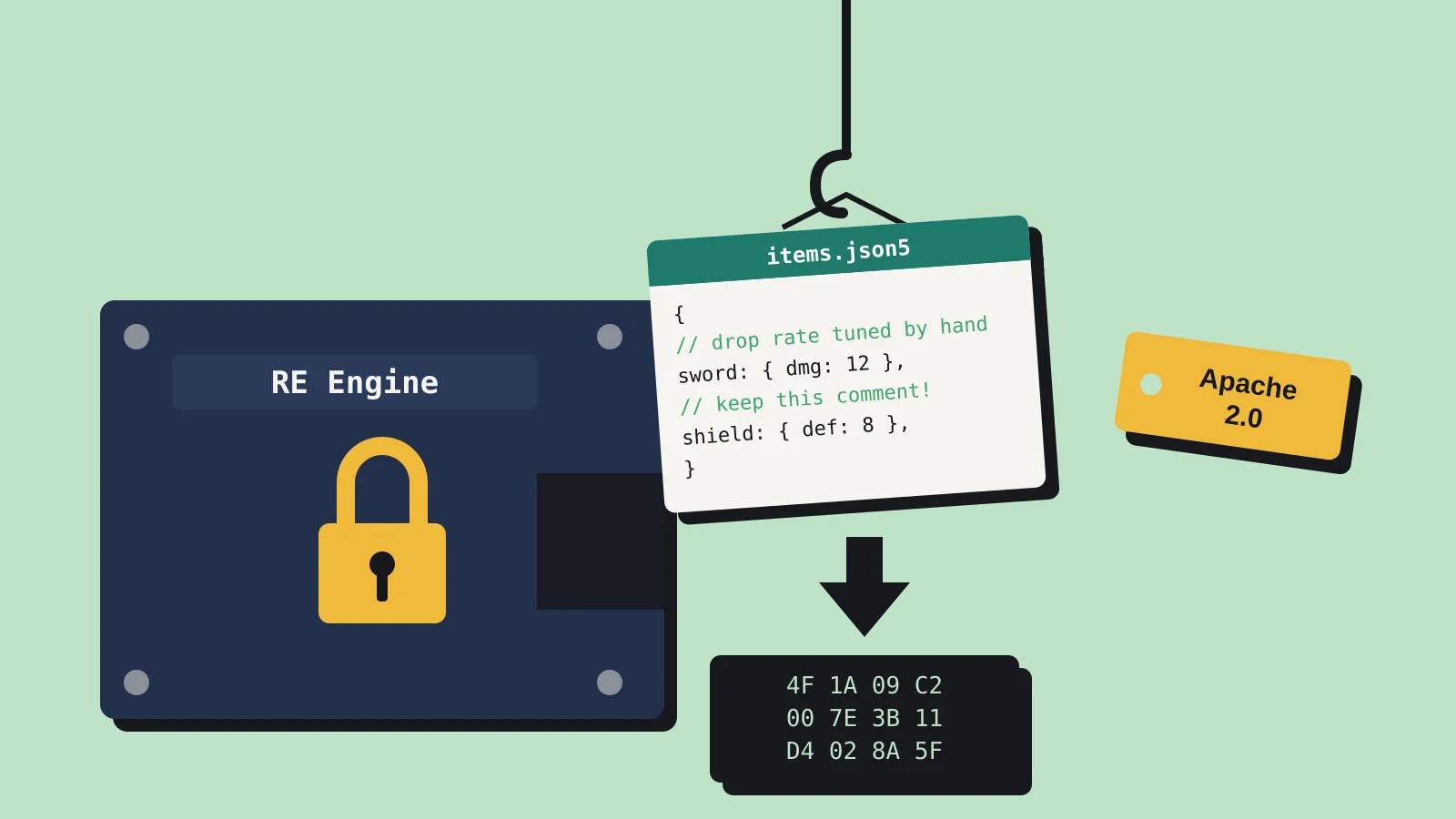
Capcom has put RE:Dox, a C# data library from its in-house RE Engine, on GitHub under the Apache 2.0 licence. It’s one component, not the engine. Capcom hasn’t open-sourced RE Engine and hasn’t said it will. GameFromScratch reported the release on 8 October. Here’s what RE:Dox does, and whether a small team can use it.
Where it comes from
On 2 October, at CAPCOM Open Conference RE:2026 in Tokyo, RE Engine lead architect Satoshi Ishida presented REX, a planned upgrade to the engine. According to gamebiz, REX is made of five parts:
- RE:Dox handles structured data in many formats.
- RE:UI is a framework for tool interfaces, built to be easy to test automatically.
- RE:Log stores log messages as ID numbers and looks up the text only when it’s shown.
- RE:Flows is a visual logic tool that converts to code.
- RE:Runtime processes game objects in batches.
Reports from the talk describe REX as an engine for the AI generation. Its code follows widely used conventions so that both people and AI tools can read it, and GodisaGeek reports that part of the reason for releasing pieces publicly is to give AI systems material to learn from.
Several outlets reported that RE:Log was released too. Capcom’s GitHub organisation currently holds only RE:Dox, though, and there’s no RE:Log package among Capcom’s NuGet packages.
What RE:Dox does
RE:Dox reads, edits, converts and saves structured data. It loads a file into a compact internal format you can query and change, then writes it back out in the same format or a different one.
Formats. JSON, JSON5, CBOR, MessagePack, INI and DOX are in the 1.0.1 release. TOML, XML, HTML and CSV are in preview. DOX is Capcom’s own binary format, laid out to mirror RE:Dox’s in-memory structure, which makes it fast to load and copy.
Comments survive. With PreserveTrivia turned on, comments in a JSON5 file survive an edit and a save. Most JSON libraries throw them away, which is a nuisance for hand-edited config and mod files.
Drop-in layers. Compatibility packages mimic DataContractJsonSerializer, System.Text.Json and Newtonsoft.Json, so you can try RE:Dox without rewriting all your serialisation code. Only the DataContractJsonSerializer layer is marked as a full release. The other two are previews.
Speed. Serialising means turning game data into a file, and deserialising means reading it back. Capcom’s own benchmarks against System.Text.Json use three standard test files. Across them, RE:Dox was 1.36x to 1.77x faster at deserialising, 2.25x to 2.84x faster when deserialising in parallel, and 1.06x to 1.62x faster at serialising. On one file it used about 2.6 MB of memory where System.Text.Json used about 8.5 MB. These are Capcom’s figures from a single Threadripper workstation, and the README says they aren’t guarantees.
Can a small team use it?
The big limit is the runtime. RE:Dox targets .NET 10 and nothing older, according to the README and its NuGet listing.
Unity: not today. Unity’s scripting runtime can’t load .NET 10 libraries. Unity 7’s switch to CoreCLR could change that, but it’s still in alpha.
Stride: the most natural fit. Stride already runs on .NET 10, and its 4.4 release came out this week.
Godot: possible, with checking. Godot’s C# support runs on modern .NET, but your project would need to target .NET 10, so check your Godot version and project settings before you add it.
Your own tools: the easiest win. Build scripts, asset pipelines, level converters and mod tools that run outside the engine can use .NET 10 freely.
To try it, add the CAPCOM.REDox package from NuGet to a .NET 10 project. Extra formats come as separate packages, such as CAPCOM.REDox.Cbor and CAPCOM.REDox.MessagePack, so you only pull in what you need. It’s young: version 1.0.0 appeared on NuGet on 1 October, so expect rough edges and a small community for now.
The README lists ahead-of-time compilation support as future work. If you ship with NativeAOT or trimming, test carefully before you rely on it.
Good uses include:
- Save files, where DOX gives you a compact binary format.
- Item and dialogue databases kept as readable JSON5 while you work, then converted to binary for the build.
- Mod support, where players hand-edit files and expect their comments to stay put.
Apache 2.0 lets you use, change and ship RE:Dox in a commercial game for free. You have to keep the licence and copyright notice with it. The licence also includes a patent grant, which means contributors can’t later claim patent rights over your use of the code.
What it isn’t
RE:Dox isn’t the renderer, the editor or RE Engine itself, and its release isn’t a sign that the engine will go public. Notebookcheck made the same point in its coverage of the REX talk.
The release also sits next to a stated limit on how Capcom uses AI. In a Q&A from a February 2026 briefing for individual investors, Capcom said it won’t put assets made with generative AI into its game content. It’s using AI to make development more efficient instead. Making the engine easy for AI tools to read fits that line: it’s about how the work gets done, not about generating art.
Who should try it
If you write C# tools, manage a lot of game data or support mods, RE:Dox is worth an afternoon. Comment-preserving JSON5 and fast conversion to a compact binary format are the standout features. Stride users can drop it straight in.
If you’re on Unity, bookmark the repo and come back once Unity’s CoreCLR runtime ships. Everyone else can file it as a sign that big studios are opening up more of their internal tooling, one component at a time.
Sources
- RE:Dox repository (Capcom, GitHub)
- CAPCOM.REDox package (NuGet)
- CAPCOM Open Conference RE:2026 programme (Capcom, Japanese)
- RE:Dox release report (GameFromScratch)
- REX project report (gamebiz, Japanese)
- REX and AI-readable code (GodisaGeek)
- REX upgrade report (Notebookcheck)
- Individual investor briefing Q&A, February 2026 (Capcom, Japanese PDF)