ArtStation now hides AI art by default. Label yours honestly
New projects must declare any generative AI use, and declared or reported work is filtered out of feeds unless viewers opt in. Here's how to label game art.
ArtStation now asks every creator to declare whether a project used generative AI, and it hides AI work from viewers by default. The change landed this week, in a post on ArtStation’s own magazine and a note on its X account. It’s the second AI move since KitBash bought ArtStation and Sketchfab from Epic Games in August. In September the site turned on its NoAI setting by default, which tells AI companies they can’t train on your work.
If you post concept art, character sheets, environment shots or 3D renders on ArtStation, this affects who sees them. It also affects how you look to the studios and clients who browse the site for freelancers.
What’s changed
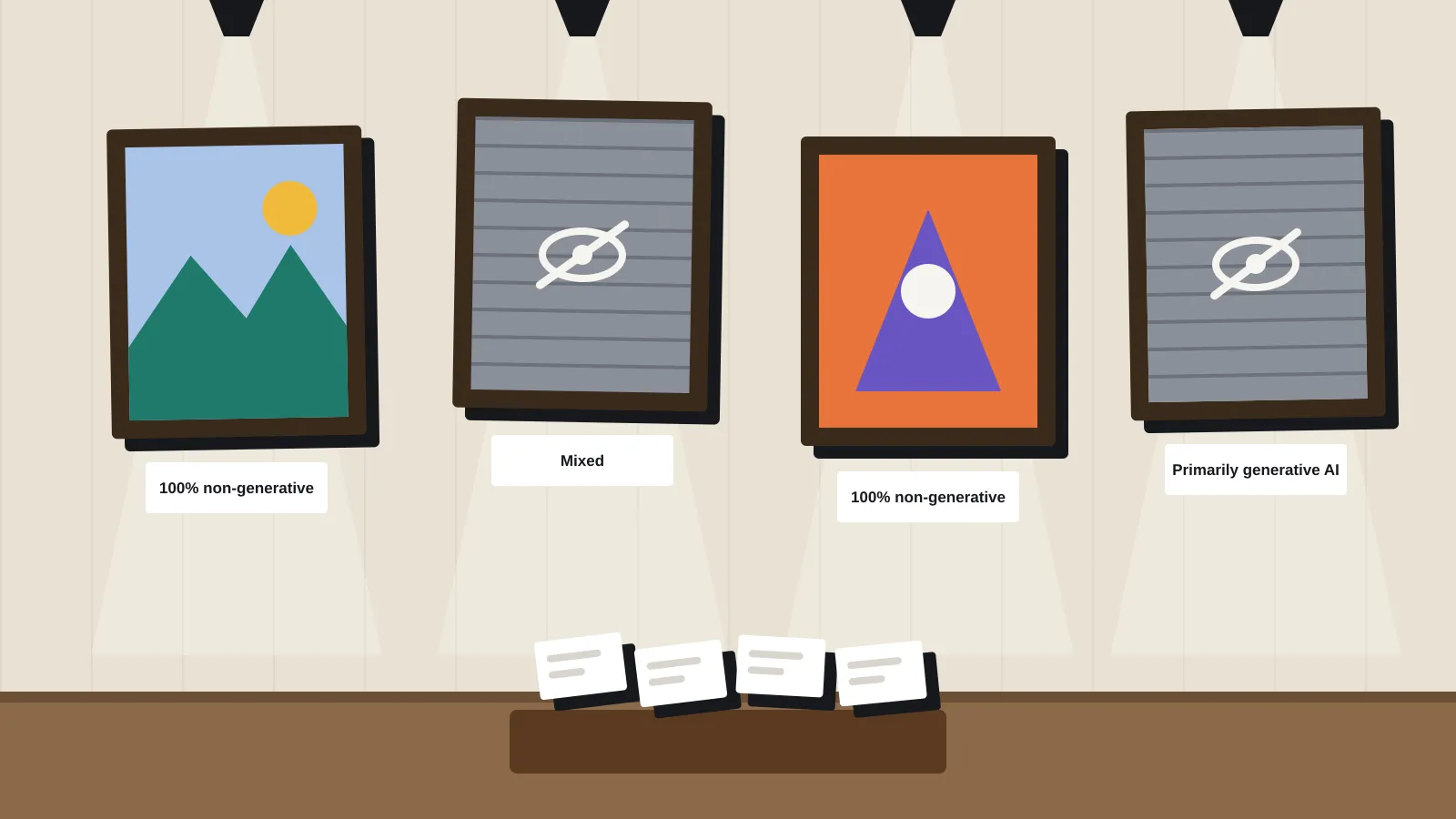
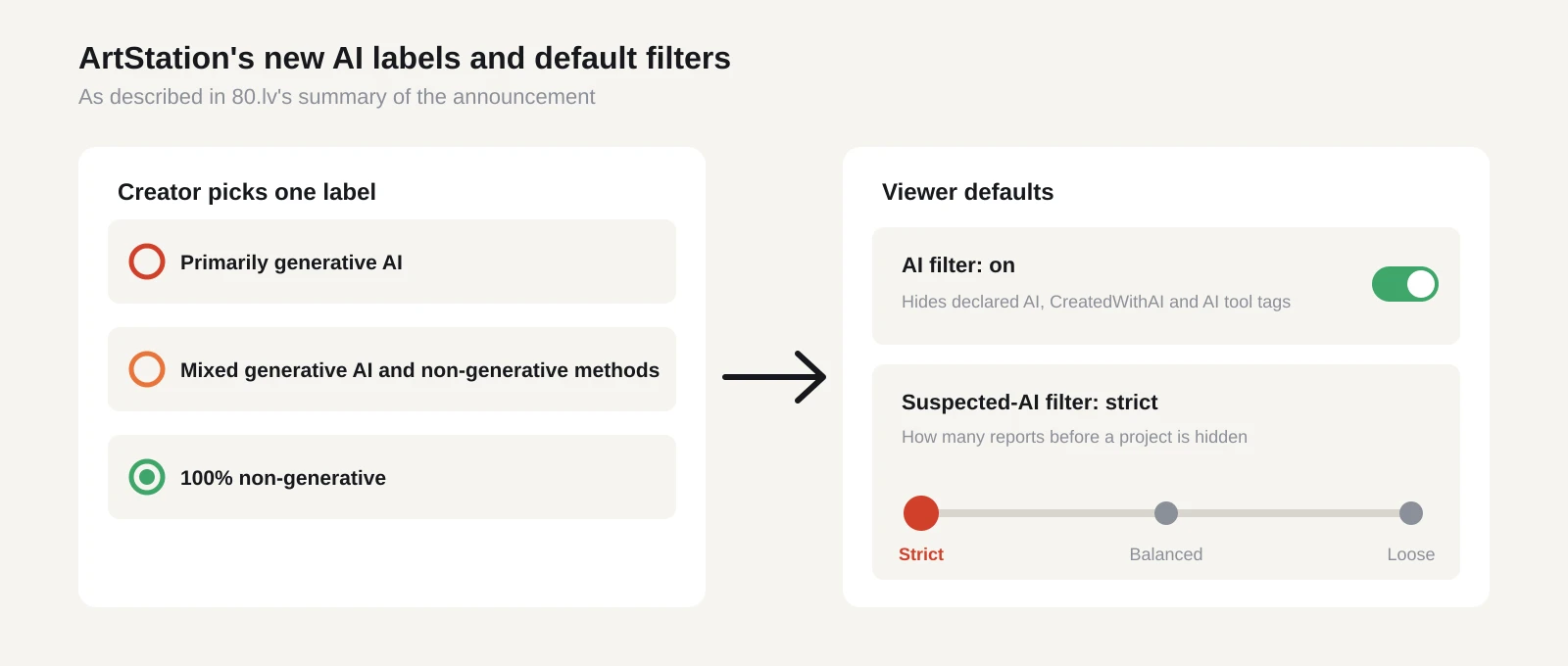
When you publish a project, you now pick one of three labels, according to 80.lv’s summary of the announcement:
- Primarily generative AI
- Mixed generative AI and non-generative methods
- 100% non-generative
The labels feed a set of viewer filters. Viewers can hide work declared as AI, allow or hide mixed workflows, and choose how strongly the site reacts to reports of suspected AI. That last filter has three levels. Strict hides a project after a few signals, balanced waits for a moderate number of reports, and loose only acts on the strongest signals.
The defaults matter most. The AI filter is on for everyone. It hides projects declared as AI, projects tagged CreatedWithAI, and projects tagged with generative AI tools. The suspected-AI filter starts at strict. So unless a viewer changes their settings, they won’t see your work if you declared it as AI, tagged it with an AI tool, or a handful of people reported it.
Artists can also report projects they think used AI without saying so. Neither ArtStation’s notes nor the coverage we’ve seen explain how reports are checked, or whether a wrongly flagged project can be cleared.
Why it matters if you make games
ArtStation is a shop window as much as a gallery. Art directors and small studios use it to find freelancers. Players use it to find concept art from games they like. Many solo devs post work-in-progress there to build a following before a Steam page goes up.
Under the new defaults, labels decide reach. An honest “mixed” label might cost you some views if viewers hide mixed work. A dishonest “100% non-generative” label is riskier. If enough people report it, the strict default hides it anyway, and you’ve also put your name on a claim that isn’t true.
The bigger grey area is what counts as generative AI in a real game pipeline. Plenty of indie art now passes through tools with some machine learning inside: AI upscalers, denoisers in renderers, smart selection in image editors, auto-retopology, texture generators. The coverage we’ve seen doesn’t say where ArtStation draws the line. Until it does, the safe reading is simple. If a model generated any of the pixels or geometry in the final image, choose “mixed” at least.
There’s a reputational angle too. Steam already asks developers to disclose AI use on store pages, so players can compare. A clear label on your ArtStation project gives you a record you can point to if questions come up on your Steam page later.
On the NoAI side, nothing new is asked of you. The flag has been on by default since September, for new and existing projects. If you want your work to be usable for training, you’d have to turn it off. Most people won’t. It’s a signal, though, not a lock. ArtStation itself has said no measure can fully stop scraping of public images, even with the bot blocking it runs with Cloudflare.
What to do now
Start with your existing portfolio. The new labels apply when you publish, and the coverage doesn’t say whether old projects need one added. If you have older pieces that used AI for backgrounds, textures or paintovers, open them and check what the edit screen now offers.
Then make a rule for your team and write it down. A two-line policy in your project wiki is enough. Something like: “Any project where a generative model produced part of the final image is marked mixed. Fully generated pieces are marked primarily generative AI.” If you work with freelancers, give them the same rule so your studio page is consistent.
Check your tags as well. The default filter also hides projects tagged with generative AI tool names. If you’ve tagged a project with a tool you only used for reference or moodboards, that tag alone could hide it. Remove tags that don’t describe the final piece.
If you hire through ArtStation, flip it around. The labels give you a quick first pass when you’re looking for an artist. They aren’t proof, so ask for process shots or source files before you commission a key art piece or a capsule image.
Look at the viewer side once too. Log out, or use a fresh browser profile, and look at your own profile with default settings. That’s what a new visitor or a client sees.
Last, keep an eye on the reporting system. A strict default driven by user reports could catch human-made work that looks polished or generic, a known problem on other art sites. If one of your projects vanishes from feeds and you didn’t use AI, keep your working files. Layered source files and timelapse recordings are the clearest evidence you can offer if you need to appeal.
What we still don’t know
The announcement leaves some gaps. We haven’t seen a clear definition of generative AI. We don’t know if old projects must be relabelled, how reports are reviewed, or if there’s an appeal process. It’s also not clear whether the same rules reach the ArtStation Marketplace, where many indie devs buy brushes, kitbash packs and textures. We’ll update this piece when ArtStation fills them in.
Sources
- More transparency and control for generative AI on ArtStation (ArtStation Magazine)
- ArtStation announcement post (ArtStation on X)
- ArtStation adds AI declarations and default AI filtering (80.lv)
- ArtStation enables NoAI protection by default (80.lv)
- ArtStation is taking action against AI art (Creative Bloq)