Tripo P2.0 makes quad meshes, but check the licence first
Tripo's P2.0 model now outputs quad or triangle meshes with set polygon budgets and auto UVs, but free-tier files aren't yours to sell.
Tripo’s P2.0 3D generation model can now output quad meshes of up to 25,000 faces, or triangle meshes of up to 50,000. A preview arrived in August 2026 and the full release followed on 21 September, according to Tripo’s press release. On 23 October, 80 Level ran an interview with the Tripo team about pairing P2.0 with Astra in Blender and Unity. It skips pricing, so we went to the primary sources.
What P2.0 changes on the mesh
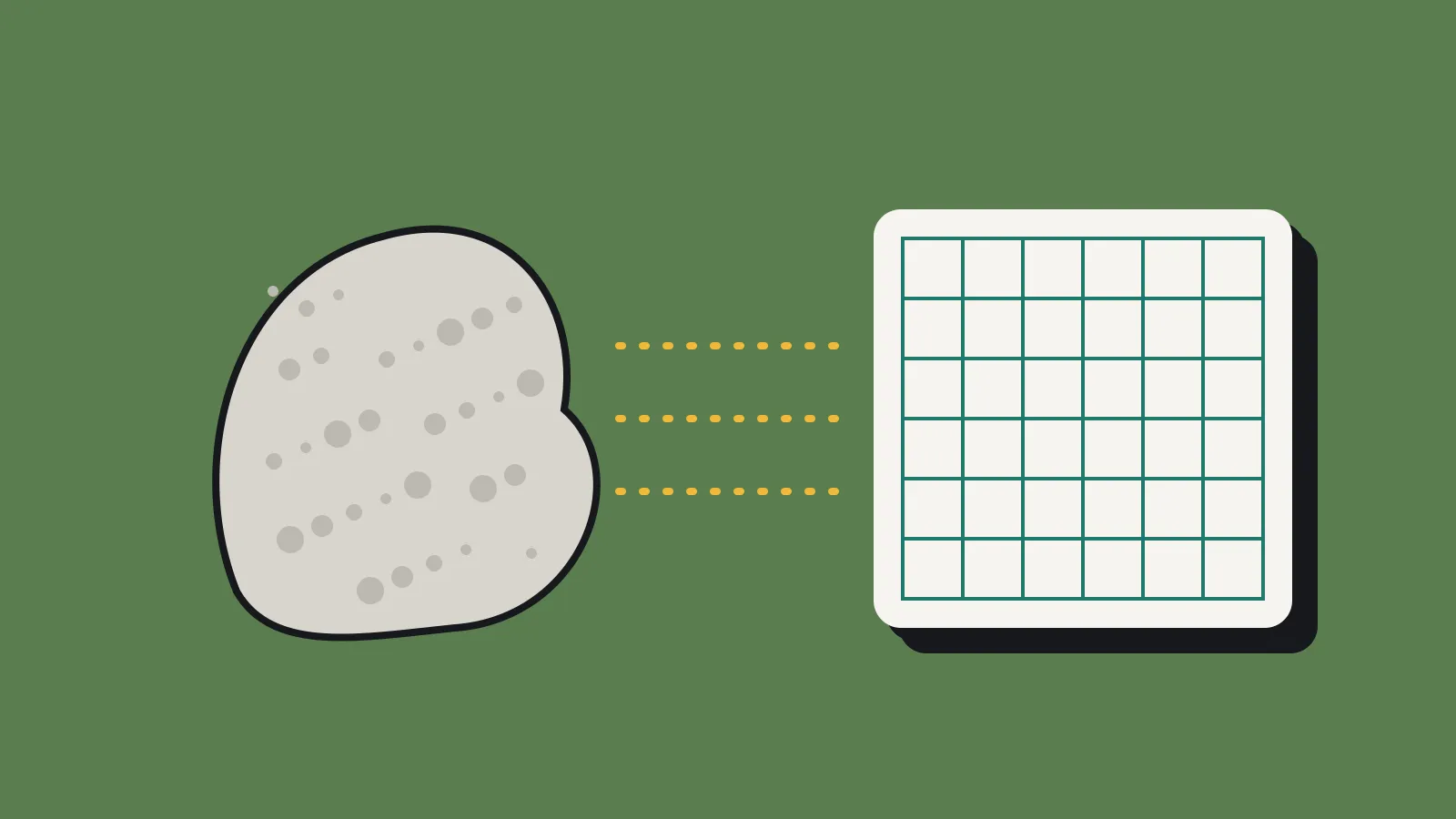
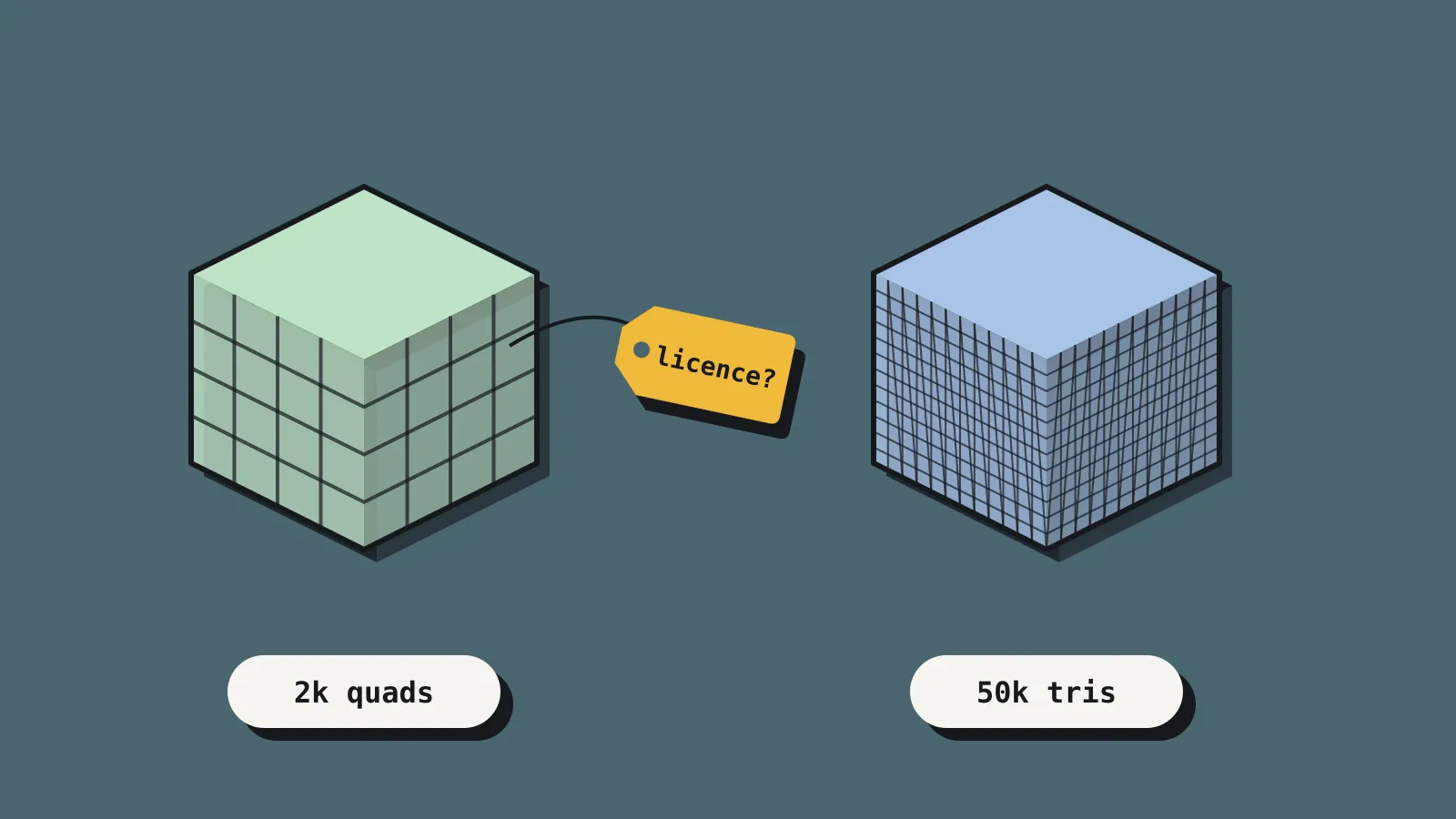
Most AI 3D tools give you a dense triangle soup. Quads are four-sided faces. Artists prefer them because edge loops follow the shape, so the mesh bends cleanly when rigged and is easier to edit. Rebuilding a messy mesh as clean quads by hand is called retopology.
Tripo’s P2.0 blog post lists these changes against the older P1.0:
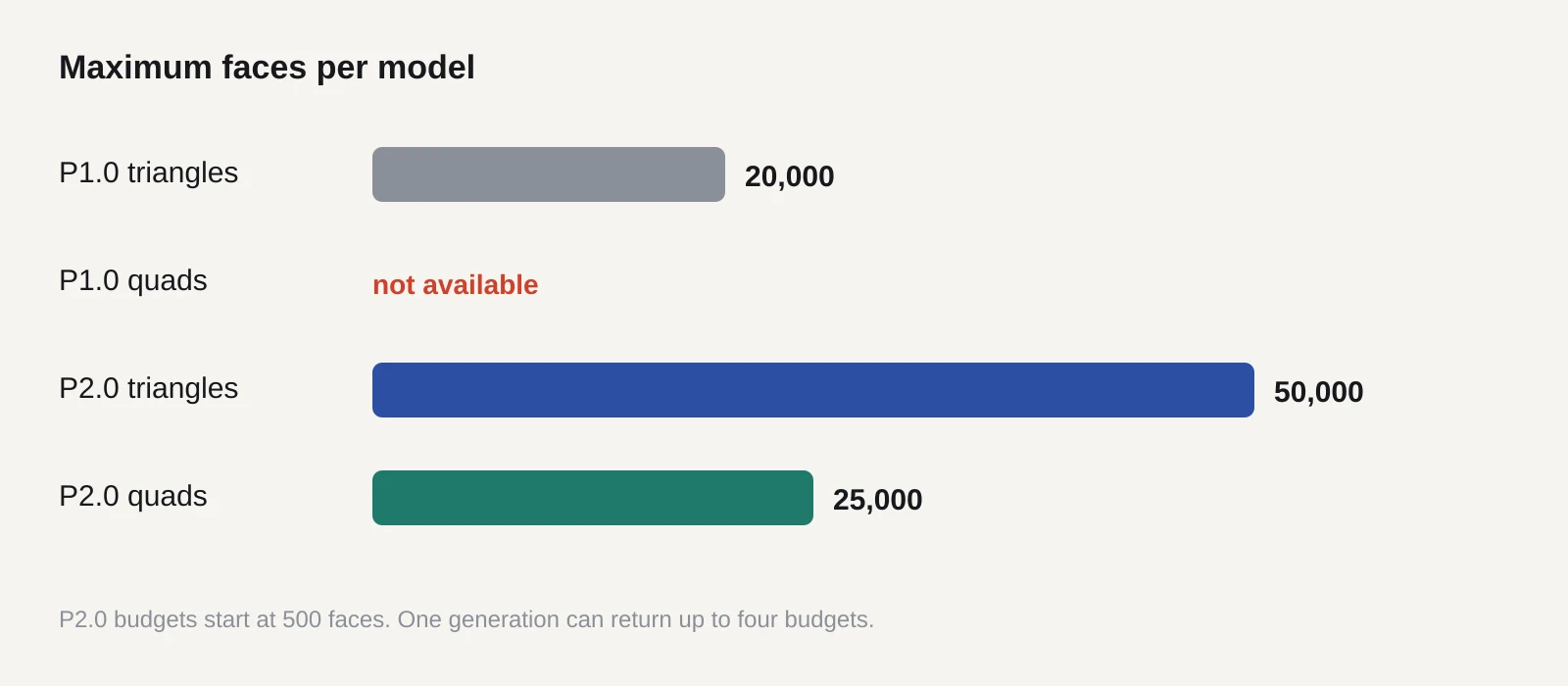
- Quad or triangle output. Triangles run from 500 to 50,000 faces, quads from 500 to 25,000. P1.0 capped triangles at 20,000 and had no quads.
- Several budgets at once. One generation can return up to four versions at different face counts, for the same credits.
- Part separation. Body, clothing and accessories come out as separate pieces.
- Mesh Edit. You select a region and regenerate only that part.
- Multi-view input. You can feed up to four reference images: front, back, left and right.
The press release also claims “Smart UV”, a one-click unwrap. UVs are the flat 2D layout of a model’s surface that a texture is painted onto. In the developer docs this shows up as an export_uv option, switched on by default. The API model ID is P2-20260801.
Tripo says generation takes 10 to 40 seconds. Fabbaloo timed 71 seconds at the 50,000-triangle maximum and found the result less detailed than a rival’s. Digital Production points out that Tripo publishes no numbers on edge flow, poles or non-manifold geometry. A quad mesh can still have bad topology. We haven’t tested P2.0 ourselves.
Astra is OpenAI’s, not Tripo’s
The 80 Level headline reads as if Astra were a Tripo product. It isn’t. GPT-6 Astra is an OpenAI model, which BornCity reported in September with API pricing of US$10 per million input tokens. It writes Python for Blender’s scripting API to place, assemble and light objects.
In the interview, Tripo describes a flow where P2.0 makes the parts and Astra assembles them in Blender before export to Unity. One creator built a fan game that way in three prompts and 90 minutes, Tripo says. Tripo also admits that deformation, facial expressions and secondary motion still need manual work.
What it costs
Tripo’s pricing page lists four Studio plans in US dollars:
- Free: 200 credits a month, one task at a time, public models only, non-commercial use, 15 exports a month limited to the older H2.5 model.
- Pro: US$20 a month, 3,000 credits, private models, commercial use.
- Max: US$90 a month, 25,000 credits.
- Team: US$110 per seat a month, 90,000 credits.
P2.0 isn’t on the free tier in any useful sense. Every account gets two free P2.0 generations, and continued use needs a subscription. Fabbaloo found downloads also need a paid plan. Mesh Edit gives Pro users three free edits per model, then charges 50 credits per edit.
The pricing page doesn’t state a Studio credit cost for P2.0. On the API, a P2.0 generation costs 100 to 130 credits depending on texture quality. Tripo’s own licensing blog prices API credits at US$1 per 100. That works out to roughly US$1 to US$1.30 per model.
Who owns the output
This is where you need to slow down. Tripo’s Terms of Service, last updated 11 July 2025, split rights by plan. For free users, section 5.2.1 says Tripo keeps all rights to your inputs and outputs, including the right to earn money from them. For paid users, section 5.2.2 says you hold the rights. You grant Tripo a perpetual, non-exclusive licence to run the service, and Tripo says it won’t train on paid users’ content.
Tripo’s own licensing blog contradicts this. It says free models carry a CC BY 4.0 licence, which would allow commercial use with credit. The Terms and the pricing page both say otherwise, and the Terms are the binding document. Treat free-tier models as unusable in a commercial game.
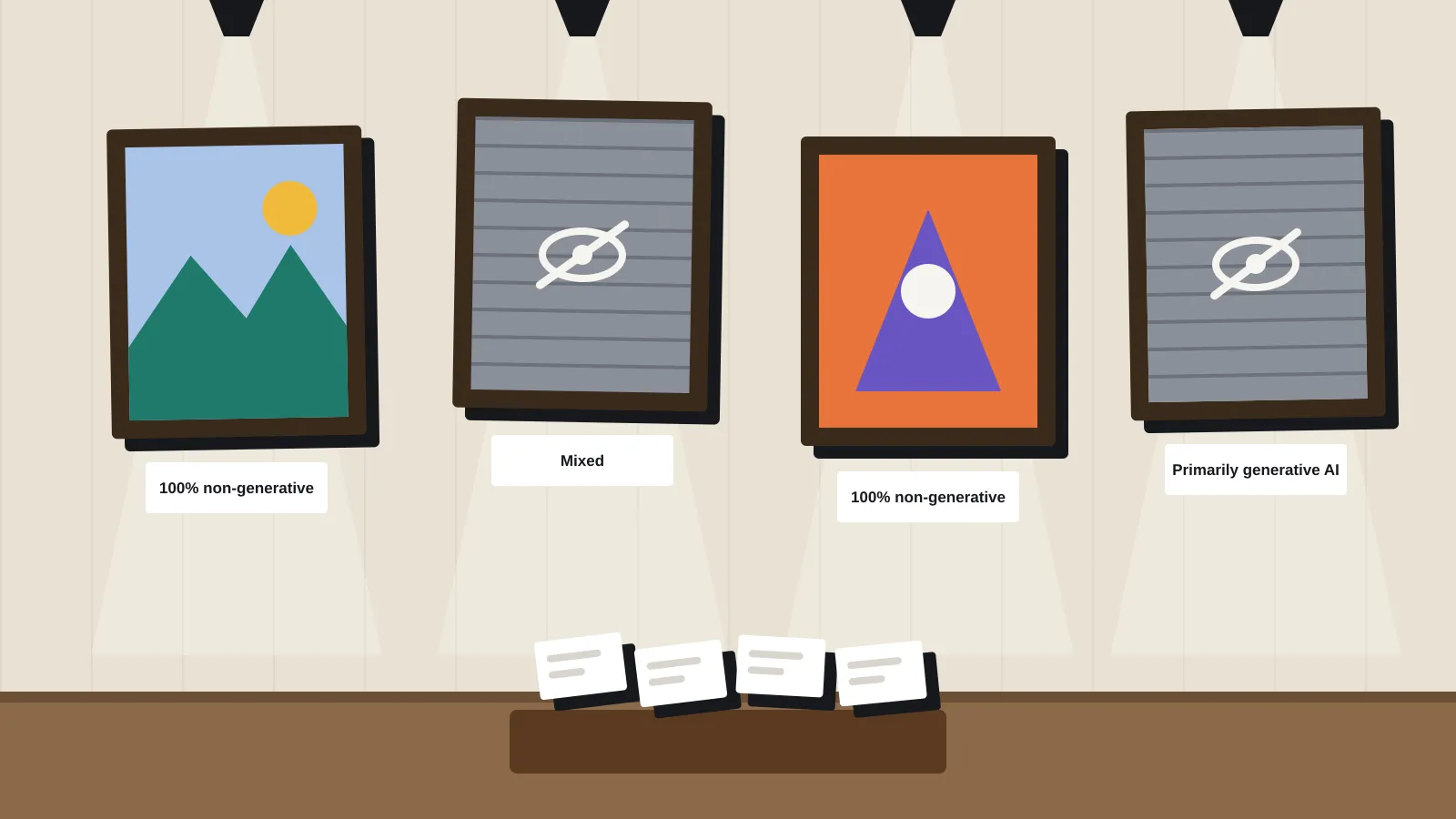
Steam adds its own step. Since 9 January 2024, Valve’s content survey asks you to disclose “pre-generated” AI content, meaning assets made with AI during development. That disclosure appears on your store page. A January 2026 revision dropped behind-the-scenes efficiency tools, but art that players see still counts.
What it means for a solo dev or small team
If you prototype, block out levels or need background props, P2.0 could save real time. Quads and set face budgets target exactly the retopology chore that makes AI meshes painful. Four budgets per generation also gives you crude level-of-detail options, though Digital Production notes this isn’t a formal LOD system.
The catch is export. Digital Production says GLB export may triangulate the mesh, so FBX is the route if you want quads to survive. Tripo’s Unity DCC Bridge supports Unity 2021.3 LTS or newer and all three render pipelines. It only works in Chrome, Edge or Opera, and only in Editor mode. The API-key plugins cover Blender 3.0 and up (plugin 0.7.3), Unity 2022 and up (1.0.1) and Godot 4.4 and up (0.02, an early build).
What to do now
Spend the two free generations on one prop you know well, then judge the exported file, not the browser preview. If it passes, a single month of Pro at US$20 covers a proper trial with commercial rights.
- Poly count. Generate at two budgets, say 2,000 and 15,000 faces. Check the face count and quad share in Blender’s statistics overlay.
- Topology. Turn on wireframe. Look for poles (vertices with five or more edges) on curved areas, and run Select All by Trait > Non Manifold.
- UVs. Open the UV editor. Check for overlapping islands, wasted space and seams across visible faces. Apply a checker texture to spot stretching.
- Normals. Turn on face orientation. Red faces point inward and will render wrong.
- Scale and pivot. Set
auto_sizeon the API or check dimensions against a 1 metre cube. Confirm the pivot sits at the base. - Engine import. Import FBX and GLB into Unity or Godot. Compare face counts after import to catch triangulation, and check materials survive.
- Paperwork. Generate on a paid plan, save the invoice date, and add the asset to your Steam AI disclosure.
Sources
- Tripo P2.0 Official: A Major Breakthrough for Production-Ready 3D Assets (Tripo)
- Tripo AI Releases Latest Model Tripo P2.0 (press release, via Webull)
- Tripo P2 developer docs (Tripo)
- Tripo pricing (Tripo)
- Tripo Terms of Service (Tripo)
- Can You Use AI-Generated 3D Models Commercially? (Tripo blog)
- Tripo plugins documentation (Tripo)
- Tripo DCC Bridge for Unity (Tripo)
- How Tripo P2.0 and Astra work together in Blender and Unity (80 Level)
- Tripo P2.0: Put Quad Mesh Generation to the Test (Digital Production)
- Tripo P2.0 Preview generates 3D models with up to 50,000 triangles (Fabbaloo)
- GPT-6 Astra: OpenAI generiert 3D-Szenen in Blender (BornCity)
- GPT-6 Astra in Blender (Prabhat Khabar)
- Steamworks: AI content on Steam (Valve)
- Valve clarifies Steam AI policy (Outlook Respawn)