BGEN Hair grooms braids and locs in Blender, and makes hair cards
M2ky has folded three cheap hair add-ons into BGEN Hair, a US$14.99 Blender tool that promises game-ready cards. Here is what to check first.

M2ky has released BGEN Hair, a Blender add-on for grooming, styling and simulating hair, with braids, locs and curls handled by dedicated tools. The current build is version 1.0.6. Gumroad lists it at US$14.99, and the developer’s own page says a launch price runs until 6 November 2026. 80 Level covered the release on 3 November and reports that it needs Blender 4.5 or later.
The headline feature for game developers is a claim on the product page: the same groom can come out as “game-ready cards”. That matters, because most Blender hair tools stop at strands, which look great in a render and are close to useless in a real-time engine. So the question for a solo dev building characters is simple. Can this get you hair that runs in Unity, Unreal or Godot, or is it a render tool with a card button bolted on?
What BGEN Hair is
BGEN Hair replaces three older add-ons from the same developer: BGEN Groom, BGEN Flow and BGEN Card. M2ky says files made with those tools still open in the new one. BGEN Groom alone sold for CAD$5 on Gumroad, needed Blender 3.5 or later and shows more than 1,100 sales, so this is a known maker with an existing user base rather than a first release.
The workflow, as M2ky’s tutorial video from 29 October lays it out, runs in four stages. You decide where hair grows, which way it flows, how it looks and what it becomes. In practice that means drawing parting lines on the scalp, then shaping guides with comb strokes and deformers. A feature called Hair DNA saves a groom so you can grow it again on a different head, which is handy if you have several characters sharing a base mesh.
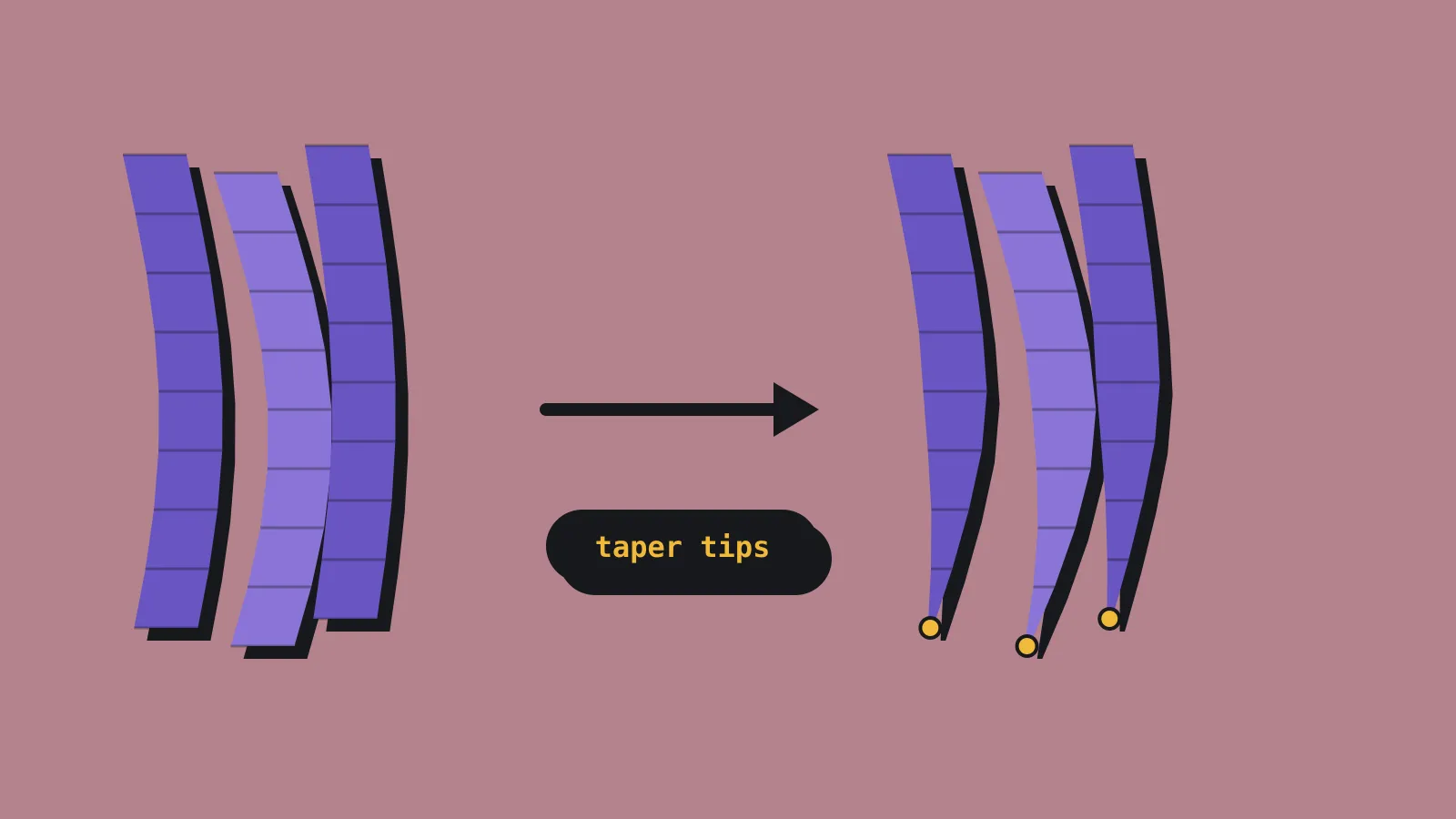
For textured and protective styles, there is a Braids and Locs panel, and a Flow mode that turns any mesh into hair. That second one is how you would build twists or chunky stylised locks from simple geometry. 80 Level also mentions tools for tapered fades around the ears and neck. If you only need taper on Blender’s own curves, we covered a free option, MT Hair Taper, earlier.
Simulation uses lightweight guide strands to drive the full groom, with gravity and colliders, and plays live in the viewport. You can bake it for final output. There is also a hair shader with texture painting, and a built-in browser for BGEN Library, a site of downloadable hairstyles. Optional paid Element Extensions add feathers, scales, accessories and greenery.
Strands, tubes or cards
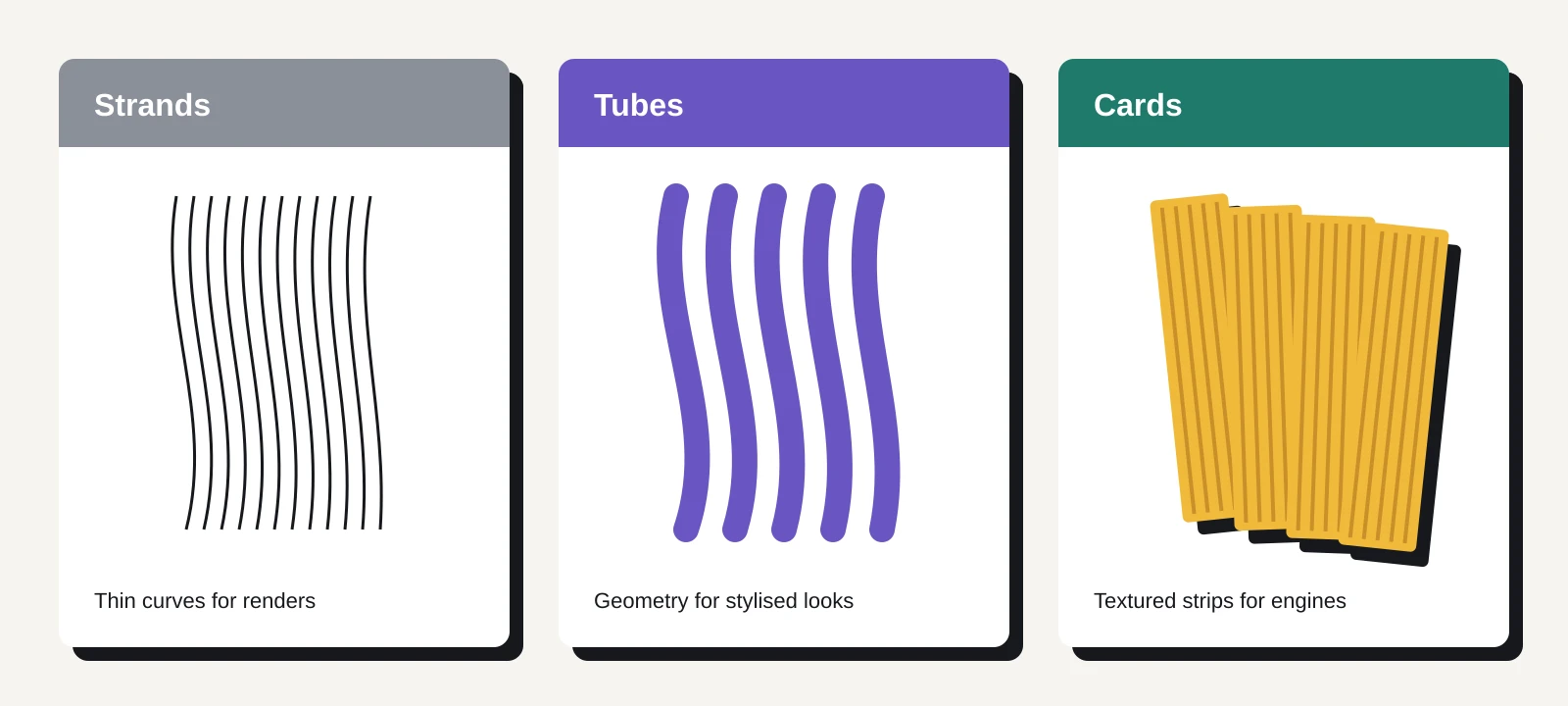
According to 80 Level, one groom can be output three ways. Strands are thin curves for film-style renders. Tubes are actual geometry for stylised looks. Cards are flat textured strips, the standard way games draw hair, because a few hundred alpha-textured planes cost far less than tens of thousands of curves.
80 Level says the add-on ships with eight hair-card texture sets at 2K resolution for game engines. That saves you a real chore. Painting or baking your own strand atlas is a job of its own, and plenty of tools give you card geometry but leave the textures to you.
The licence helps here as well. M2ky’s terms say every licence includes commercial use, and that included textures can go into shipped games as long as they are built into your work. You cannot resell them on their own, in asset packs or preset collections. An individual licence covers one named person on up to three computers at a time, and updates are free for as long as the product is developed.
What we could not find is the detail a technical artist would want before trusting the “game-ready” label. Neither the product page nor the coverage gives a polycount for card output, any level of detail controls, or an export route. There is no mention of FBX, glTF or any specific engine. The product page has no documentation link we could see.
What it means for a solo dev
If you build characters in Blender and have been faking hair with sculpted helmets, this looks like the cheapest serious attempt at a full strand to card pipeline we have seen. Braids and locs are also styles that general card tools handle badly, so dedicated panels for them earn their place if your cast is diverse.
The risk is the gap between “it makes cards” and “the cards work in my engine”. Card hair lives or dies on a few things: triangle count, how the cards overlap and sort, how clean the UVs are, and whether your engine’s alpha test or alpha blend looks right with the included textures. None of that is visible from the marketing.
Blender add-ons built on geometry nodes, as the older BGEN tools were, often produce output that only becomes a real mesh when you apply the modifier. If that is the case here, you will need to apply or convert the cards before exporting with Blender’s own FBX or glTF exporter. That is normal, but worth knowing before you plan an animation-friendly workflow.
What to check before you buy
The refund policy is strict. M2ky says refunds are generally unavailable once a download is delivered, apart from cases like a build that will not install or a duplicate purchase. So do your homework first.
- Confirm your Blender version. 80 Level reports 4.5 or later, but the product page does not list one, so check the Gumroad listing or ask before buying.
- Watch the full tutorial on M2ky’s YouTube channel and look for the card output stage. Note whether the cards appear as a mesh object or a modifier stack.
- Ask the developer, or look in the comments, for a triangle count on a typical card groom. For a mid-poly indie character, a few thousand triangles of hair is a sensible target.
- Test one export end to end. Apply the cards, export to glTF or FBX, and drop the result into your engine with the included textures before you style a full cast.
- If you only need strands for promo renders or cutscenes, the card question does not matter and the price is easy to justify.
- If you own BGEN Groom, Flow or Card, check for an upgrade credit. The refund policy mentions owner discounts, but the product page does not spell one out.
If the export test passes, BGEN Hair could replace a messy mix of free scripts and hand-placed planes. If it fails, you have spent the price of a lunch and learned exactly what your hair pipeline needs.