CozyBlanket Pro brings AI-assisted retopology to the desktop
Sparseal's retopology, UV and baking app is now on Windows and macOS, free to try, with a US$90 perpetual indie licence to save and export.
Sparseal released the desktop version of CozyBlanket Pro on 3 November 2026 for Windows and macOS. It’s a retopology, UV and baking app with an AI model that suggests topology as you work. The download is free and has every feature, but saving and exporting need a licence. The Indie licence costs US$90, and Sparseal is offering 20% off for launch week.
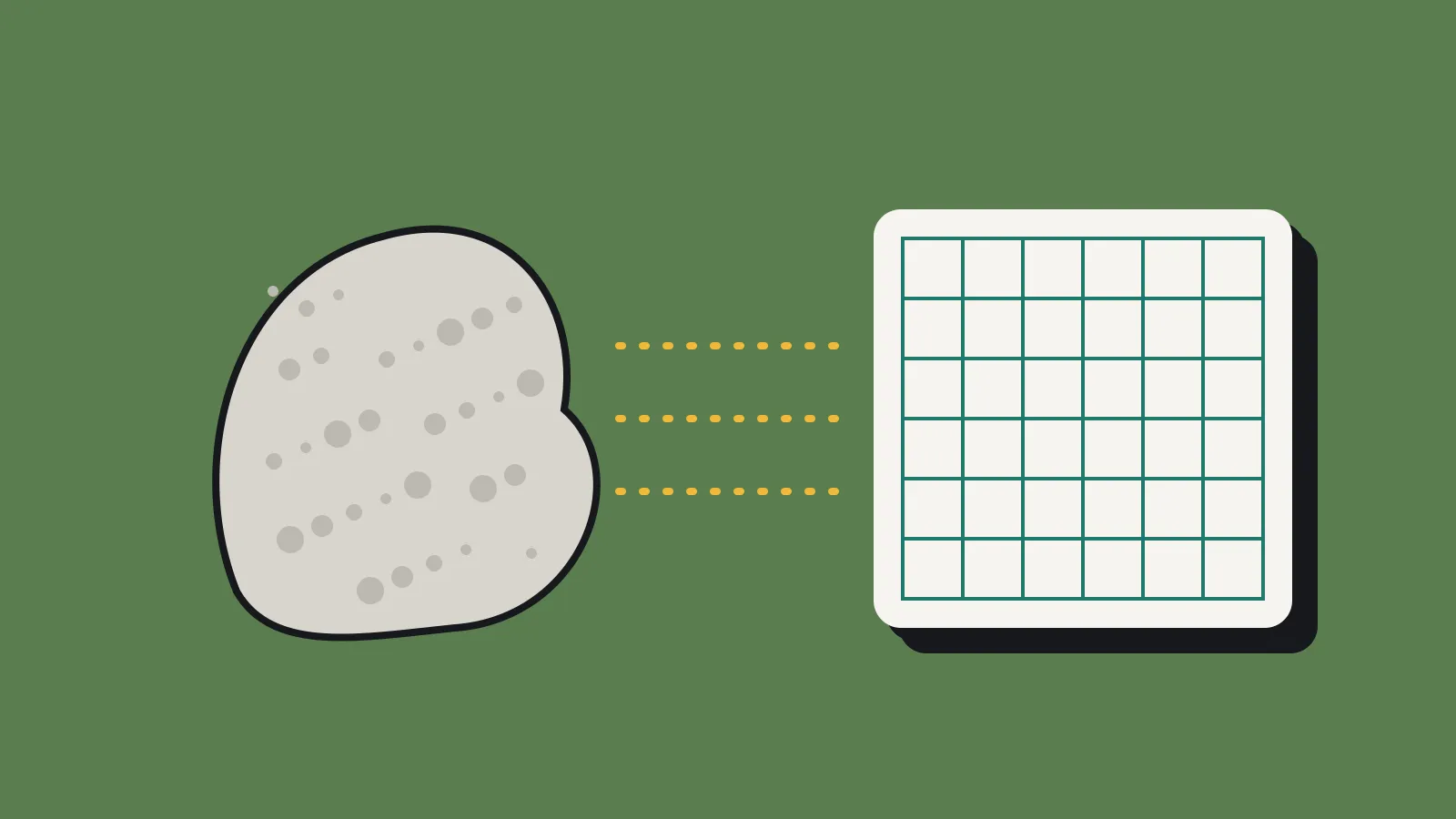
Retopology is the job of building a clean, low-poly mesh over a dense sculpt so it can be rigged, unwrapped and run in a game engine. For a solo artist it’s often the slowest and least loved step between sculpting and texturing. The question for you is whether this tool takes enough of that time back to earn its price.
What CozyBlanket Pro does
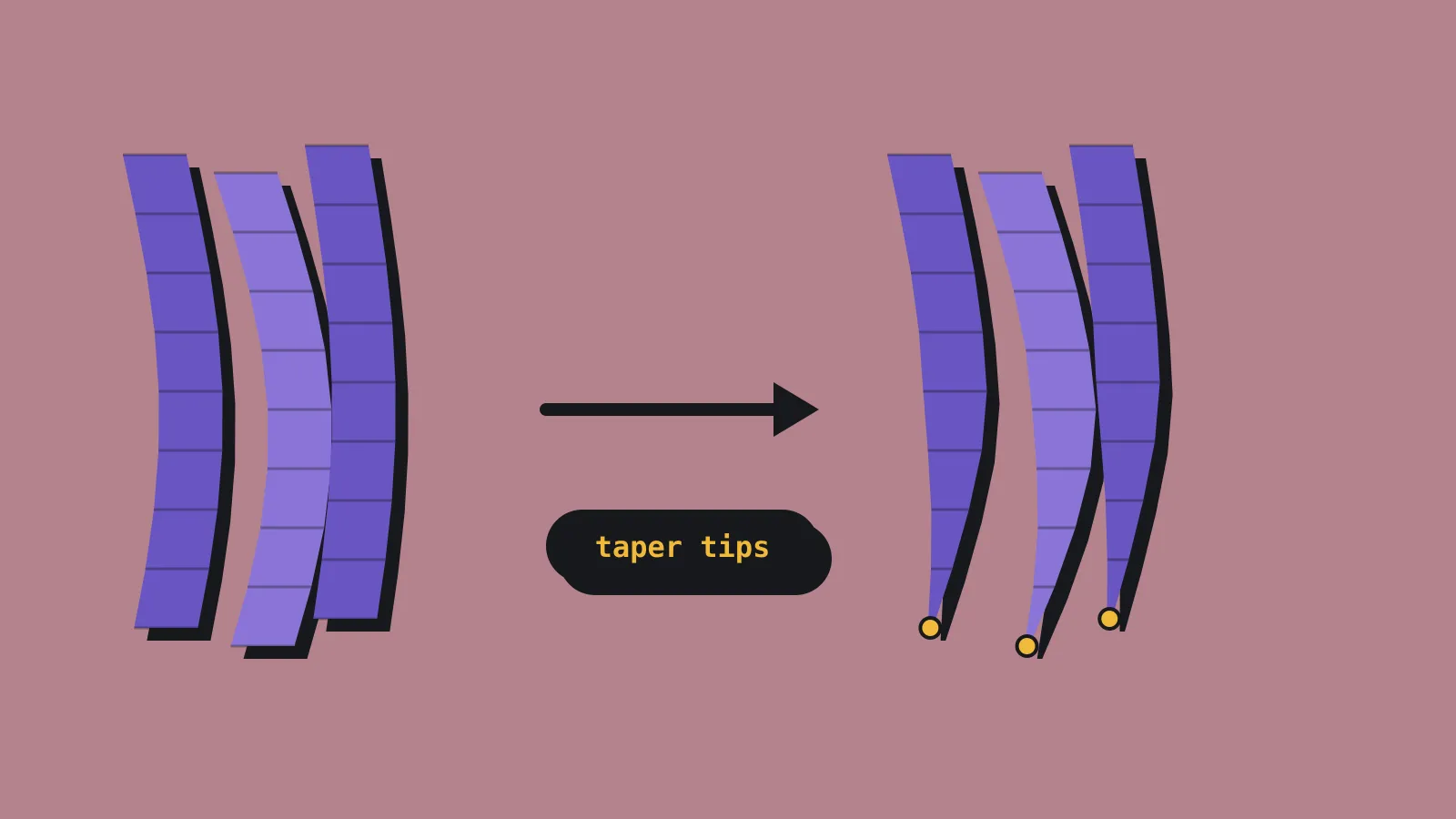
The headline feature is topology prediction. The app reads your high-poly or low-poly mesh and proposes edits in real time. It can fill holes with quads, reroute edge loops and place poles (the vertices where more or fewer than four edges meet). You accept or ignore the suggestions, and you can draw guide lines to steer the flow.
Manual tools sit alongside the AI. There’s a PolyBuild tool for laying down single quads with snapping, plus edge loop insert, dissolve, slide, a knife and n-gon support. Symmetry works on several axes. Sparseal says the viewport handles meshes with millions of polygons.
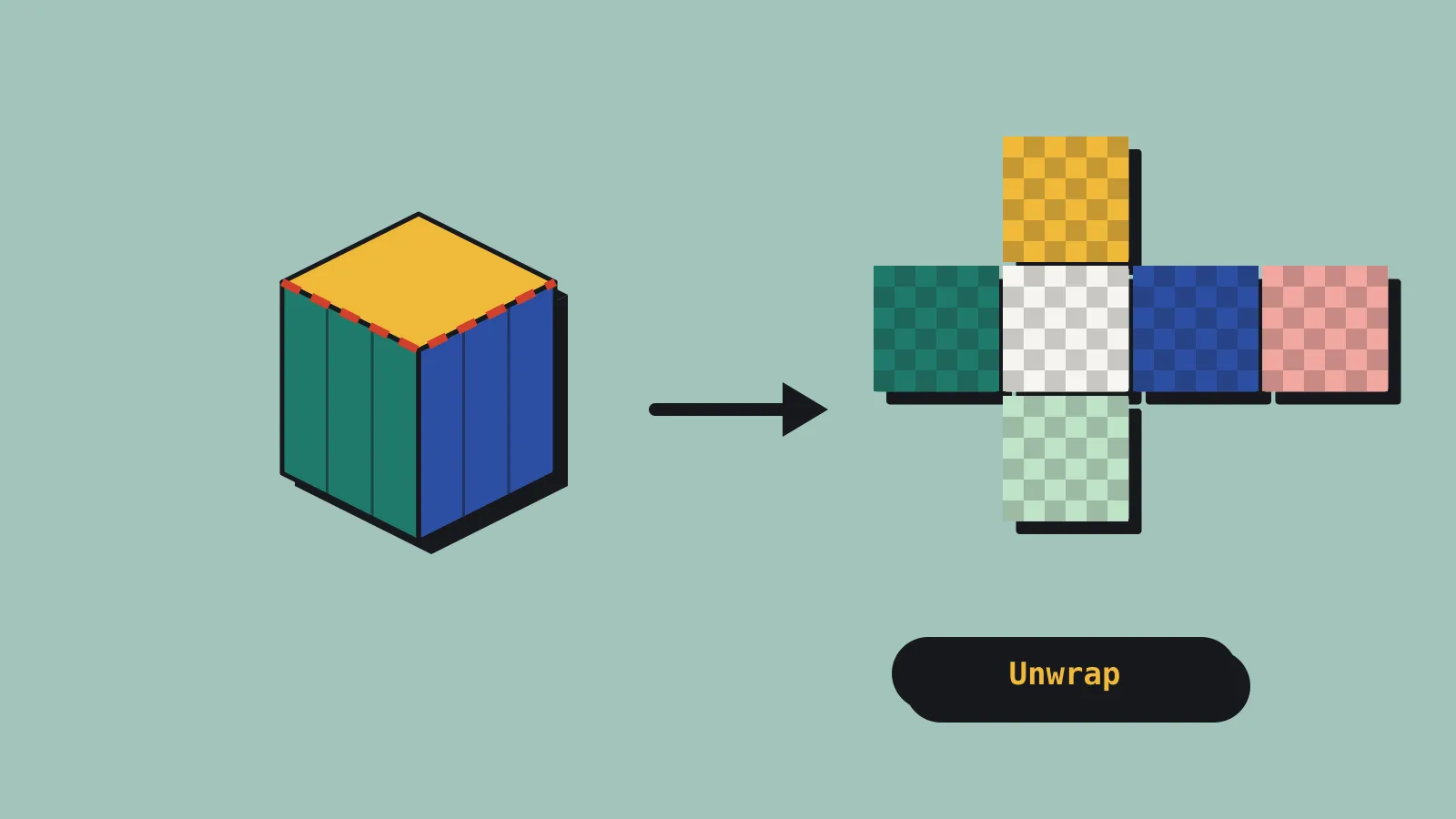
UV work is covered too. The app suggests seams you can accept or reject, then packs thousands of UV islands on the GPU. You can also use it as a standalone unwrapping tool on meshes you built elsewhere.
Baking handles vertex colour, normal and ambient occlusion maps. It supports multiple UV sets, UDIMs (tiled UV layouts that spread a model across several texture sets), custom cages and high-to-low assignments. A scene outliner keeps a whole character or environment in one file, and you can bake several texture sets in one pass.
Sparseal says every AI model runs on your machine and works offline, so your meshes stay on your device. It also says the models were trained only on synthetic data and that the topology predictor is its own in-house work, with no third-party AI services involved. That matters if a publisher or client asks how AI was used in your art pipeline.
This is a new app, separate from the original CozyBlanket for iPad. It has its own file format and needs its own licence. Original CozyBlanket owners keep their app and its maintenance updates.
What it costs
Sparseal’s checkout lists three desktop packages in US dollars, localised at checkout:
- Indie: US$90 per user, for individuals or companies under US$100,000 in annual revenue and under 10 employees.
- Studio: US$180 per user, for anyone above those limits.
- Studio Floating: US$180 per seat, with floating rather than machine-locked seats.
Each is a perpetual licence with one year of updates. The node-locked packages allow two activations, so a desktop and a laptop are covered. With the 20% launch code, the Indie licence works out to about US$72.
The desktop licence doesn’t carry over to the iPad. CozyBlanket Pro on iPad is a separate App Store download with its own US$89.99 in-app purchase for saving and exporting, and it needs iPadOS 18.6 or later and an Apple Pencil.
How it compares with retopology in Blender
If you already work in Blender, you can retopologise for nothing. Blender’s own snapping, Poly Build tool and Shrinkwrap modifier do the job by hand. It’s slow, but it costs only your time.
Retopoflow 4 from Orange Turbine adds sketch-based tools inside Blender’s Edit Mode. You draw strokes and strips of quads onto the high-poly surface. The source code is free under the GPL on GitHub, and a commercial licence on Superhive costs US$85.99. It needs Blender 4.2 or later.
Quad Remesher from Exoside is the other common choice. It’s an automatic remesher, so it builds the whole mesh in one go rather than suggesting edits as you work. A perpetual Pro licence for one host app costs US$109.90, and that’s the one you need if you sell your game. The US$59.90 Indie licence is for non-commercial use only. There’s also a subscription at US$15.99 every three months.
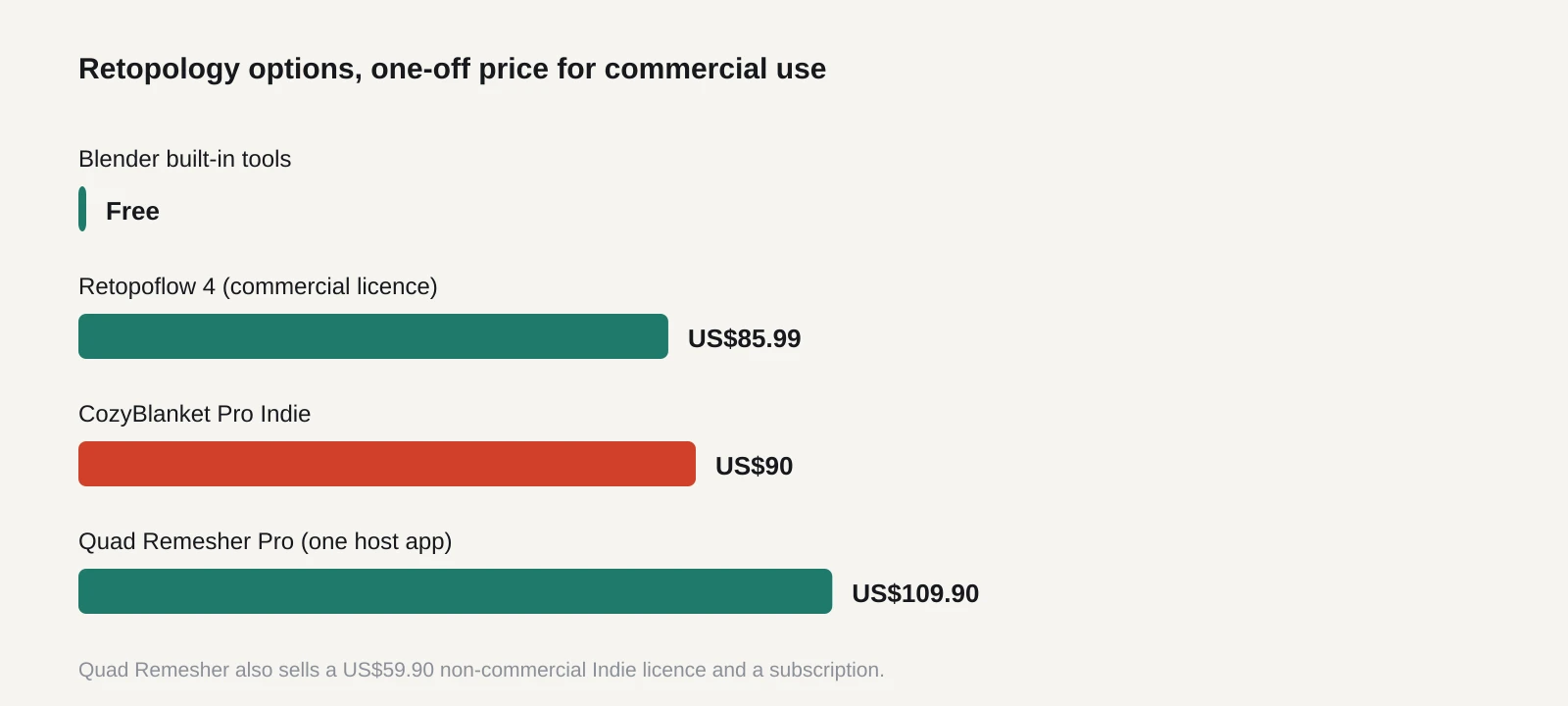
So, on price, CozyBlanket Pro’s Indie tier sits between Retopoflow and Quad Remesher Pro. The difference is in how they work. Quad Remesher is fast and hands-off but can need clean-up around faces and joints. Retopoflow and Blender’s tools give you full control at the cost of hours. CozyBlanket Pro tries to sit in the middle, with the AI doing the tedious bits while you make the calls. It also bundles UVs and baking, which the Blender add-ons leave to Blender or another app.
Here’s some simple maths. If you value your time at US$30 an hour, the Indie licence pays for itself once it saves you three hours. A game character can take a full day or more to retopologise by hand. If the AI suggestions cut even a quarter of that across a few assets, you’ll be ahead. If you only make one or two models a year, Blender’s free tools are still the better deal.
What to do now
Download the free version and test it on a real asset from your project, not a demo mesh. Pick something with tricky areas, like a face, hands or a hard-surface prop with holes. Time yourself and compare against your usual method.
Check how it fits your pipeline before you buy. Sparseal hasn’t published system requirements or a list of import and export formats on the product page. Make sure your meshes come in cleanly and your baked maps work in Blender, Substance Painter or your engine. Sparseal’s own checkout page also suggests testing hardware compatibility first.
Read the licence terms if you’re near the Indie limits. A two-person studio with a hit could cross US$100,000 in a year and need the Studio tier for new seats.
If the trial convinces you, buy within launch week to get the 20% off. If it doesn’t, Retopoflow and Blender’s built-in tools aren’t going anywhere.