Two new Blender add-ons for trailer camera work, from free to $24
PocketCam turns your phone into a handheld camera for Blender scenes, and Dolly Zoom adds the Vertigo effect for free. Here's what each one costs and needs.
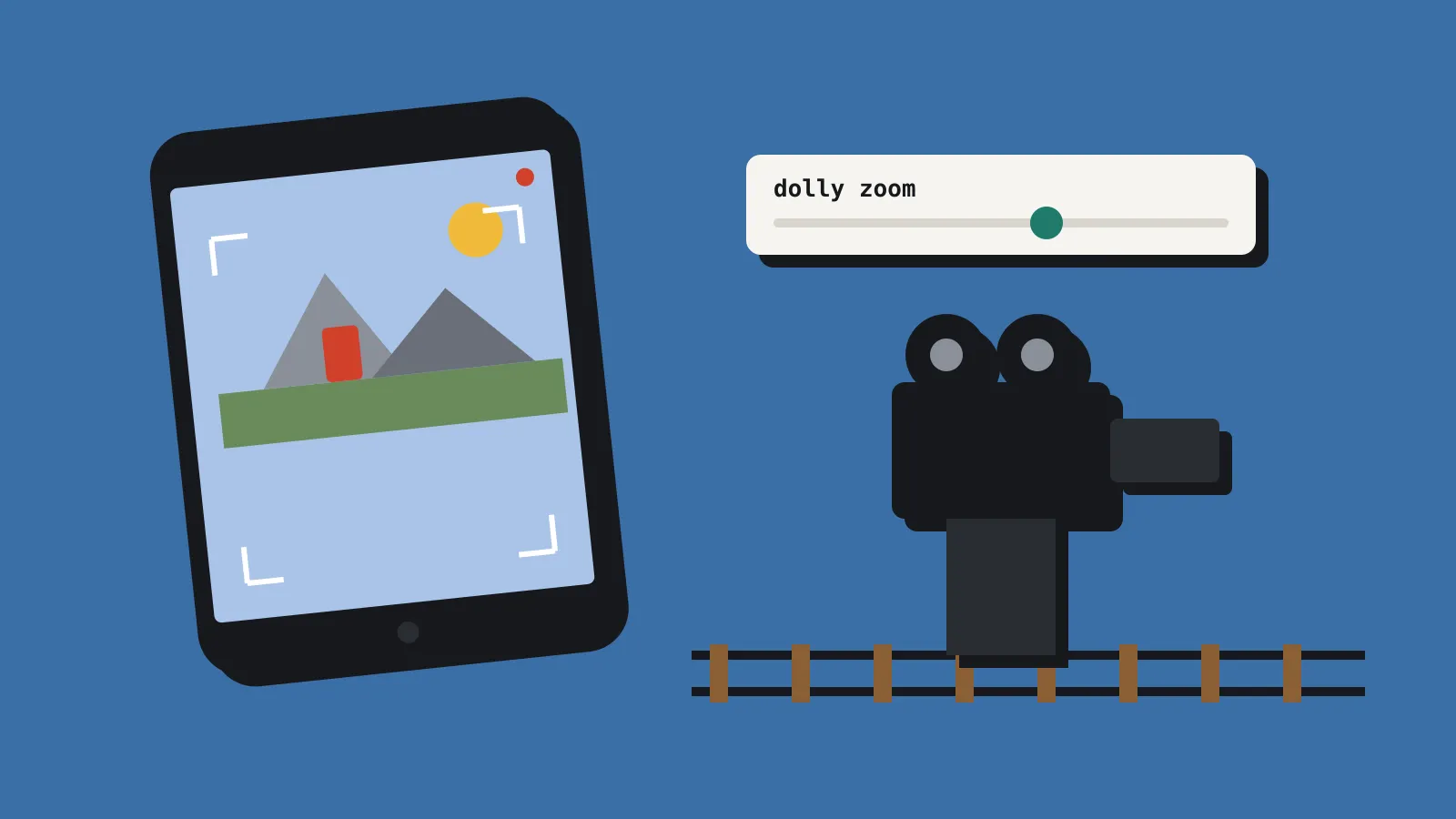
Two camera add-ons for Blender appeared this month, and both are aimed at the shots that make a trailer look less like a turntable. PocketCam, by Lewis Martin, lets you hold your phone and use it as the camera inside your scene. It costs US$12 to US$69 on Superhive. Dolly Zoom, by JLBöhm, adds the classic Hitchcock zoom with a single slider. It’s free on the official Blender extensions site. Both need Blender 4.2 LTS or newer.
PocketCam: your phone as a handheld camera
PocketCam streams Blender’s camera view to your phone and records how you move the phone. You scan a QR code in Blender to connect, and it reconnects automatically if the link drops. Both devices need an internet connection, but they don’t have to be on the same Wi-Fi network. Setup includes a free Cloudflare account, which the add-on creates for you from inside Blender. The phone side runs in Safari on an iPhone or Chrome on Android, so there’s no app to install.
Every take is recorded to the timeline with your scene’s audio playing, so you can move the camera in time with music or a voice line. You can re-smooth a take afterwards on a scale from 0 to 1, and you can change the lens after recording. There are six prime lenses (14, 24, 35, 50, 85 and 135 mm). The add-on also has joysticks on screen, recentre and home buttons, a horizon lock, a height lock and a tripod mode.
There are three tiers, all one-off payments:
- Lite, US$12: movement comes from the phone’s gyroscope (the sensor that measures rotation) plus the on-screen joysticks. Prime lenses only.
- Pro, US$24: adds walk-around tracking in six degrees of freedom, so walking across your room moves the camera through the scene. It also adds a 12 to 200 mm zoom wheel and Xbox controller support.
- Studio, US$69: Pro features for up to 10 artists in one company.
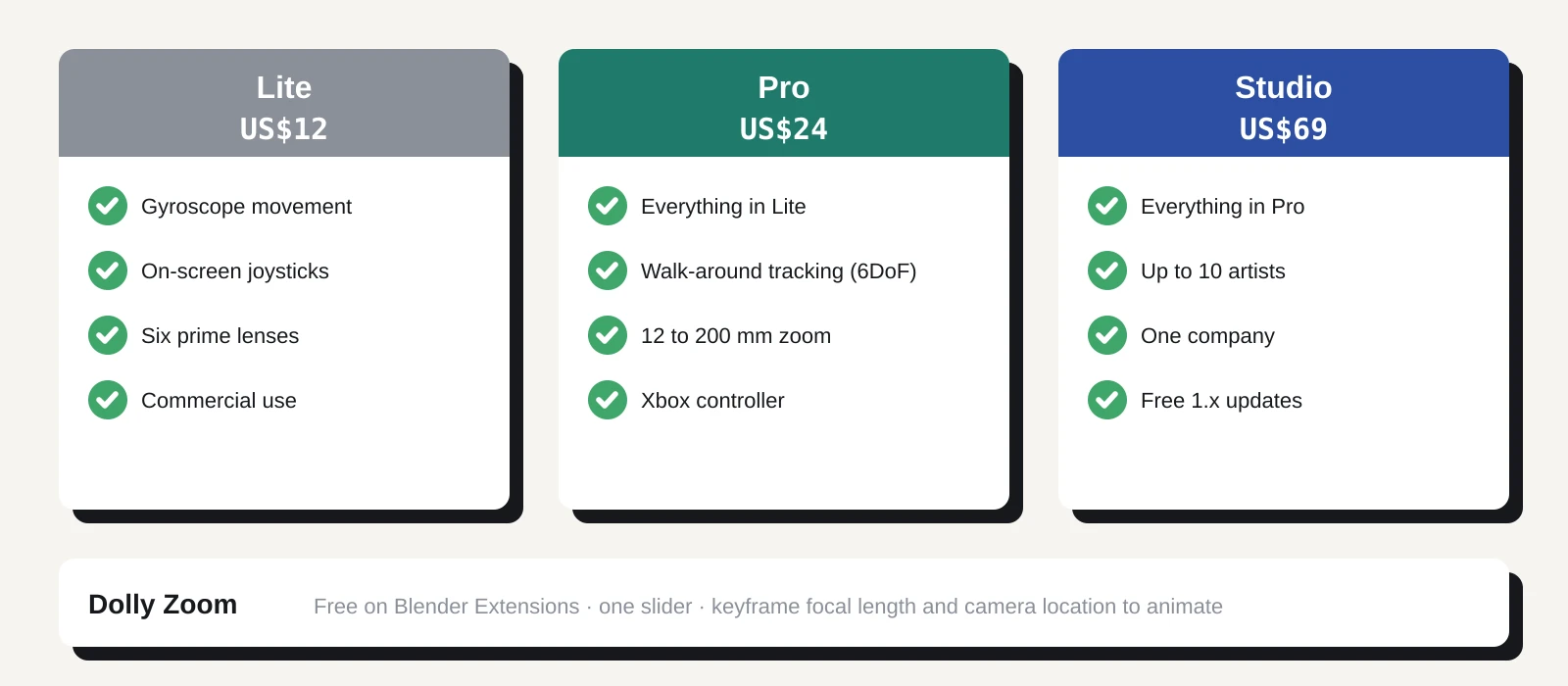
All tiers allow commercial use with no income cap, and updates are free for the whole 1.x line. The listing marks the add-on as GPL. It supports Blender 4.2 LTS to 5.2 on Windows and macOS. Linux isn’t listed. On Android, walk-around tracking needs a phone that supports Google’s ARCore.
Dolly Zoom: the Vertigo shot in one slider
A dolly zoom moves the camera towards or away from a subject while changing the focal length the other way, so the subject stays the same size and the background stretches or squashes behind it. It’s the shot from Hitchcock’s Vertigo and a lot of horror trailers since.
Setting one up by hand means matching focal length to camera distance frame by frame. Dolly Zoom does the maths for you. Moving its slider changes the focal length and moves the viewport or camera along its own view axis at the same time. The 3D cursor marks the point that stays fixed, so you put the cursor on your subject first.
Version 1.0.0 came out on 11 October 2026. It’s 3.5 KB, licensed under GPL 3.0 or later, and had 2,320 downloads when we checked. 80 Level covered it on 26 October.
There’s one catch. The slider itself can’t be keyframed, so to animate the effect you keyframe the focal length and the camera location separately. A reviewer asked for an auto-key button, and the author said they’d look at it.
What it means for a solo dev
Most indie trailers are captured in-engine, so these add-ons help most if Blender is already part of your pipeline. That covers you if you render cinematics, a reveal shot or a key art turnaround in Blender, or if your game is pre-rendered.
PocketCam fixes a common problem with Blender camera moves: they look like keyframes. Hand-held motion has small drifts and corrections that are tedious to animate and easy to overdo with noise modifiers. Recording a real hand move, then smoothing it, gets you closer for US$12. If you want to walk a shot through a level, you need Pro at US$24.
Dolly Zoom is a quick win. One shot of it can sell a moment in a trailer, and the add-on removes the fiddly part of setting it up. It costs nothing and weighs less than most screenshots.
Neither add-on helps with footage captured in Unity, Godot or Unreal. For that, you still need your engine’s own camera tools or a debug camera.
What to do now
Start with Dolly Zoom, since it’s free. Install it from Blender’s Get Extensions panel, put the 3D cursor on your subject and drag the slider. If you want to keep the move, keyframe the focal length and camera location at the start and end of the shot.
Before you buy PocketCam, check three things. First, your Blender version: 4.2 LTS to 5.2 is supported, on Windows or macOS. Second, your phone: Android walk-around tracking needs ARCore support, and Google publishes a list of supported devices. Third, whether you’re happy creating a Cloudflare account for the connection. The free tier is all PocketCam asks for, but it’s another account to keep track of.
Then pick a tier. Lite at US$12 is enough for handheld pans and tilts from a fixed spot. Pro at US$24 is the one to buy if you want to walk the camera through a scene or zoom during a take. Superhive’s terms cover refunds, so read them before you pay.
If you sell or share your Blender files, note the GPL listing. The licence applies to the add-on’s code, not to your renders or scenes.