Unity 7 alpha: what's new, and why to stay on Unity 6
The first Unity 7 alpha swaps Mono for CoreCLR in the editor. The payoff hasn't arrived yet, so stay on Unity 6 and use the time to get ready.
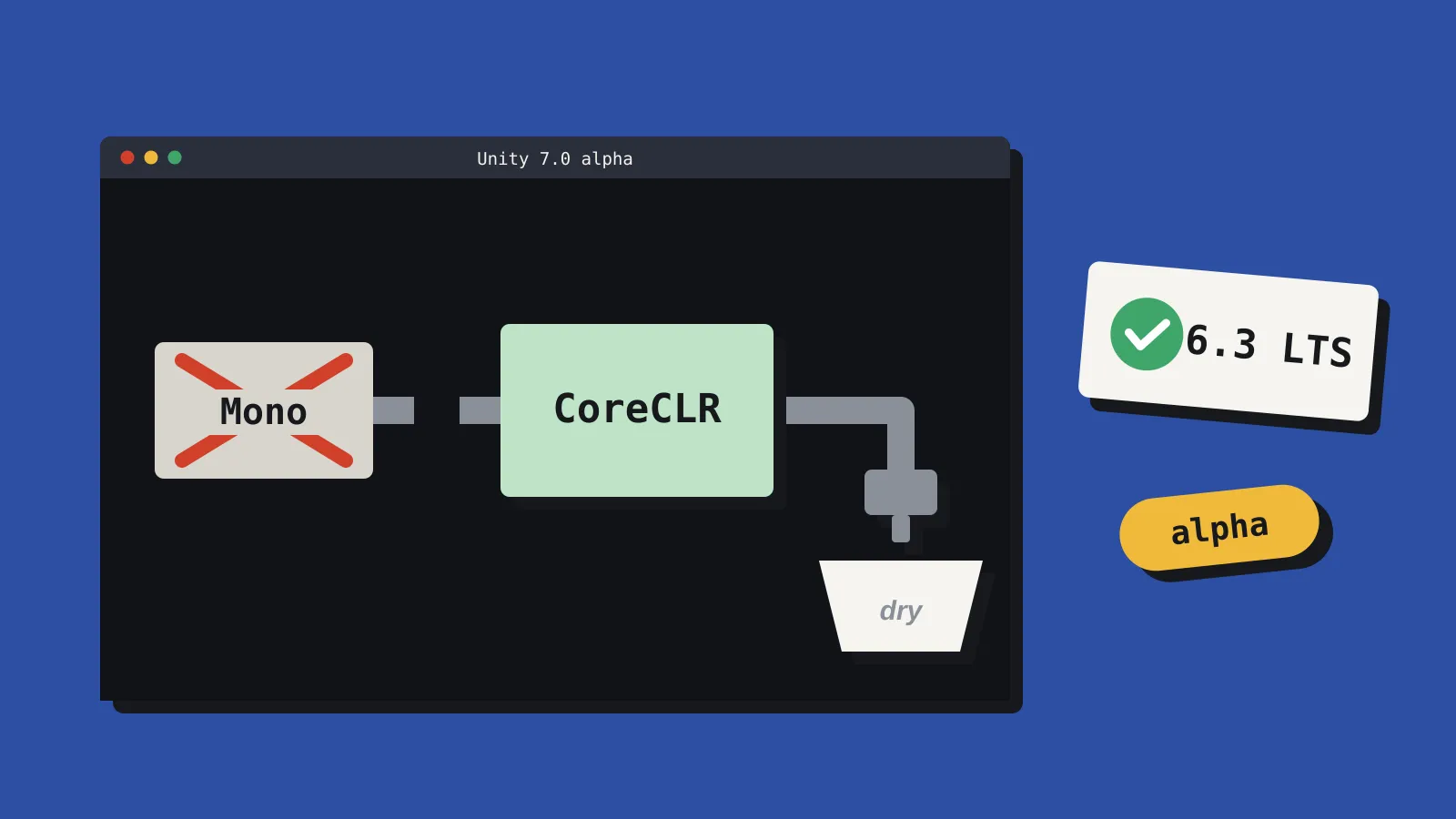
Unity opened the Unity 7.0 alpha to everyone on 5 October, two months ahead of the December preview it talked about at Unite Seoul in July. It’s in Unity Hub under Pre-releases. Before you hit download, here’s what’s actually inside.
What changed
The big one: the Unity Editor now runs on CoreCLR, the runtime behind modern .NET, instead of Mono. Unity has been working towards this for years, and it’s the reason Unity 7 exists.
What you write stays the same, though. The alpha still targets C# 9 and .NET Standard 2.1, just like Unity 6. The C# 14 and .NET 10 support shown off in July isn’t here yet, and Unity can’t commit to a public date. Player builds don’t change either.
Domain reloads are technically gone, replaced by a new reload system, but Unity says the speed gains aren’t visible yet. Early testers are seeing reload times much like Unity 6.5. Performance work is planned for a later 7.x release.
Should you switch?
Not if you’re shipping. Unity itself says the alpha isn’t for production, and nothing in it makes your game better today. Stay on Unity 6.3 LTS, which is supported until December 2027.
The more pressing date is closer: Unity 6.0 LTS reaches end of support this month. If you’re still on it, moving to 6.3 matters more than anything in Unity 7.
Get ready from Unity 6
You can do most of the prep without touching the alpha:
- Run Project Auditor 2.0’s Domain Reload checks to find code that will break when Mono goes.
- Turn on Fast Enter Play Mode now. It will become the only option, and it flushes out statics that never reset.
- Swap
BinaryFormatterout of your save system. It’s obsolete under CoreCLR. - List your Asset Store packages and native plugins. Unity has tested the 68 most popular packages, so for anything else, ask the publisher. It helps to know what’s in your packages anyway.
Got a spare afternoon and a backup? Copy your project, open it in the alpha and report what breaks. Unity is shipping builds twice a week, so today’s bug could be fixed well before 7.0 lands in 2027.
For now, Unity 7 is a plumbing release. The pipes matter, but the water isn’t running yet. We’ll keep covering it in Engines.
Sources: Unity 7.0 alpha announcement, CoreCLR, Scripting and .NET update, Path to CoreCLR upgrade guide, Unity 6 support.