Construct 3 has a new LTS. Should you leave r449?
Scirra's r495.3 LTS is supported until the end of 2027, and r449's support ends this year. What you lose, what you gain and how to move safely.
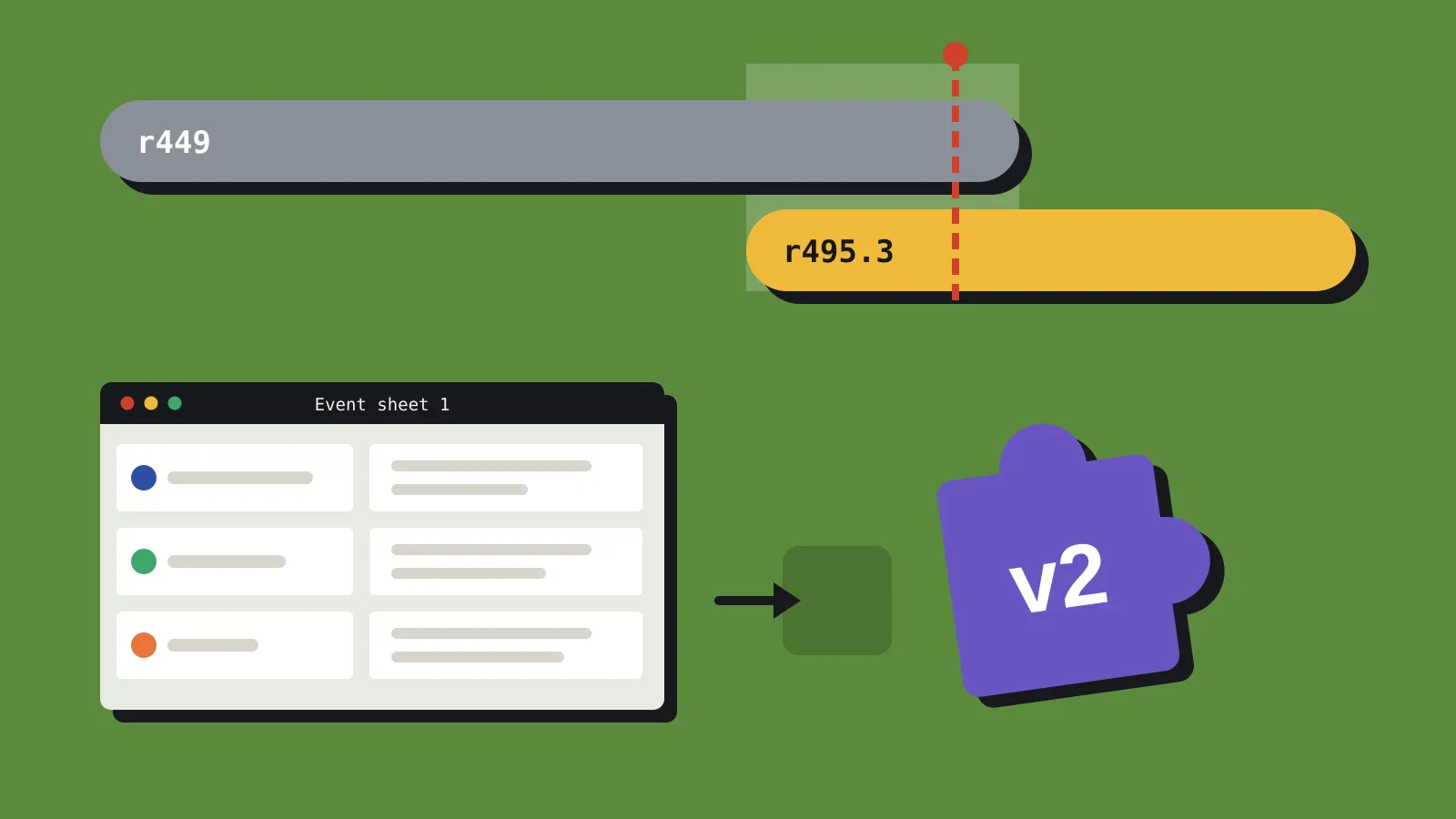
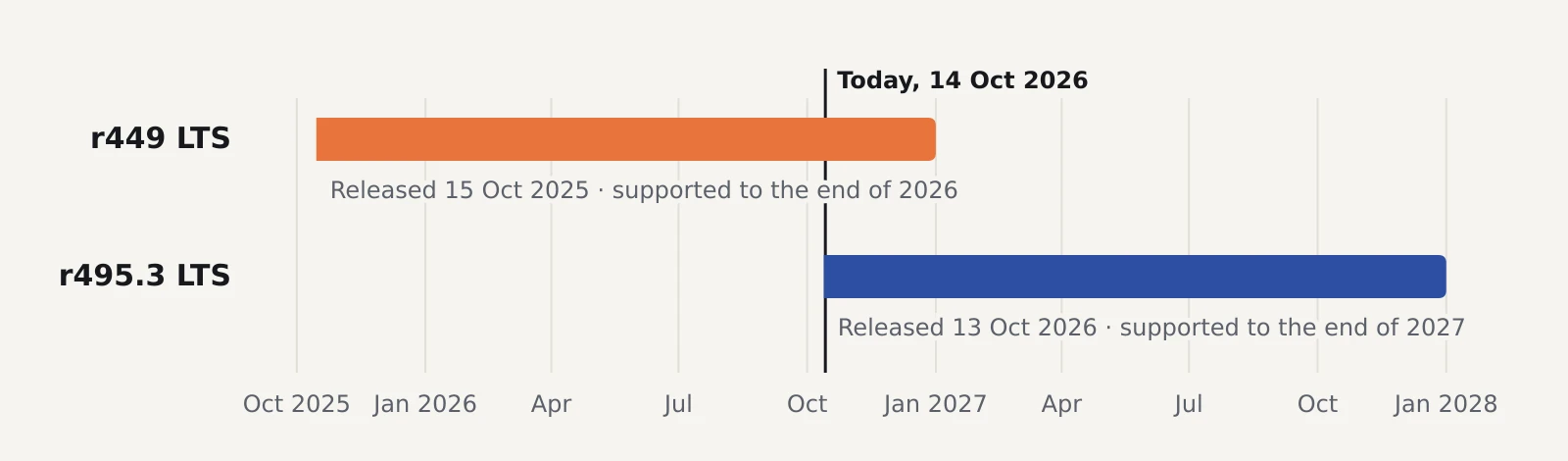
Scirra has made Construct 3 r495 its new long-term support (LTS) release. r495.3, published on 13 October, is based on stable r495 and will get essential bug fixes and maintenance until the end of 2027. The previous LTS, r449, is supported until the end of 2026. After that it stays available, but gets no more updates.
If you’re on r449, you have about 11 weeks to decide. For most projects, moving is easy. For projects built on older third-party add-ons, or exported to desktop with NW.js, it’s the biggest jump Construct has asked of LTS users so far.
Construct’s three release channels
Construct ships three kinds of release, as Scirra explained when it introduced LTS in 2024:
- Beta releases come out roughly weekly, for trying new features.
- Stable releases arrive every two to three months and gather up the betas since the last one.
- LTS releases come about once a year. Each starts from the stable release of the time, then gets only critical fixes, such as changes for app store rules or browser updates.
LTS suits teams who’d rather not touch a working project mid-production. Stable suits most people. Beta is for testing, not shipping. If you’re on LTS, Construct only tells you about newer LTS releases, so you won’t be nagged about every stable update.
Each LTS overlaps with the next. Scirra’s 2024 announcement planned 18 months of support per LTS, but in practice the windows have been shorter. r449 LTS arrived in October 2025 and is supported for about 14 months, and r495.3 follows the same pattern, from October 2026 to the end of 2027. That overlap, from now to the end of the year, is your window to move.
What you lose moving from r449
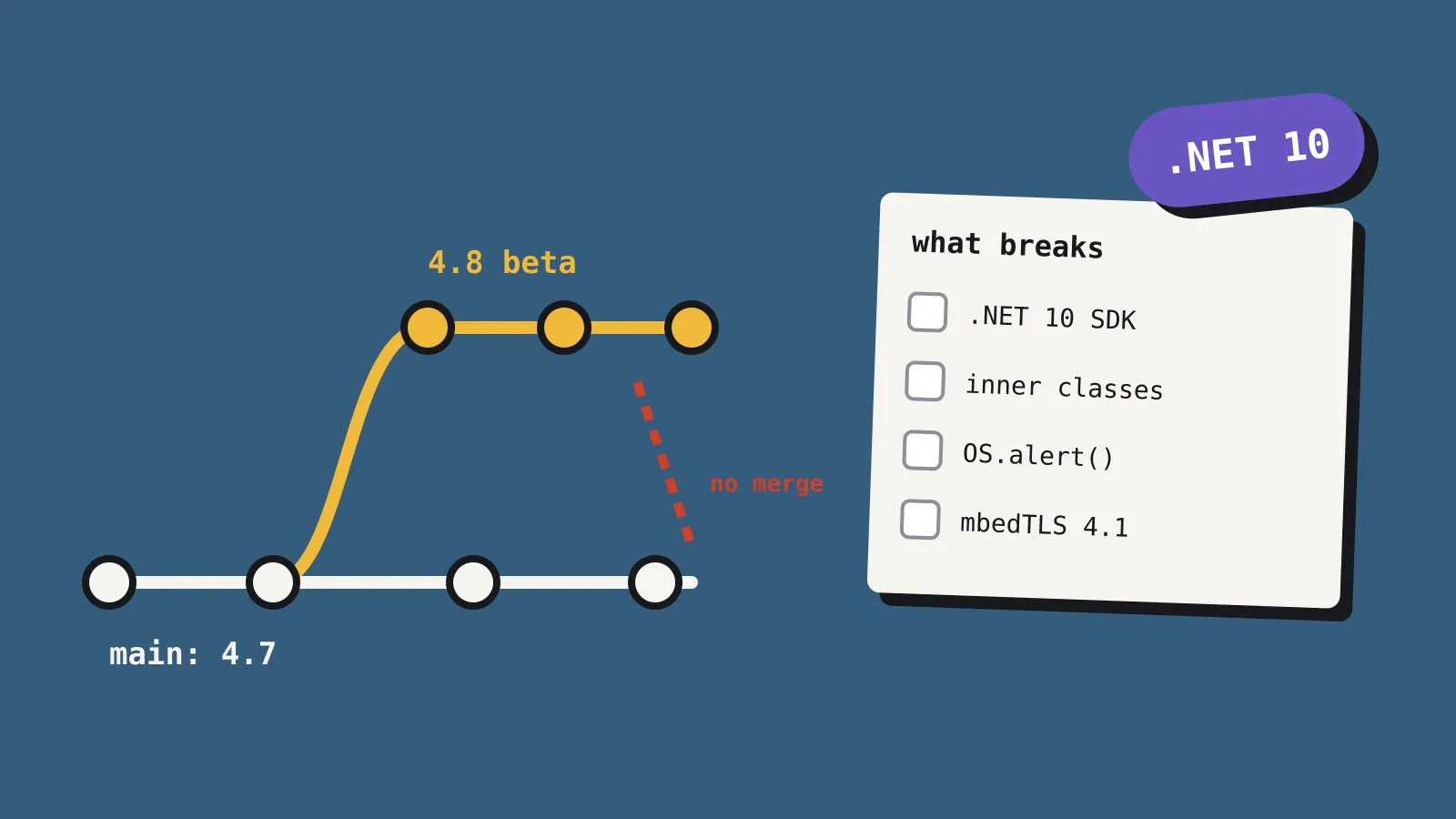
r449 is the last LTS that supports two things Construct has since removed. Both went in r450, a beta released in July 2025, and reached stable in r458 that October.
SDK v1 add-ons. Construct now supports only third-party plugins and behaviours written for Addon SDK v2. If your project uses an older add-on, it won’t work in r495.3 until its author publishes an SDK v2 version. Scirra’s porting guide covers the change for add-on authors, and effects and themes don’t need porting. The Addons section has a filter for SDK v2 add-ons, which is the quickest way to check yours.
The NW.js desktop exporter. Desktop builds now use Construct’s own exporters: WebView2 on Windows, WKWebView on macOS and CEF on Linux. If you shipped desktop builds with NW.js, allow time to switch exporters and retest, especially anything that relied on NW.js-specific features.
The same release also dropped 32-bit Windows and Linux exports, made AVIF the default format for lossy image exports, and introduced a new text layout engine, so check any text-heavy screens for changes in line breaks or spacing.
What you gain
Quite a lot. r495.3 includes everything that reached stable between r449 and r495.
| Release | Date | Headline additions |
|---|---|---|
| r458 | October 2025 | WebGPU renderer on by default in the editor and at runtime |
| r466 | December 2025 | Pinnable editor bars, four new blend modes |
| r476 | March 2026 | 3D model object (glTF and GLB), dynamic sampling |
| r487 | May 2026 | New 3D editor view with a gizmo, multiple Event Sheet Views |
| r495 | July 2026 | 3D rotation, Billboard behaviour, 3D mesh editing, direct folder export |
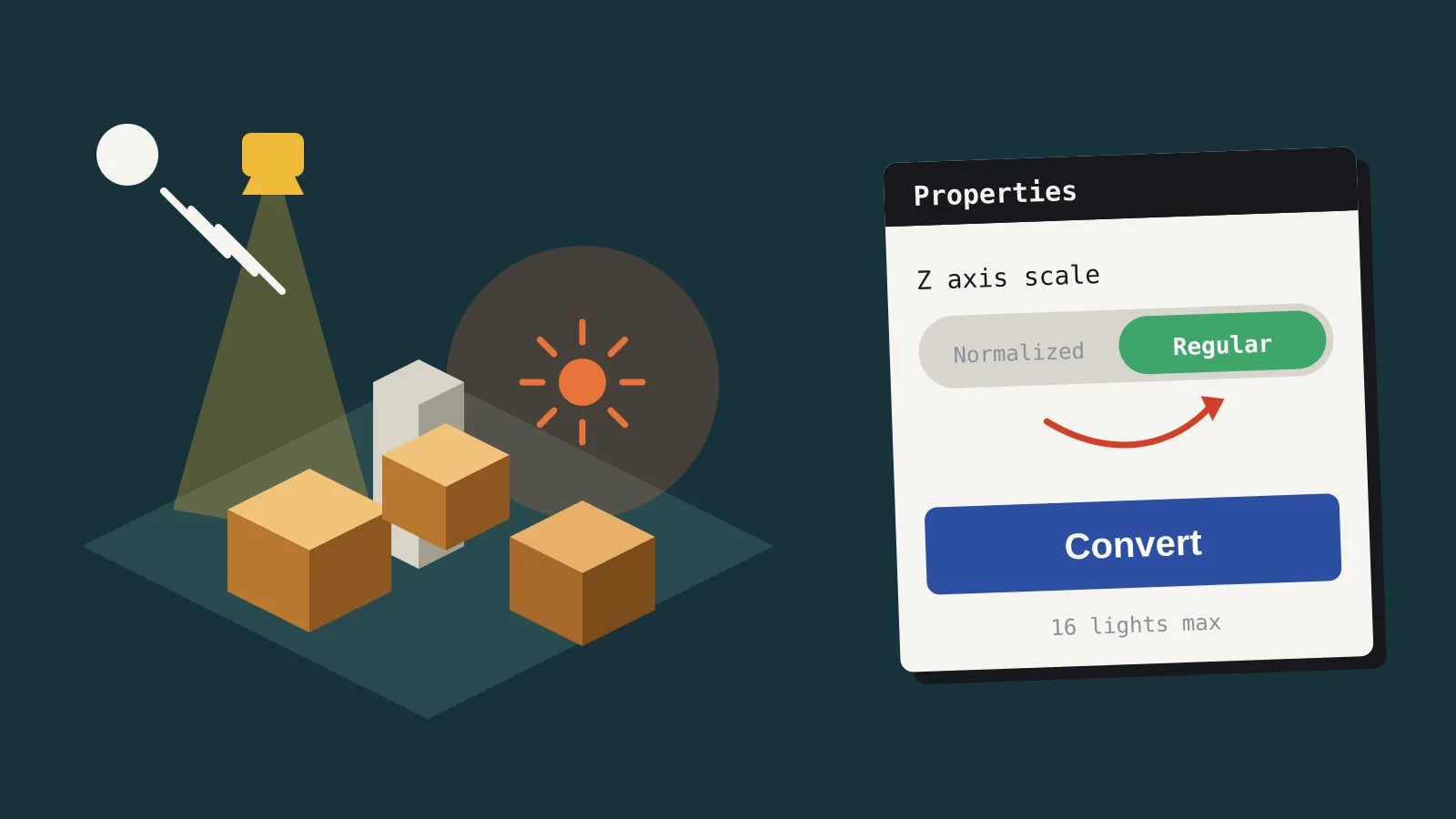
r495.3 adds four fixes on top of r495. Two are worth knowing about before you open an older project. The Fog (exponential) effect has new default parameters, chosen to suit the regular Z axis scale, so check any fog that relies on the defaults. And a bug that could make folder projects impossible to open, after moving a project file referenced in event sheets, is fixed. That fix also shipped in r449.6.
The other two fix recent regressions: a Drawing Canvas paste bug in fixed resolution mode, which started in r491, and a crash when editing a mesh point’s Layout X/Y, which started in r488.
How to stay on a version you trust
Every Construct release has its own web address. To use the new LTS, open editor.construct.net/r495-3/. To stay on the latest r449 LTS while you audit your add-ons, use editor.construct.net/r449-6/. Be careful with the plain /r449/ address, which opens the original r449 from July 2025 without the LTS fixes. The address editor.construct.net/lts always points to the newest LTS.
Bookmark the versioned address rather than relying on the installed app. In a comment on the release page, one user said their installed Chrome app had updated itself to the new LTS, and asked for an easier way to stay on r449. We couldn’t confirm how the installed app behaves, so if you need to stay put, use the versioned web address. Keep a backup of your project before you open it in anything newer.
Should you care?
| You are | Our verdict |
|---|---|
| On r449, with no SDK v1 add-ons or NW.js exports | Move to r495.3 before the end of 2026. Back up first, and check any fog effects. |
| On r449, with SDK v1 add-ons or NW.js exports | Audit first. Don’t move until every add-on has an SDK v2 version and your desktop builds work with the new exporters. |
| On stable already | Nothing to do, unless you’d like fewer updates. If so, switch to LTS. |
| Starting a new project | Use r495.3 or the latest stable. Don’t start on r449. |