Construct 3 r506 adds 3D lighting, and drops an old Z mode
Scirra's new stable release adds lights, PBR materials and FBX import. It also drops the Normalized Z axis scale, so check 3D projects before you upgrade.
Scirra released Construct 3 r506 on 14 October, the first new stable release since r495 in July. It adds real-time 3D lighting, physically based materials, FBX and OBJ import and animation blending for 3D models. It also removes the old “Normalized” Z axis scale, so some 3D projects need converting before they look right. A hotfix, r506.2, followed on 15 October.
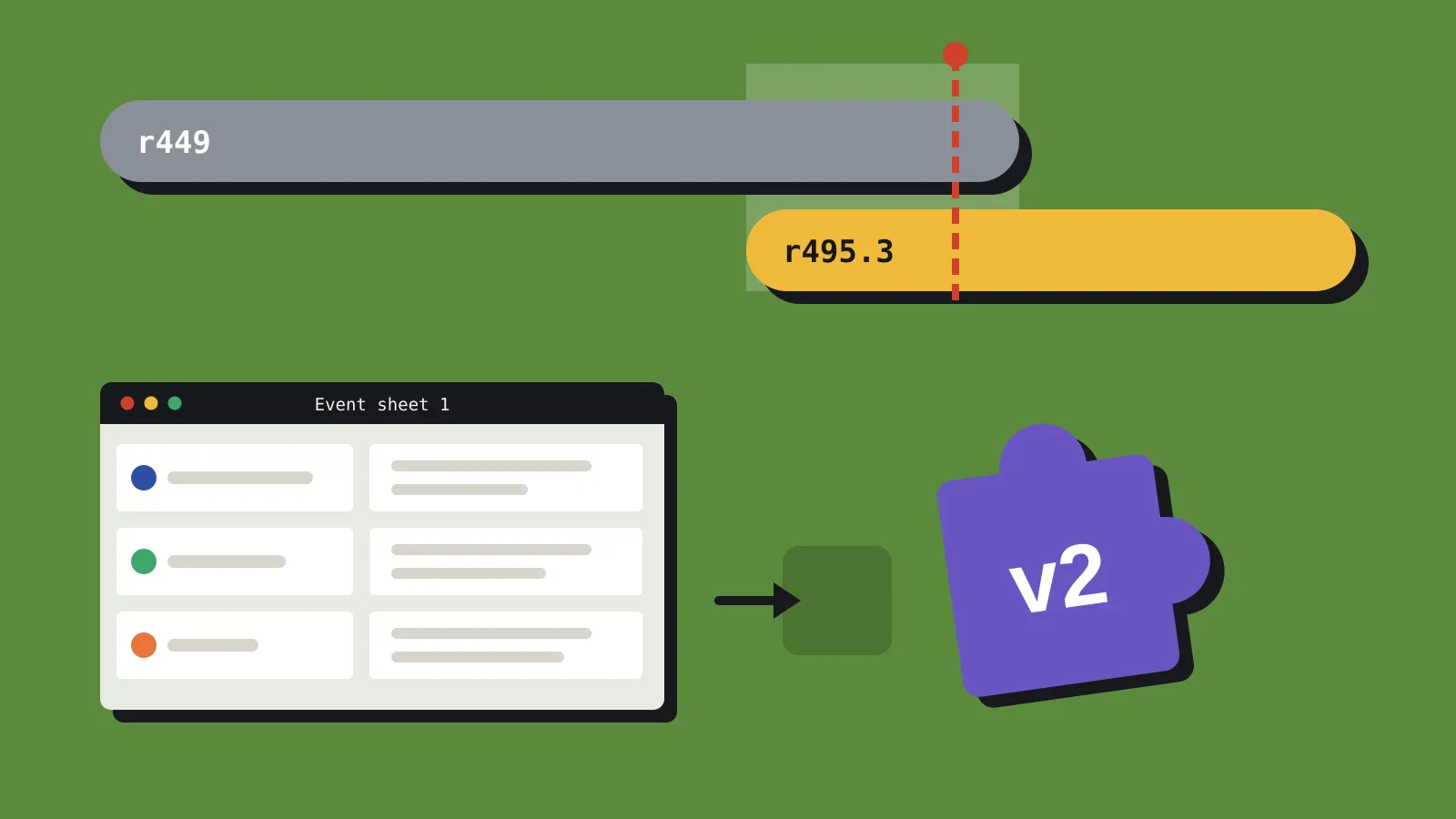
None of this is in the r495.3 LTS we covered this week. If you’re on LTS, this is what you’re skipping until the next one. If you’re on stable, here’s what changed and what to check before you open a project.
Lights, finally
The new 3D Light object arrived in beta r498 and comes in three types: point, directional and spot. Each has a colour, an intensity and a reference distance, which is the distance at which the light is at full brightness. Beta r502 added an attenuation factor, so a light set to 0% doesn’t fade with distance at all.
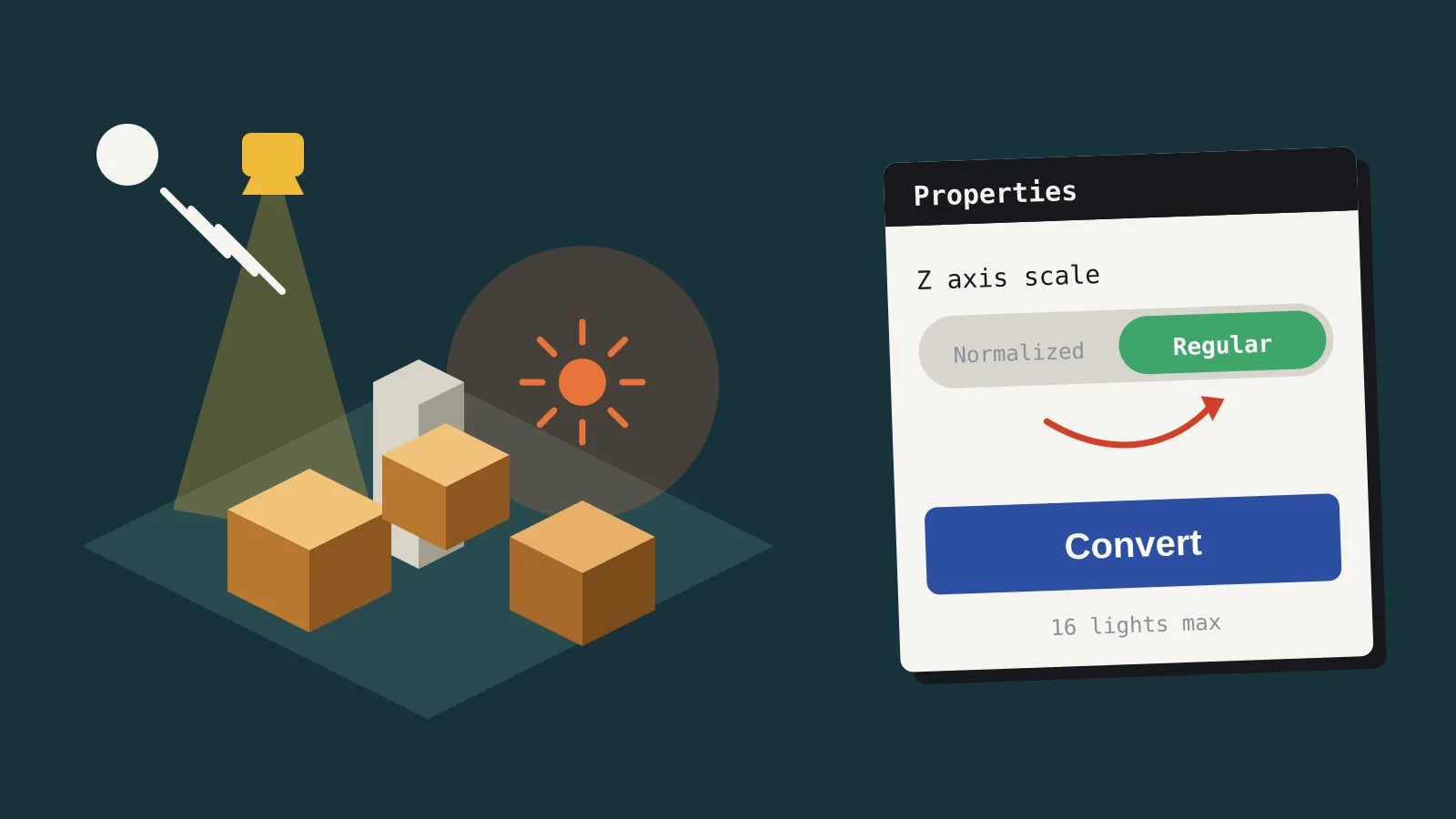
Up to 16 lights can affect the view at once. Construct leaves out lights that don’t reach the screen, so a level can hold more than 16 as long as no more than 16 are visible together. Lights work on Sprites (including 3D-rotated and mesh-distorted ones), 3D Models and 3D Shapes. A new layout property, ambient light, sets the minimum brightness so unlit areas don’t go black.
There are no shadows yet. Scirra says they’re planned.
Materials changed partway through the beta cycle. r498 started with a Blinn-Phong model, and also let you set a flat surface type for a retro look or turn lighting off per object. Then r499 replaced Blinn-Phong with PBR (physically based rendering) using metallic and roughness values. r499 also added a Transmissiveness property, which controls how much light shows on the side of an object facing away from the light.
Better 3D models
The 3D Model object, which first shipped in stable r476 in March, gets a long list of upgrades:
- FBX and OBJ import (r503), alongside the existing glTF and GLB support. Beta r505 then made Construct try to clean up FBX files on import, and give a clearer error for meshes with more than one material.
- Animation blending (r501). The Play and Set Animation actions take a transition duration, so animations cross-fade instead of snapping.
- Alpha testing (r496) for cut-out textures like foliage and fences.
- Sprites as textures (r496), which gives you animated textures on a model.
- Runtime bone and mesh edits (r496). Scirra’s example is turning a tank’s turret independently of its body.
- Emissive textures (r496) and bulk importing of several models at once (r499).
Smaller changes
Two new Layers bar options in r501 copy a layer’s settings and sub-layers to every layout with a layer of the same name, or rename it across the whole project. Scirra suggests backing up your project before using either.
Windows WebView2 exports get an experimental Steam overlay mode called Capture. It copies the game into the main window, which Scirra says should work better with Steam features such as video recording. For now you also need to untick “Enable overlay” in the Steamworks plugin. The older Overlay mode stays as a fallback, and Scirra has opened a forum thread for feedback, so expect changes.
There’s a new demo game, Arcane Express, built on the 3D features, plus six other new examples. The editor now asks before deleting project files (r504), and a new project option saves a context file for AI coding assistants (r502).
What breaks
The headline removal is the legacy Normalized Z axis scale, along with the 3D Camera’s Z axis scale property that only worked in that mode. Scirra started phasing it out in beta r481 in April and removed it in r496, so r506 is the first stable release without it. 2D-only projects switch to the Regular scale automatically. 3D projects get a Convert button in the Properties bar, which switches the scale and adjusts object Z positions and depth so the scene looks the same.
Convert doesn’t touch your event sheets or your JavaScript and TypeScript code. Any events or scripts that set Z values by hand need updating yourself.
Other changes from the betas can also break things:
- Projects that use actions or expressions for the old Phong material properties won’t open until you remove them (r499).
- Models now flip on Y by default when imported (r497), which can change how existing models look.
- Some script APIs were renamed. setQuaternion and getQuaternion are now setModelQuaternion and getModelQuaternion (r500), and animationDuration is now getAnimationDuration (r502). Several animation actions and conditions also changed in r502 to support blending.
- The default Z near and far planes moved to 10 and 100,000 (r496).
If you need the Normalized scale, Scirra’s advice is to stay on r495, which is the base for the current LTS.
Bugs to know about
r506.2 fixes four problems. Three were regressions in r506: a crash in the getAnimationProgress scripting method, and the 3D Model “Set progress” action and “Is playing” condition not working. The fourth was an error when opening the Arcane Express example.
The r506 release page lists no known issues, but its comments include user reports that Scirra hasn’t confirmed. Several users describe a crash when loading a save, with an error mentioning the new transmissiveness property, and one says it still happens in r506.2. Single users also report controller input failing in a Windows WebView2 export, and touch swipes not responding. If your game relies on save states, test them before you ship a build made with r506.
Stable or LTS?
r495.3 LTS is supported until the end of 2027 and gets only essential fixes. Scirra calls LTS annual, but hasn’t said when the next one will arrive or which stable release it will be based on.
| You are | Our verdict |
|---|---|
| On stable, making a 2D game | Upgrade. Your project switches to the Regular Z scale automatically. Back up first. |
| On stable, with a 3D project in Normalized mode | Back up, use Convert, then check every event and script that sets Z. Test save and load before shipping. |
| On r495.3 LTS, mid-production | Stay put. Try r506 on a copy of your project if you want lighting for your next game. |
| Starting a 3D game in Construct | Start on r506.2. Lighting and FBX import make it far more practical than r495 for 3D. |