Plasticity 2026.2 adds asset libraries and curvature checks
Plasticity 2026.2 adds shareable asset libraries and a curvature shader, but the bigger question for solo devs is whether $175 beats Blender plus add-ons.
Plasticity 2026.2 shipped on 19 October 2026, according to the official release notes. It is the first big update to Nick Kallen’s NURBS modeller since 2026.1 in April. The headline additions are an Assets system for reusable parts, a curvature analysis shader and a new Project Align command. Studio buyers also get a constraint system that holds surface continuity while you edit. Nothing in the notes changes how you export meshes, which matters more for game work than any single new tool.
What’s in 2026.2
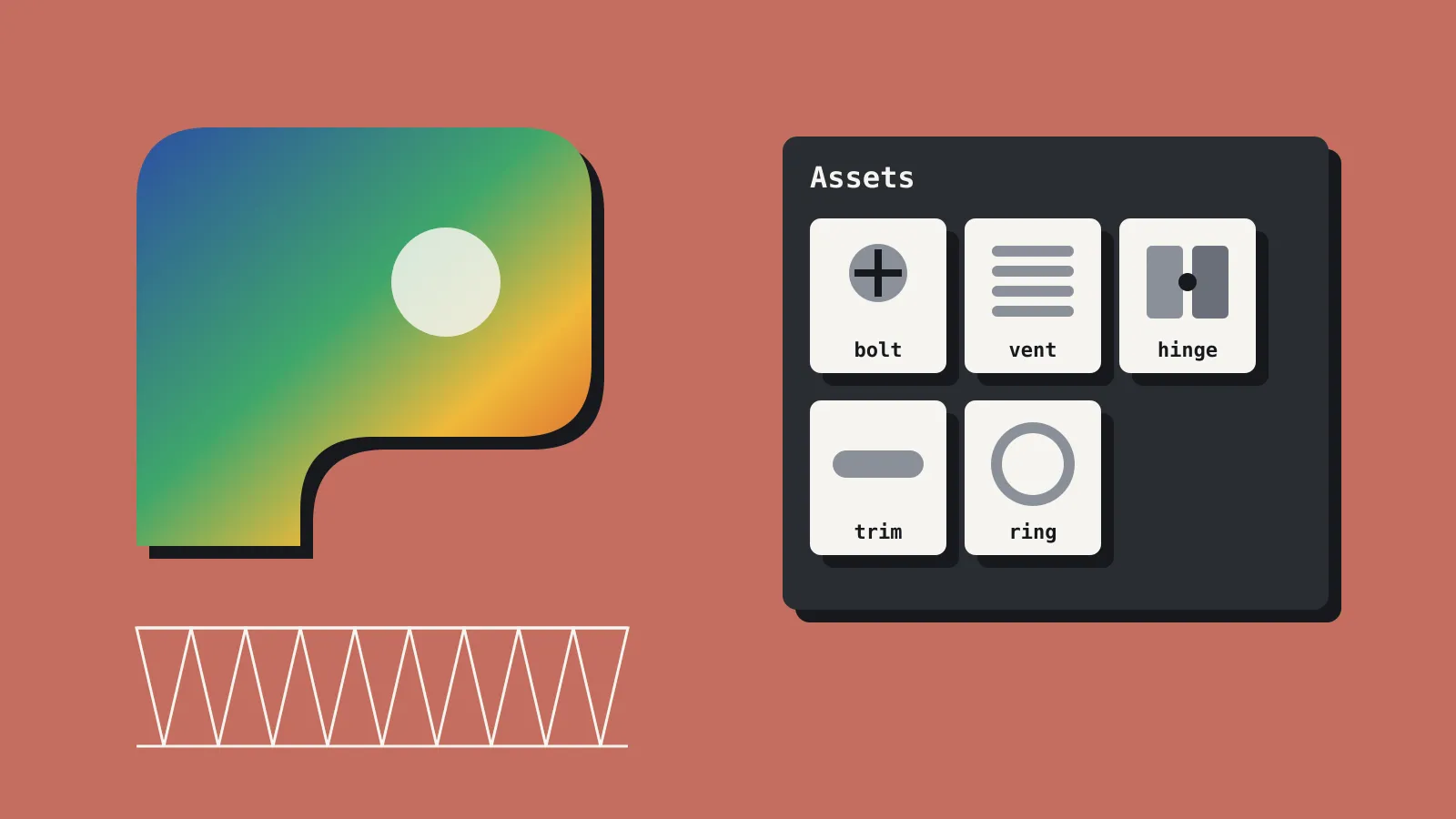
The Assets system lives in a new tab in the Outliner. You mark parts of a model as assets, sort them into folders and drag them back into the viewport. You can export a pack and hand it to a collaborator. For props, this is the useful bit. Bolts, vents, hinges and panel trims you build once can now sit in a library instead of a scratch file you copy from.
The curvature shader sits in the Shader Mode panel and has three modes. Gaussian shows sudden changes in a surface. Mean checks overall smoothness. Max flags spots likely to cause trouble when you thicken or offset. If you have ever had a Thicken fail on a curved panel, Max is the one to try first.
Project Align moves the control points along one surface’s edge to match a reference surface. The official notes mark it Studio only. CG Channel’s write-up doesn’t flag that, so check the docs before you buy Indie for it. The constraint system is also Studio only. It keeps joins smooth (G0, G1 or G2 continuity) across connected surfaces as you change them. The notes say constraints are not yet saved with the file.
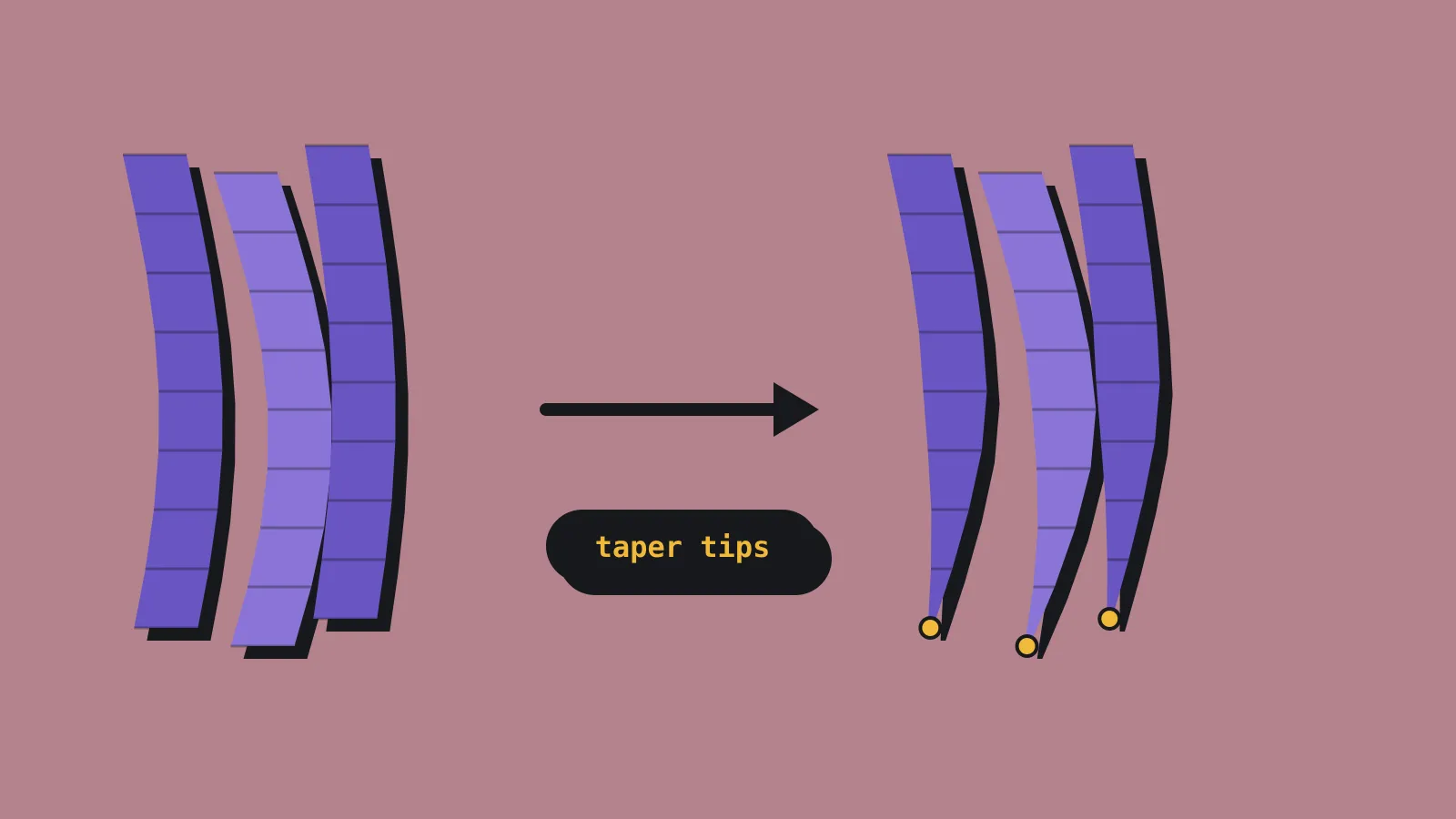
Smaller changes cover about 15 existing commands. Edge Align (renamed from Align) gets new solvers and partial alignment. Failed Boolean, Hollow and Thicken operations now highlight the problem area in red. Importing a .plasticity file now brings across meshes, images and instances. Move now starts automatically when you select something, which the notes call experimental. You can switch it off in Preferences.
Pricing and what each tier exports
Plasticity’s buy page lists prices in US dollars plus local taxes. Indie costs $175 and Studio $299, both perpetual. Each includes 12 months of updates, major releases included. After that, you keep the last version you installed with no restrictions. The renewal page lists a $100 renewal for Indie and $175 for Studio. Renewals are manual, and you have from two months before expiry to four months after. Miss that window and you pay full price again.
Indie is node-locked to two machines and Studio to four, both for one person. We found no revenue cap on Indie. The only size rule we found is that companies with more than 10 employees must buy Studio. Upgrading from Indie to Studio costs $125 within 25 days of purchase, or $175 after that.
File formats are where you need to read closely. Indie lists STEP, OBJ, STL and Parasolid for import and export, plus FBX import. The comparison table on the same page shows only OBJ and STL export for Indie, so Parasolid export is unclear. No tier exports FBX. Studio adds IGES and ACIS, plus Rhino import. For a game engine, OBJ is your direct route out. The 30-day trial only exports low-resolution OBJ and STL, and it bans commercial use.
Getting NURBS into a game engine
Plasticity models with mathematically exact surfaces. Every export turns those surfaces into triangles or n-gons. That mesh is accurate but not game-ready topology. It has long thin triangles across flat faces and dense fans around fillets. Edge loops are not where a rigger or a LOD tool expects them.
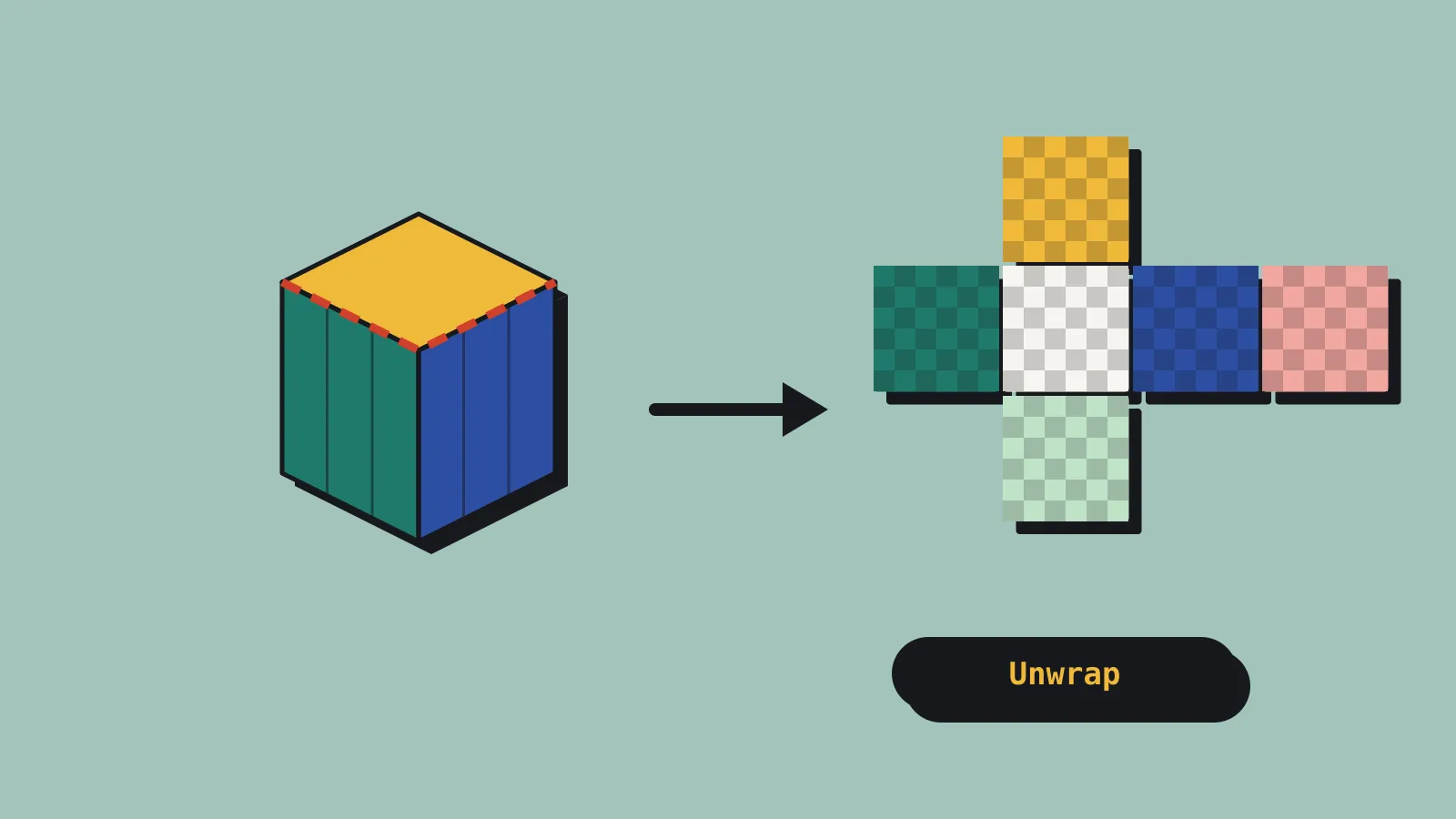
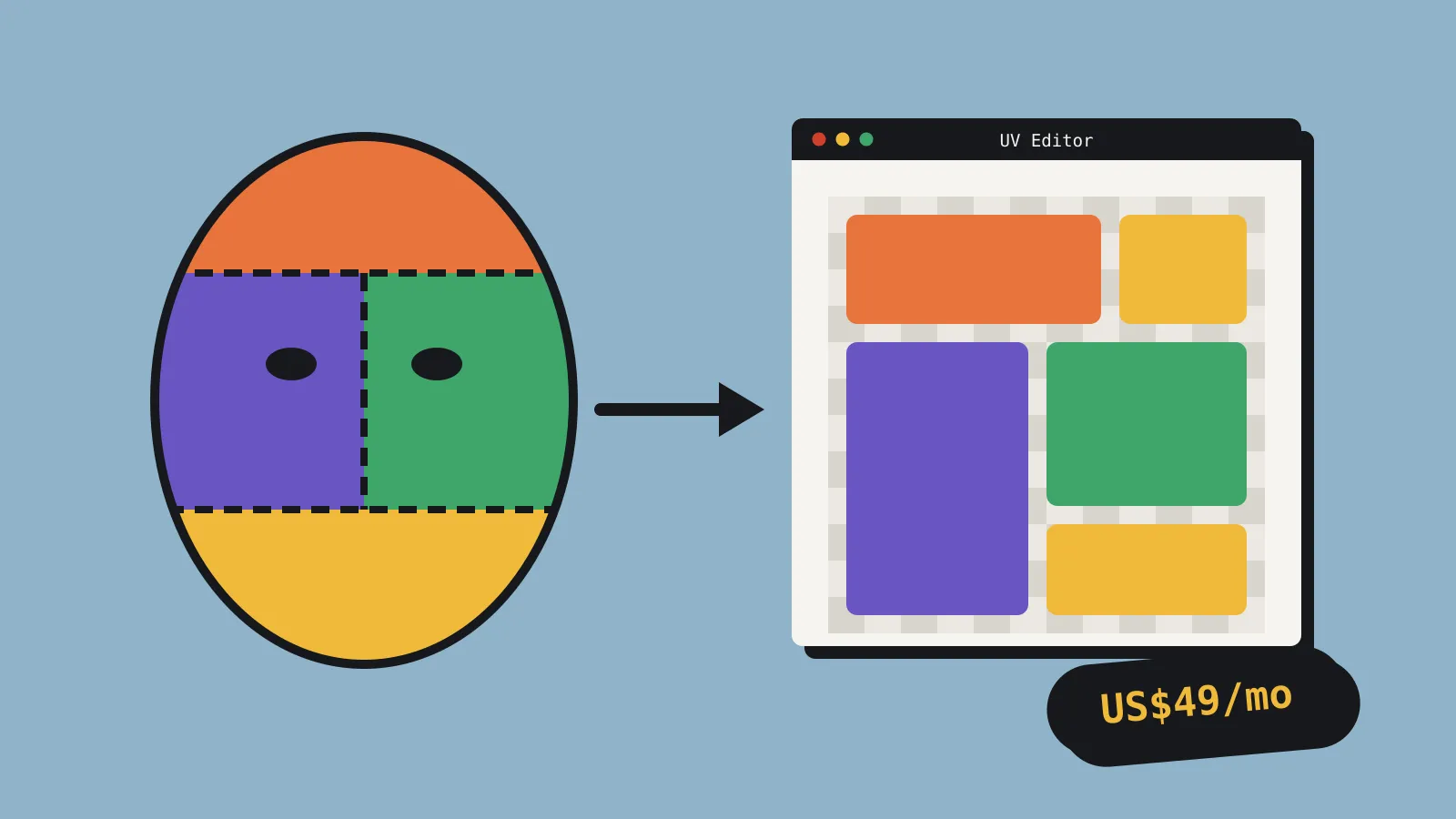
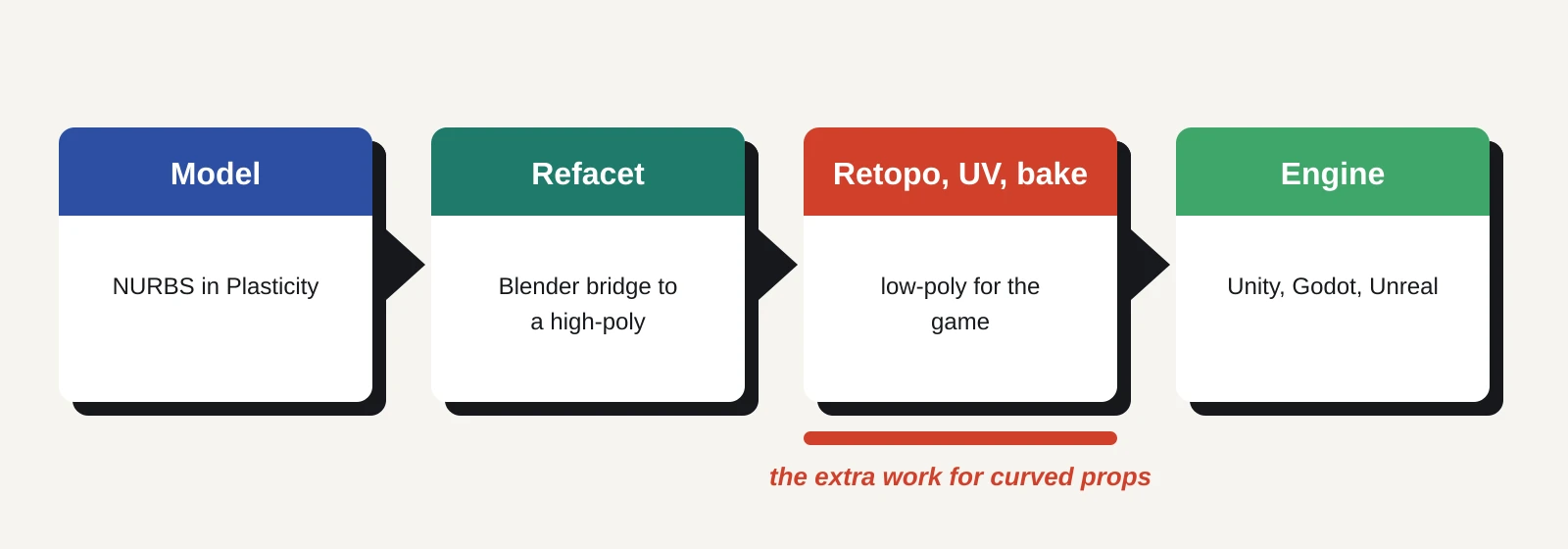
The Blender bridge is free with Indie and Studio and needs Blender 4.1 or newer. It sends Plasticity objects into Blender as meshes. Live Link updates them a second or two after each change, the docs say. Its Refacet button re-tessellates from the original surfaces. You choose triangles or n-gons and set a tolerance for how far the mesh may drift. An angle limit controls how smooth curves look. Advanced settings cover face width and separate edge and face tolerances. Refacet marks sharp edges for you. Helper buttons can mark sharps or UV seams from Plasticity’s original face boundaries and merge seams.
That gets you a clean high-poly in Blender with sensible seams. For most game props, you still retopologise a low-poly by hand or with a remesher, unwrap it and bake normals from the Plasticity mesh. For simple hard-edged props, a coarse Refacet with n-gons can be close enough to clean up directly. Anything curved will need real work. PolySplines, which turns Blender subdivision models into NURBS, is Studio only.
What it means for a solo dev or small team
Blender plus add-ons is the default for indie hard-surface work, and it is cheap. Blender is free. MESHmachine, which adds chamfer, fillet and detail plug tools, lists at $44.99 for an indie licence on Superhive. Hard Ops and Boxcutter are the usual choices for boolean cutting, so check their current prices yourself. Blender’s own bevel modifier, booleans and weighted normals cover a lot of ground with no spend at all.
Where Plasticity wins is clean booleans and fillets on curved shapes. Fillets that would tangle a polygon bevel usually resolve cleanly, because the surfaces are exact. If your props are guns, vehicles, robots or industrial kit with blended curves, that saves real time. If your props are crates, barrels and modular walls, you gain little. Blender alone will do.
The catch is the retopology step. You trade modelling time for a retopo and bake pass on every curved prop. For a solo dev, $175 makes sense if you already bake high-to-low and want better high-polys. It makes less sense if you hoped to export straight to Unity or Godot.
What to do now
- Download the 30-day trial and model one real prop from your backlog, start to finish.
- Install the Blender bridge and test Refacet at a few tolerance settings on that prop. Note the triangle counts.
- Run the result through your normal retopo, UV and bake steps, then into your engine. Time the whole loop against your current Blender workflow.
- Check whether you need Studio-only tools (Project Align, constraints, PolySplines) before buying Indie.
- If you buy, diarise your 12-month expiry. The cheaper renewal only runs until four months after it.