ActionForge is a free Mixamo alternative. Read the small print
A free browser tool now rigs your characters and builds eight-way walk sets from one clip. The animations are CC0, but the app itself has no terms yet.
ActionForge, a free browser-based animation tool, got its first wide coverage on 26 October when GameFromScratch called it a “super powered” Mixamo alternative. It auto-rigs your character, lets you layer and edit clips, and exports to Unreal, Unity, Godot and Blender. It needs no login and no install. It’s also labelled beta, and it has no pricing page, terms of service or privacy policy yet.
What ActionForge does
You load an unrigged character as a GLB or FBX file, and ActionForge fits a humanoid rig to it. From there you pick clips from a built-in library, tweak them and download the result.
The library comes from Quaternius, the artist behind a long list of free low-poly packs. ActionForge uses the free versions of his Universal Animation Library packs, which cover locomotion, combat, idles, crawls and deaths. Those animations are released under CC0, a public domain dedication. You can use them in a commercial game without paying or crediting anyone. The props in the tool are CC0 too.
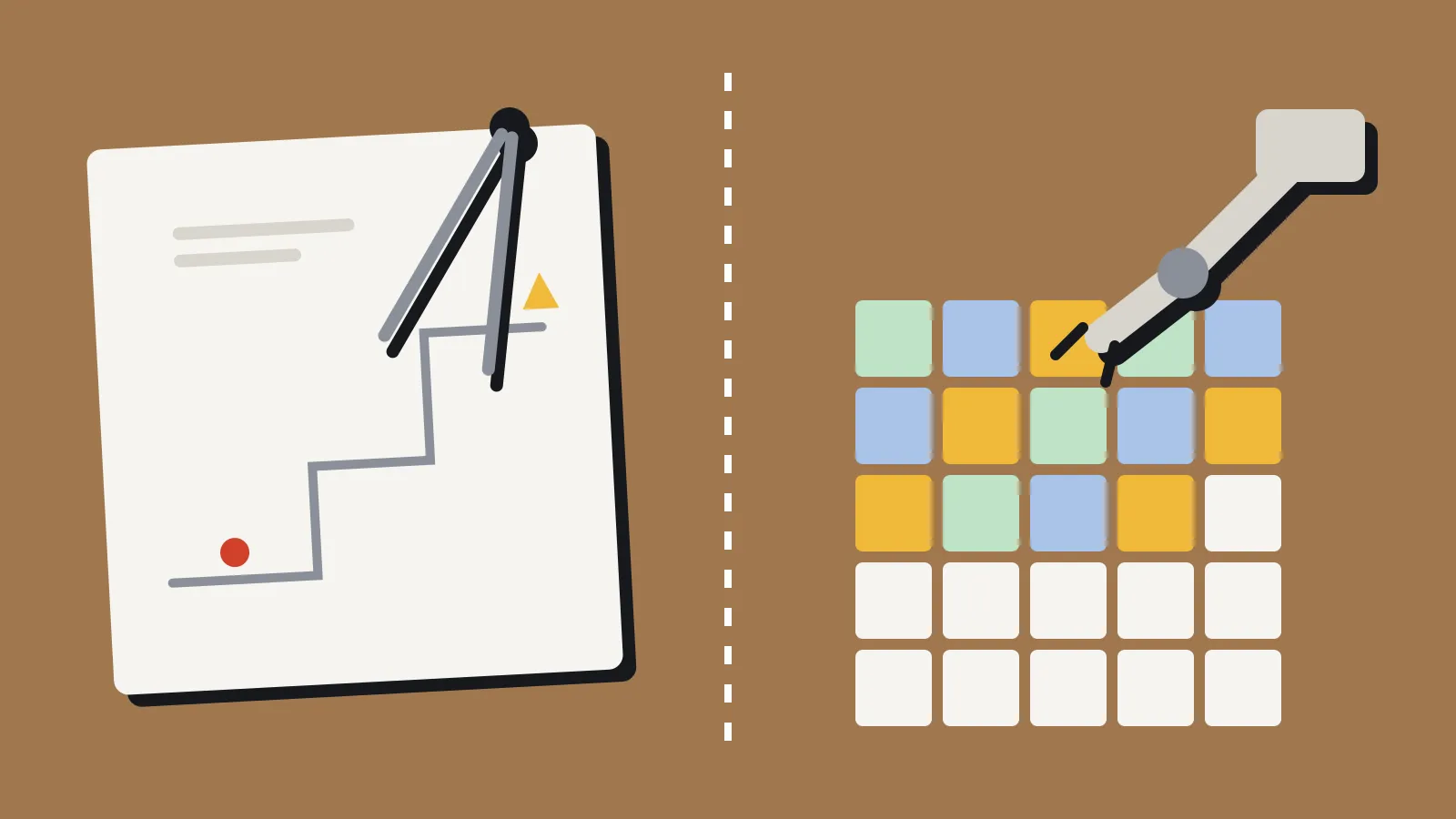
Editing goes further than Mixamo’s sliders. You can layer clips so one drives the legs while another drives the arms. You can pose limbs with live IK (inverse kinematics, where you move a hand and the elbow and shoulder follow). There’s a curve editor for keyframes, mirroring, prop attachment for swords and guns, and a camera and stage for composing shots.
Export is in GLB or FBX, with skeleton presets for Unreal Engine 4 and 5, Mixamo and Reallusion’s Character Creator and ActorCore rigs. You can export with or without the mesh, in place or with root motion, as one bundle or one file per clip in a zip.
Motion Lab builds eight directions from one walk
The newest part is Motion Lab, a separate page for building locomotion sets. You feed it a Mixamo FBX walk or run, choose a gait preset such as stroll, brisk, heavy or sneak, then adjust speed, stride, bounce, lean and arm swing.
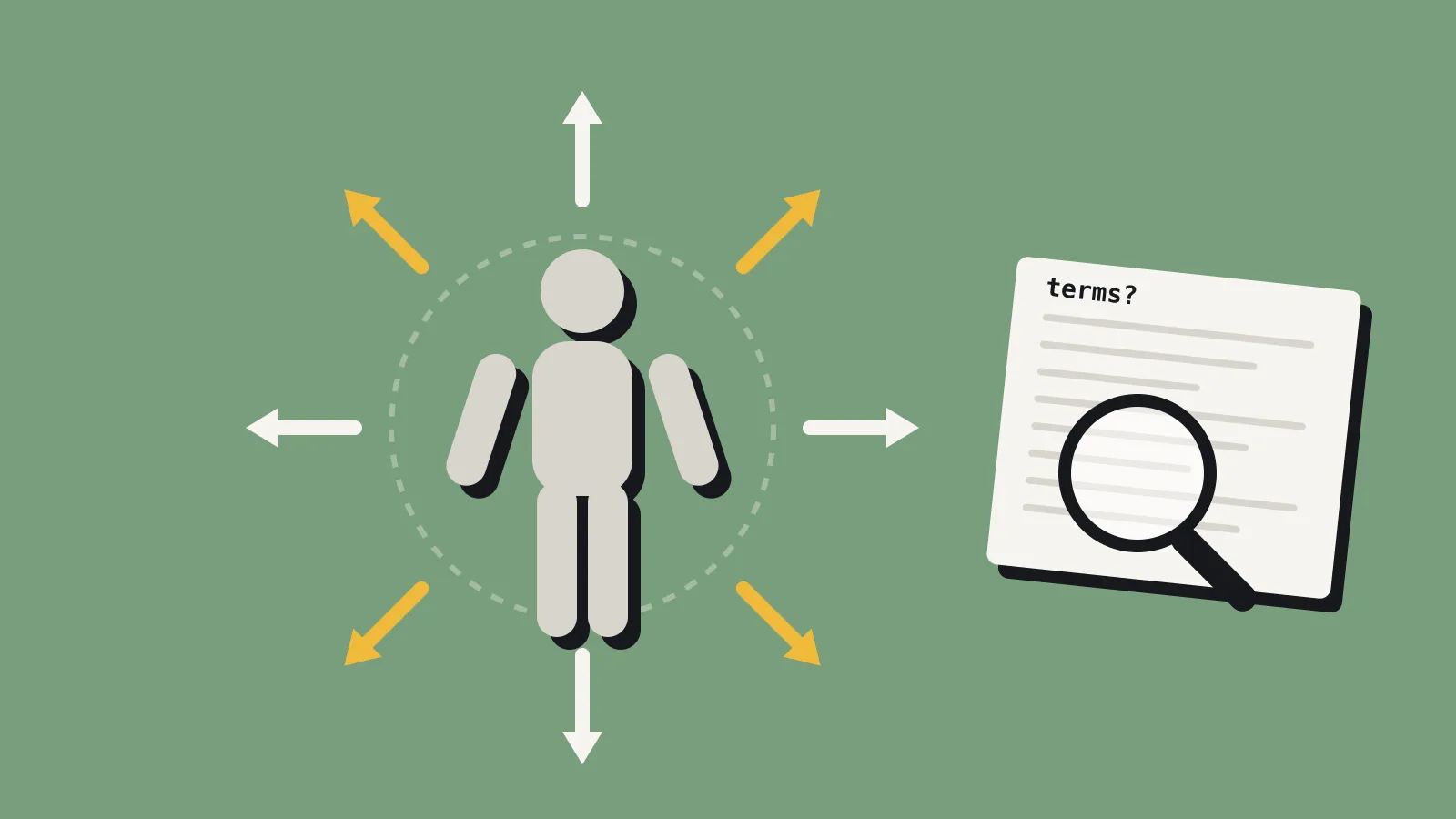
Press Generate and it builds eight directions from that one clip: forward, back, both sides and the four diagonals. It can export root motion, in place, or both, which gives you 16 takes in one FBX. You can also feed it a separately authored strafe if the generated one looks wrong.
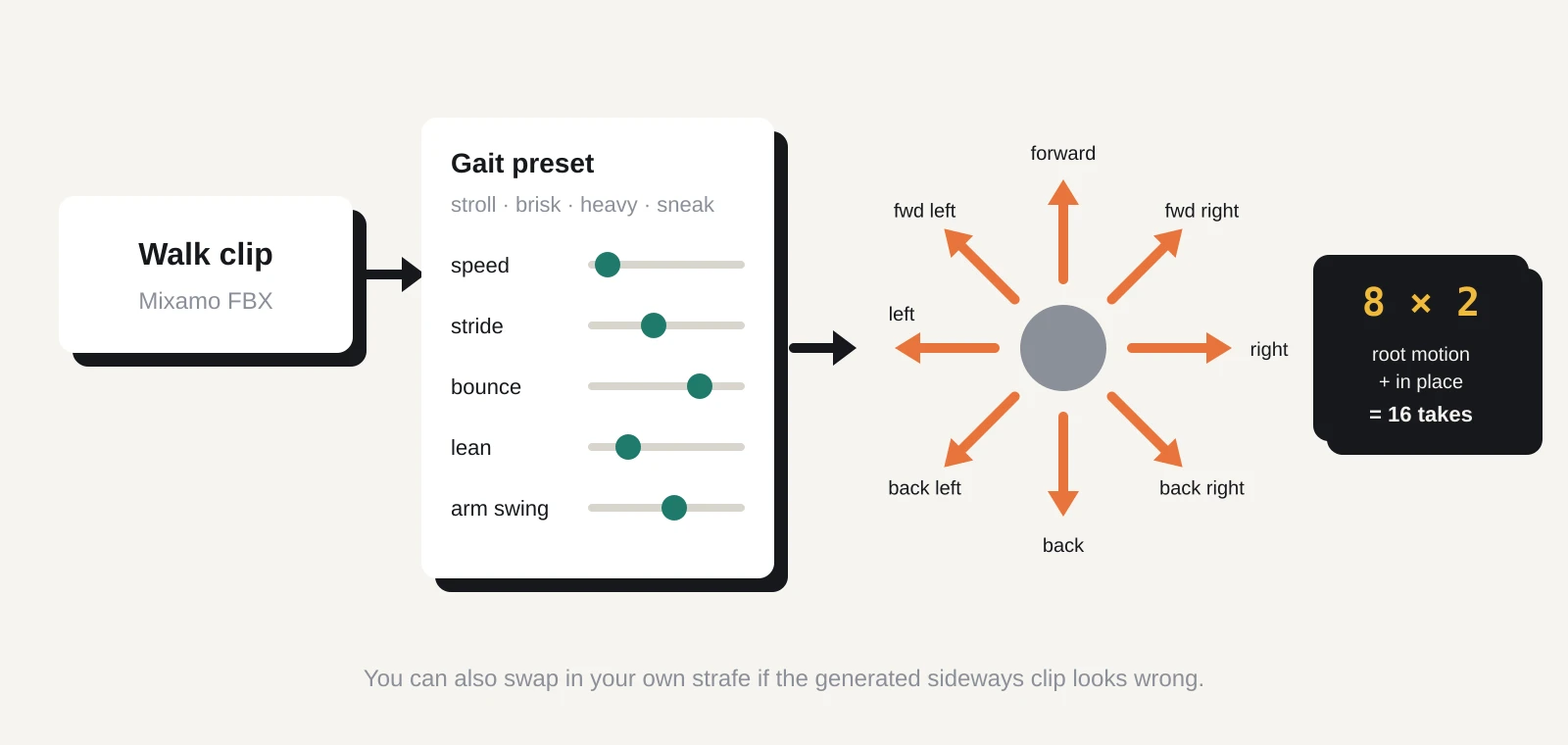
Eight-way locomotion is the dull, time-consuming part of a third-person or top-down controller. If you’re solo, building those blends by hand can eat a week. A tool that makes a usable first pass in minutes is worth testing for that alone.
Who makes it, and what the terms say
The tool’s code is credited to CGstuff, the portfolio name of 3D animation director Hassan Charafeddine. CGstuff also lists a browser character customiser, an alpha texture painter and an upcoming particle tool for Godot. The ActionForge site has a support link but no paid tier.
Its third-party notices file says the app’s own code is all rights reserved. That doesn’t stop you using the tool. It means you can’t fork or reuse its code. The libraries it’s built on, including three.js, are under MIT, Apache 2.0 and Mozilla licences.
What’s missing is a terms of service or privacy policy. GameFromScratch reports that processing happens in your browser and your models aren’t uploaded. The notices file confirms that for two features (finger detection and video handling) but says nothing about the rest. We couldn’t find a written promise either way.
For the Quaternius animations, that gap doesn’t matter much. CC0 is as clear as licences get. For anything the tool generates or edits from your own files, there’s simply no stated position. In practice you own your character, and the CC0 clips are free to modify. But if a publisher’s legal checklist asks for the terms of every tool in your pipeline, you won’t have a link to give them.
How it compares with Mixamo
Mixamo is still free, but Adobe has run it as a “technology preview” for years. Its FAQ allows royalty-free use in commercial games. It also bans redistributing the raw character and animation files, so you can’t put Mixamo clips in an asset pack or an open-source repo. You need an Adobe account to use it, and Adobe hasn’t added major features in a long time.
ActionForge flips some of that. No account, CC0 clips you can redistribute, and real editing tools. On the other hand, Mixamo’s library is far larger, and Adobe isn’t going anywhere. ActionForge is one developer’s beta, and beta tools can change, slow down or disappear.
The two also work together. ActionForge exports to a Mixamo skeleton, and Motion Lab takes Mixamo FBX files as input. If you already have a Mixamo-rigged character, you can keep it and use ActionForge only for the eight-way set.
What to do now
If you need locomotion or basic combat clips for a humanoid character, try it on a test character this week. Some checks are worth doing before you build on it:
- Test your real rig. Load your actual character, not a sample, and check deformation at the shoulders and hips. Auto-rigs often struggle with bulky or stylised proportions.
- Check the export in your engine. Import into Unity, Unreal or Godot and play the clips on your controller before you commit. Look for foot sliding on the generated diagonals.
- Keep your own copies. Download every clip you use and commit it to version control. Don’t rely on the site being there for a re-export later.
- Record the licence. Note that the library clips are Quaternius CC0, with a link, in your credits or licence file. Crediting him is optional but kind.
- Watch the network tab. If your character is under NDA, open your browser’s developer tools before you load it and check nothing is uploaded.
If you want more of the same animations, the paid Pro and Source tiers of Quaternius’s packs add more clips and Blender source files through his Patreon, which starts at US$10 a month. They’re CC0 as well.
We’ll update this piece if ActionForge publishes terms, a privacy policy or pricing.