Affinity is now free on iPad. Is it enough for your game art?
Canva's Affinity app landed on iPad on 2 November, free for individuals and using the same files as desktop. Here's what it can do for indie art.
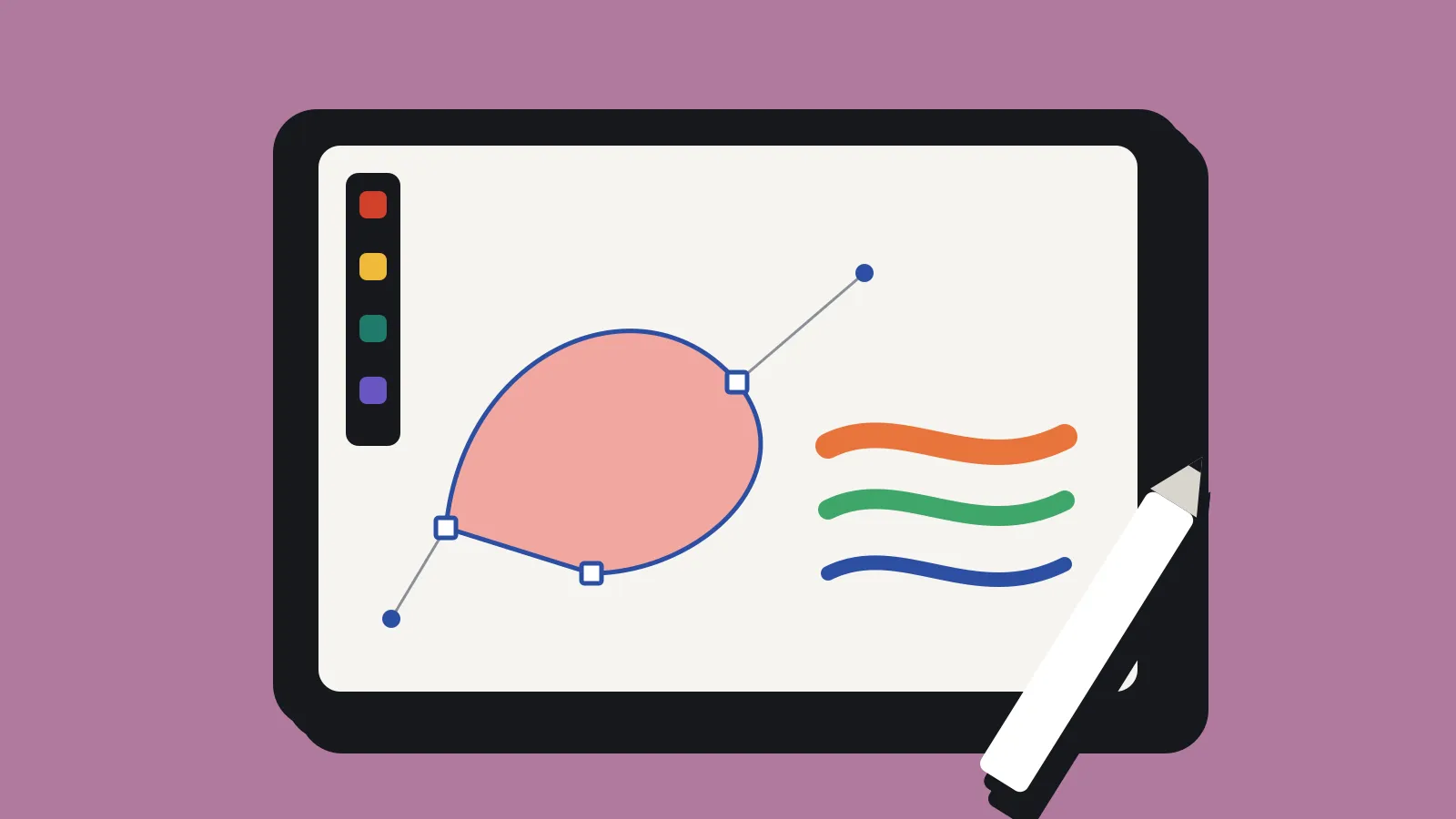
Canva released Affinity for iPad on 2 November 2026. It’s free for individuals with a free Canva account, needs iPadOS 18 or later and is a 1.9 GB download. It puts sketching, vector, photo and layout tools in one app, and it opens the same .af files as the desktop version.
That makes a free, serious design tool available on a device a lot of artists already carry. For a solo dev who does their own capsule art, UI and marketing images, it’s worth a look. It’s also worth knowing where the free part stops.
What’s in the app
Affinity used to be three separate paid apps: Photo, Designer and Publisher. Canva bought Serif, the company behind them, and merged them into one app made of four “studios”. The iPad version has all four.
- Sketch has more than 350 editable brushes that respond to Apple Pencil pressure, tilt and barrel roll. A feature called Sketch to Shapes turns hand-drawn forms into editable vector shapes.
- Vector covers illustration and the kind of clean shapes you’d use for icons, logos and UI.
- Pixel handles photo and raster work: RAW development, non-destructive adjustments and a mask tool for tricky edges such as hair and fur.
- Layout does multi-page documents with master pages and print-ready output.
All four work on the same file, so you can sketch a character, trace it as vectors and finish it with raster shading without exporting between apps. With an Apple Pencil Pro, the app also uses squeeze and hover.
What’s free and what isn’t
Canva says every tool in the four studios is free. The paid part is Canva’s AI tools, which need a Canva premium plan. On iPad those include Generative Expand, image upscaling, noise reduction and a Decompose Layer feature.
On the US App Store, Canva Pro is listed at US$18 a month or US$143.99 a year. Canva Business is US$25 a month or US$250 a year. Prices in other regions will differ, so check your own App Store listing.
Canva also says content you make in Affinity isn’t used to train its AI features. If you’re careful about where your art ends up, read the full terms yourself rather than relying on that one line.
Files in and out
This is the part that matters most for game work.
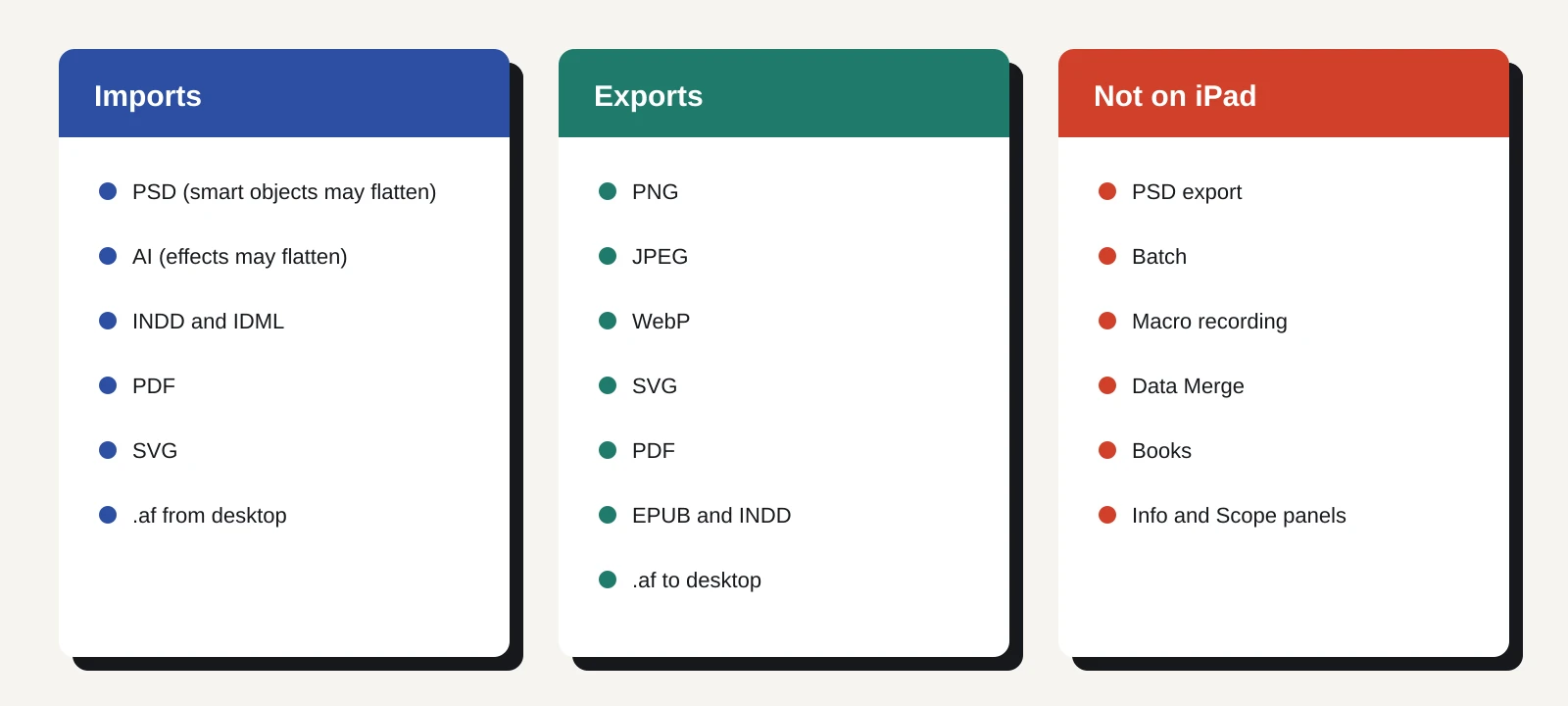
The iPad app exports JPEG, PNG, WebP, PDF, SVG, EPUB and INDD, and can send work straight to Canva. PNG with transparency covers most game needs: sprites, UI pieces, icons and store art all go into an engine or onto Steam as PNG.
It imports PSD, AI, INDD, IDML, PDF and SVG files, and generally keeps layers and structure. There are limits. Photoshop smart objects and advanced filters may be flattened. Illustrator appearance stacks, masks and effects may be flattened too. If a collaborator sends you a layered Photoshop file, expect some cleanup.
PSD isn’t on the iPad export list. If your pipeline depends on handing layered Photoshop files to someone else, or on a tool that only reads PSD, that’s a gap.
Because the app uses the same .af format as desktop, you can start a piece on the iPad and finish it on a Mac or PC. That’s useful if you sketch on the couch and do final exports at your desk.
What’s missing on iPad
Some desktop features aren’t on iPad yet. The list Canva gives is: Books, Batch, Data Merge, Quick Adjustments, the Info and Scope panels, macro recording and Astrophotography Studio.
Two of those matter for game devs. Batch processing is how you’d resize or convert a folder of images in one go, for example exporting every UI icon at several sizes. Macros let you record a repeated set of steps. Without them, repetitive export jobs are manual on iPad. Canva says it plans to add missing features in future free updates, but there’s no date.
What it means for a solo dev
If you’re paying for Photoshop or Illustrator mostly to make store art, key art and UI, Affinity on iPad and desktop is now a credible free alternative. The vector and raster tools in one file suit game UI well, where you often mix crisp shapes with painted textures.
For pixel art or sprite animation, this isn’t the tool. There’s no timeline for frame-by-frame animation, and dedicated pixel editors such as Aseprite or Pixelorama handle palettes and frame export far better.
For concept art and sketching, it competes with Procreate. Procreate costs a one-off fee and focuses on painting. Affinity is free and does more kinds of work, but painters who like Procreate’s brush feel may not switch.
The bigger question is the business model. Affinity’s tools are free because Canva wants you inside its account and, eventually, paying for AI. That’s fine as long as the free tier stays free. Keep your source files in .af and your exports in open formats such as PNG and SVG, so you’re not stuck if terms change.
What to do now
- Check your iPad. You need iPadOS 18 or later and about 2 GB free.
- Make a free Canva account. You don’t need a paid plan for the design tools.
- Test one real job. Make a store capsule or a UI screen from start to finish, then export it as PNG and drop it into your engine. That tells you more than any feature list.
- Try a round trip. Save an .af file on iPad and open it on desktop Affinity to confirm your layers survive.
- Test your imports. If you have layered PSDs from old projects, open one and check what flattens.
- Skip the AI upsell until you need it. Upscaling and noise reduction are handy, but you can do a lot before paying anything.