From Aseprite to the engine, on purpose
Name the tags, export a size you meant, and give the next frame an obvious folder. The mess starts after the drawing.
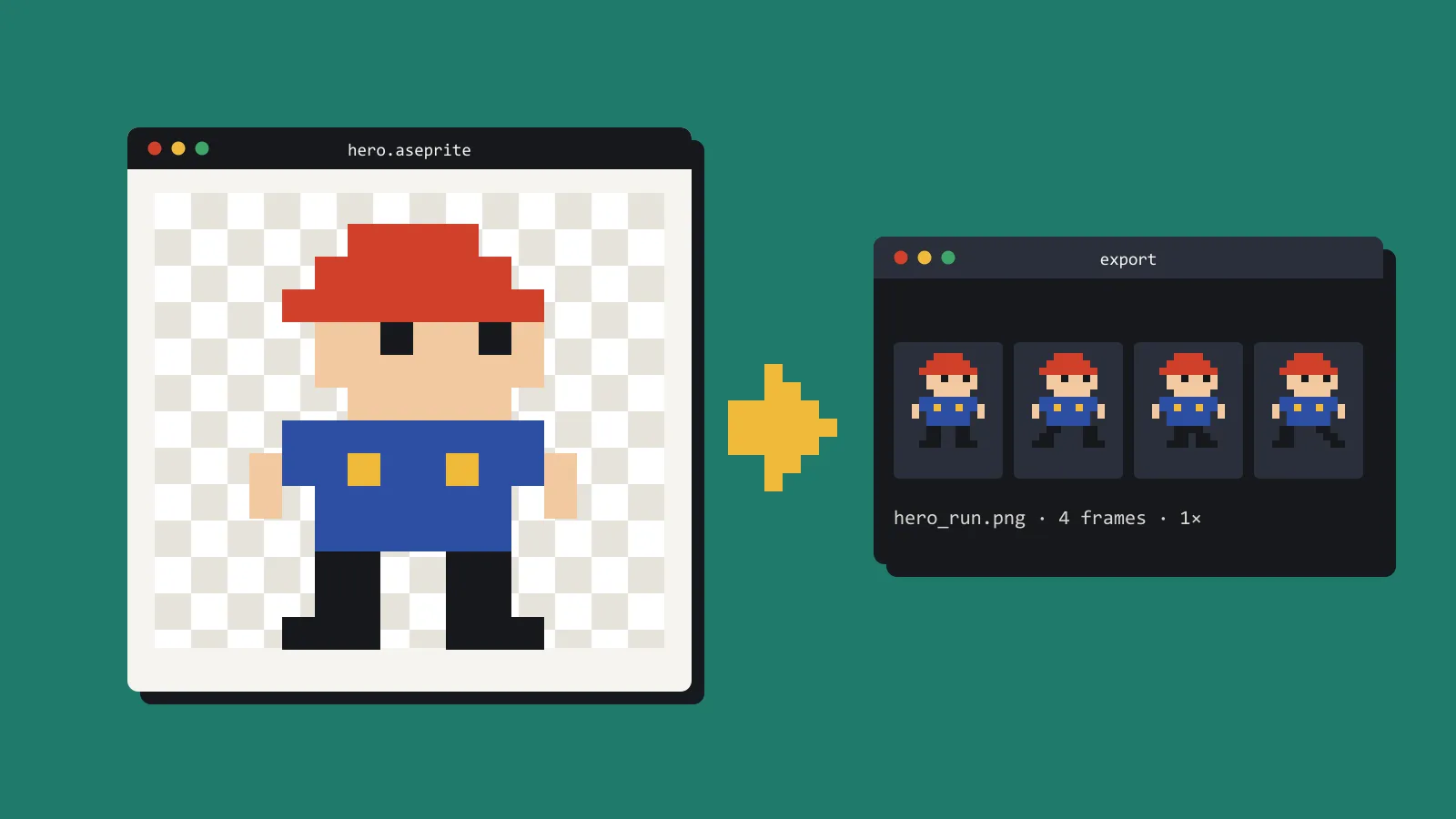
Aseprite is usually the calm part of a 2D pipeline. The mess starts at export, in a folder of files called final, final-2, and the one you actually shipped.
Pick a convention and write it where you will see it, which means in the project, not in your head. A serviceable one looks like this.
Source files stay out of the engine’s import folder. art/src/player.aseprite is the drawing. The export goes where the engine already looks, with the same stem: res://art/player.png, or Assets/Art/Player.png. The frame size is decided once. If the player is 32 by 32, the export is 32 by 32, including the idle that only uses the middle.
Tags are doing real work. idle, run, and hit still make sense in six months. a1 does not. If you slice a sheet by hand, name the slices after the frames. “The third row is the attack” is not documentation.
Aseprite’s export dialog can write the tag names and frame ranges to a JSON file beside the sheet. A script can then read the ranges, so you stop retyping them whenever the run cycle gains a frame.
Set the import filter once per project. Pixel art wants nearest in Godot and Point in Unity. A blurry sprite is usually an import setting, not a drawing problem.
Export the sheet the engine expects, not the one that is easiest to preview on a desktop. Godot is happy with a spritesheet and region sizes you set on the animation. Unity is happy with a sliced texture and a pivot you chose. The mistake is a new layout every time you add a frame, then an animation player offset by four pixels, then an evening spent nudging it back.
Keep the Aseprite file. PNG is what the build consumes. The source is how you change an ear colour without redrawing the walk. Back it up with the project. A PNG you cannot edit is a trap you set for yourself.
Try it today on your newest character. Rename the tags and export once. Check that the sheet width is a whole number of frames.
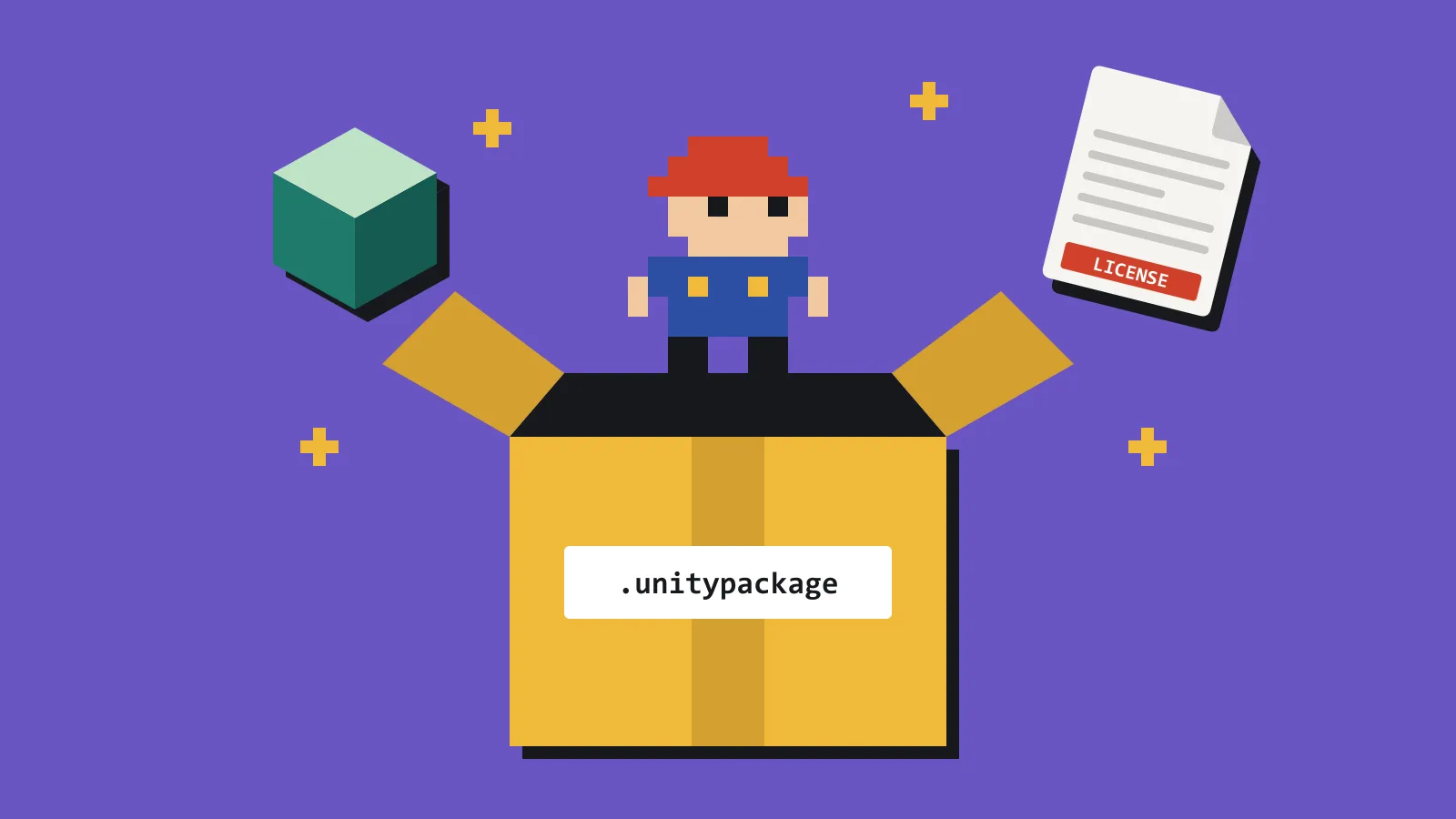
When a pack arrives as someone else’s source file, the same rules apply. Read the tags, export into your convention, and record the licence next to the export. Do not drop their folder tree straight into the game and hope.