Open the package before Unity does
A Unity package can hide scale, a demo scene, and a licence you have not read. Look before it lands in the game project.
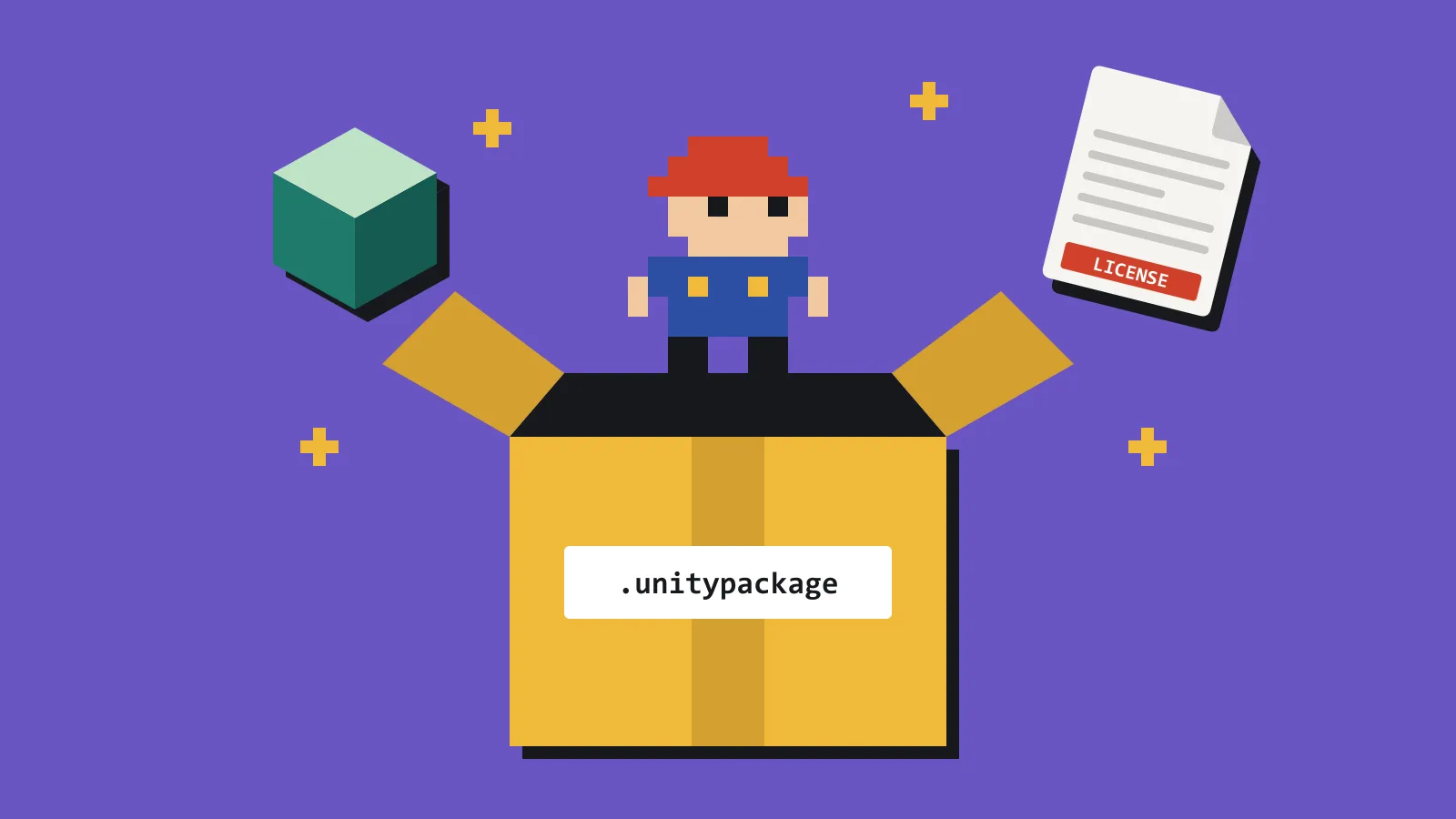
A Unity package is a suitcase. Import it and the suitcase unpacks into Assets/, often under a vendor folder you did not choose, plus materials, a demo scene, and a readme you will not open.
Before that happens, four things are worth knowing.
How large it really is. A pack sold as a small prop set can arrive with a demo scene, 4K textures, and a post-processing profile you did not ask for. Import first and delete later, and you will miss a file. Next month you will not know which leftovers are safe to remove.
Scale and pivot. A crate that shows up two metres tall, or with its pivot in the corner, gets copied wrong all over the level. You only need to notice once, before the prefab is duplicated.
Whether the licence covers this build. Shop summaries are short. The terms might want a credit line, or they might forbid resale of the raw files. You are not reselling the files. You still need the credit in the game, and you will not remember it from the receipt.
Whether you already have something close enough. Solo projects collect near-duplicates: three barrels, four sets of UI arrows, two stone textures from different sales. Another import does not make the game clearer. It makes the project heavier.
A .unitypackage is a gzipped tar archive. Inside, each asset sits in a folder named by its GUID, holding the file itself, its .meta data, and a pathname file that says where it will land in Assets/. Extract it with any tool that reads tar and skim the pathnames to see what is really in there.
Unity’s import window lists every file with a checkbox. Untick the demo scene and anything you will not use.
Look inside the package, decide what you will keep, and import only that if the tool allows it. Delete the demo scene the same day. Write one line in your own notes — barrels, commercial, credit in the options screen — and move on.
If the only way to look is a throwaway project, use a throwaway project. Do not use the game. A blank project is cheap. Untangling a third-party folder the night before a jam deadline is not. Import it there, check the scale against a one-metre cube, read the licence file, and only then move the pieces you want across.