Your file browser cannot see inside the engine files
Unity packages, Unreal assets, Godot resources, and shop zips are often blank icons. That is how a year of packs goes missing.
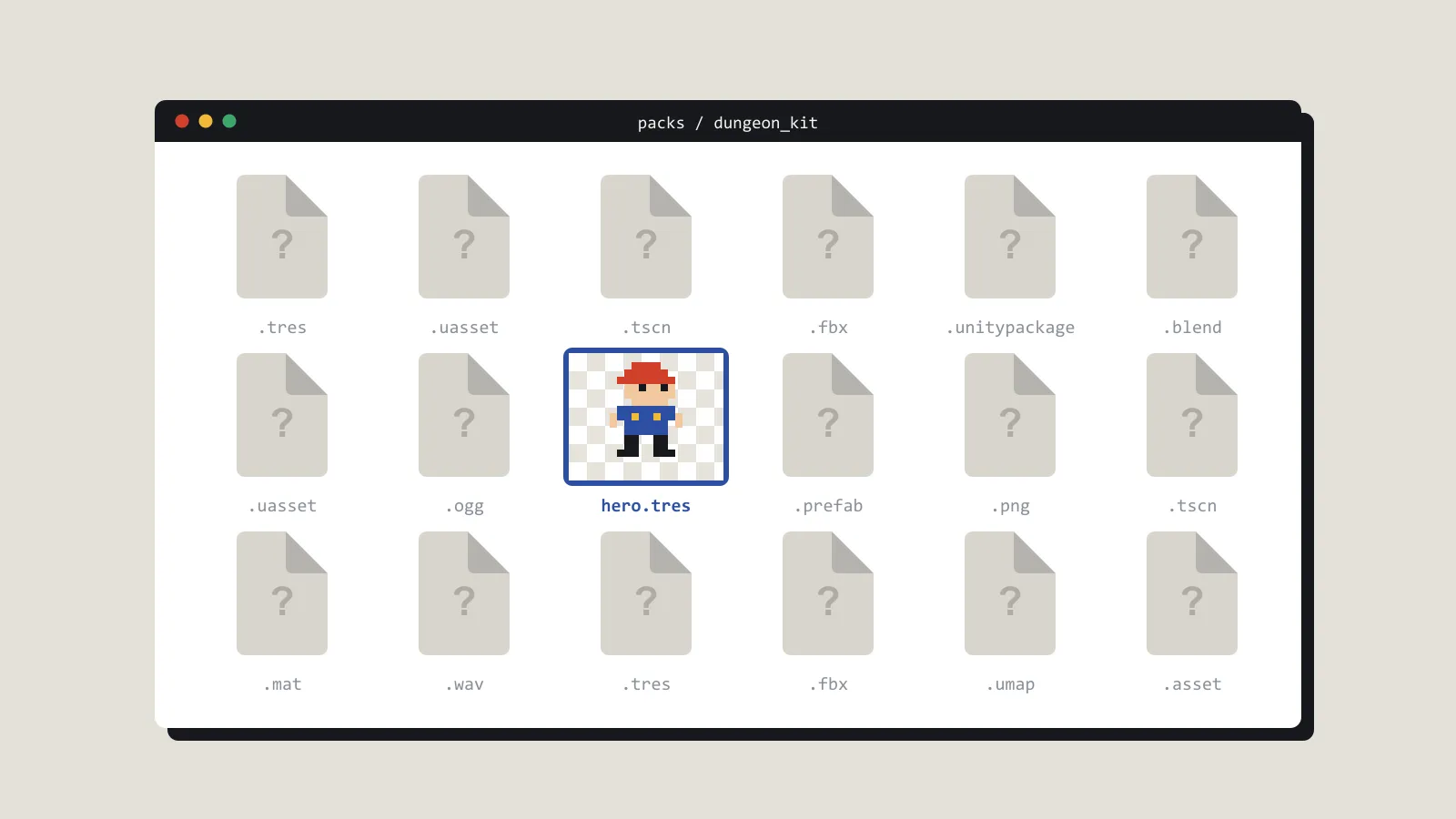
File browsers are good at documents. They are poor at game files. A Unity package, an Unreal asset, a Godot resource, a zipped store pack: these are often a generic icon and a size. The size tells you almost nothing. Forty megabytes might be one texture or a whole UI kit.
That is a nuisance in one engine. It becomes a real cost when you work in two, which a lot of indie developers do. A jam in Godot, a prototype in Unity, a pile of packs bought for both. The packs sit in one folder. The editors that could preview them are not open, and you are not going to launch two of them to remember what you own.
You can live with that while the set is small. You cannot live with it once the folder holds a year of sales and “free this week” downloads. At that point the file browser is not neutral. It is hiding the catalogue.
Here is how it goes wrong. You buy a UI kit in a sale. Six months later you buy another, because the first is called ui_kit_final.zip and tells you nothing. Both are in Downloads. Neither has a preview. You do not find the duplicate until you open the second and see the same buttons.
A few habits shrink the damage before you pick a tool.
Name the archive when you download it. A prefix you would actually type — cc0-, by-, commercial- — sorts faster than a good intention. Put the game you meant it for in the name if you have nowhere else to write it.
Do not unpack everything just to see. Unpacked vendor trees multiply. If you unpack, unpack into the library, look, and keep either the export you will use or the original archive. Three copies in three projects is how disk space and certainty both disappear.
You can start today with ten minutes. Sort the folder by size, take the ten largest archives, and rename each one so a stranger could guess what is inside. It is dull work. It is also the first time you will learn what you own.
Prefer a preview that understands the format. A thumbnail of a zip icon is not a thumbnail of the sprite. If a tool can show the sprite, the mesh, or the waveform without an import, use it for the library and keep the engine for the game.
The project should receive the files you chose, at the size you chose. It should not be the place you browse everything you have ever downloaded. Those are different jobs. Mixing them is how the project folder becomes a landfill while Downloads stays untouched.