Your downloads folder is not a library
Bought packs pile up as zip files with useless names. A short filing habit stops a solo developer paying twice for the same art.
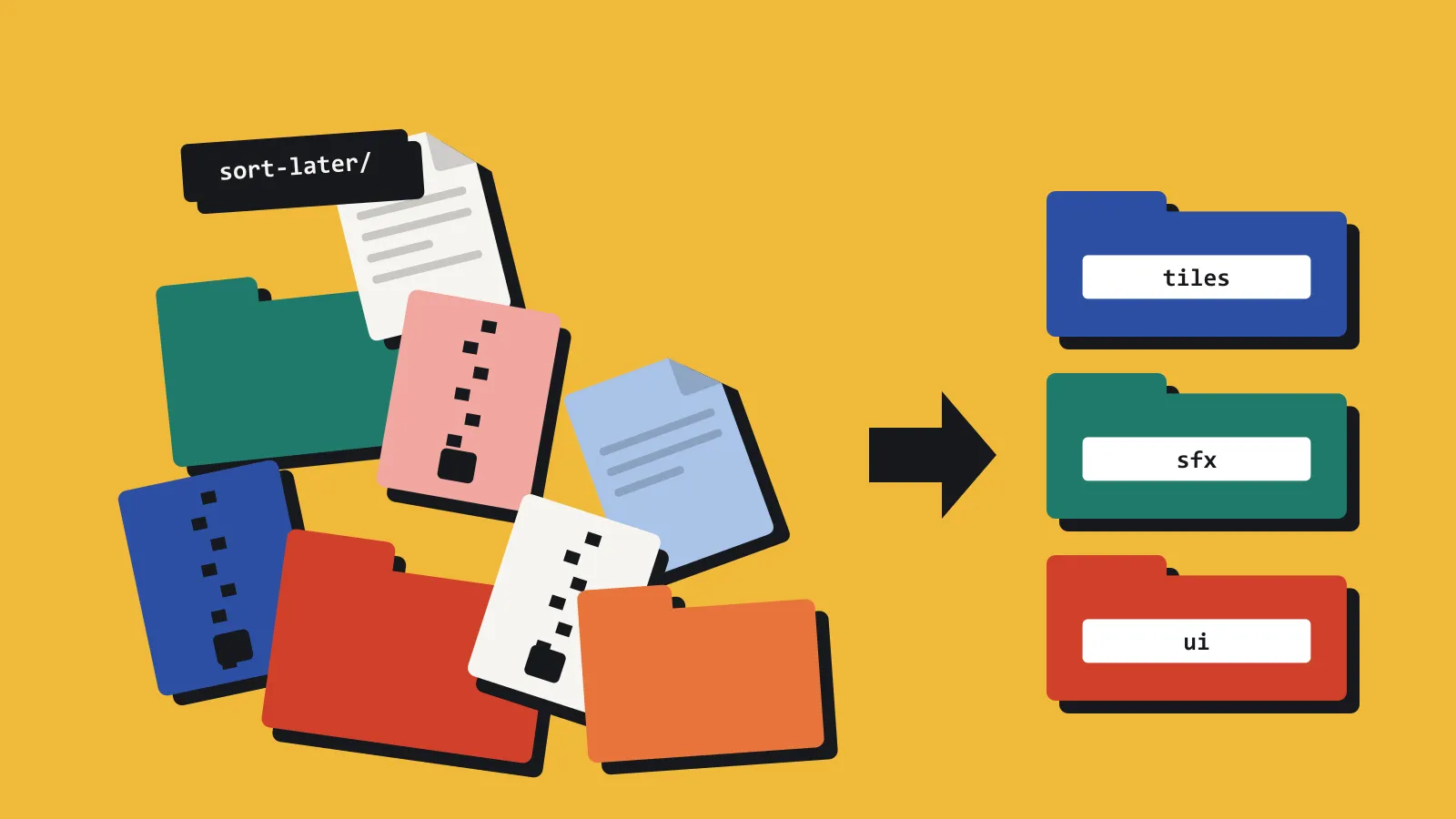
Most indie projects do not lose assets inside the engine. They lose them one directory up, in Downloads, in a folder called sort-later, or inside an old project that shipped and then got archived.
The pattern is dull, and it costs money. You need a door tile, a nine-slice panel, or a footstep on gravel. You are sure you already bought it. The file browser shows a zip, a Unity package, or a pile of PNGs still wearing the vendor’s names. Opening each one in an editor is a twenty-minute job, so you buy whatever is on sale. Three weeks later the original turns up while you are looking for something else.
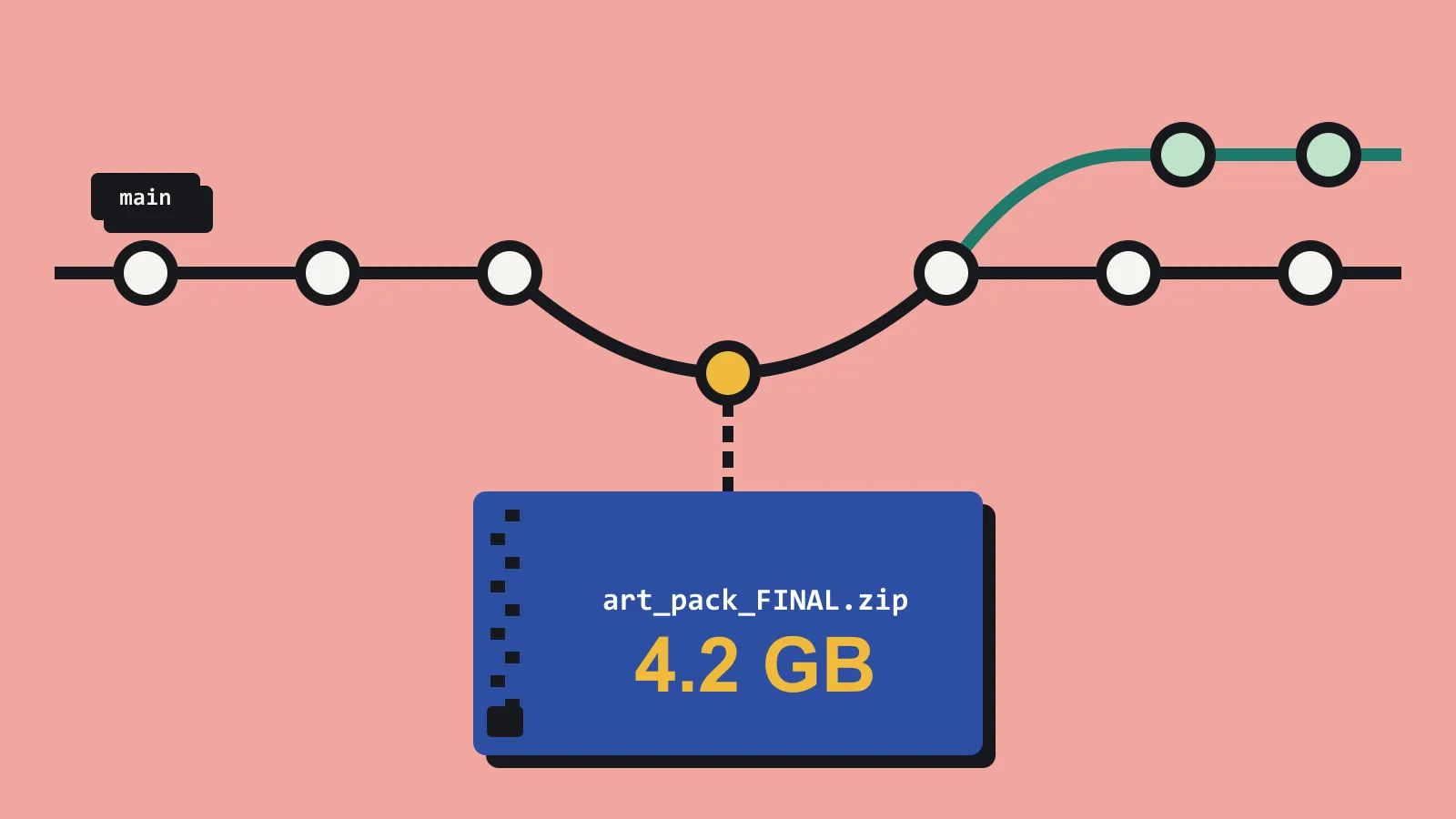
The failure is rarely the big pack. It is Fantasy_Pack_final_v2.zip, bought on a sale, never opened, and sitting two folders from the one you are now paying for again. Nothing in the name tells you what is inside, so you cannot rule it out.
A library, for a solo developer, can be modest. It still needs four fields filled in on the day the pack arrives.
A preview that does not require the engine. If you cannot see the sprite, hear the clip, or recognise the mesh from a thumbnail, the file may as well not exist when you are tired.
Your words, rather than the vendor’s. Village props. UI nine-slice. CC0. Used on the jam game. The filename was written for their shop, not for your project six months from now.
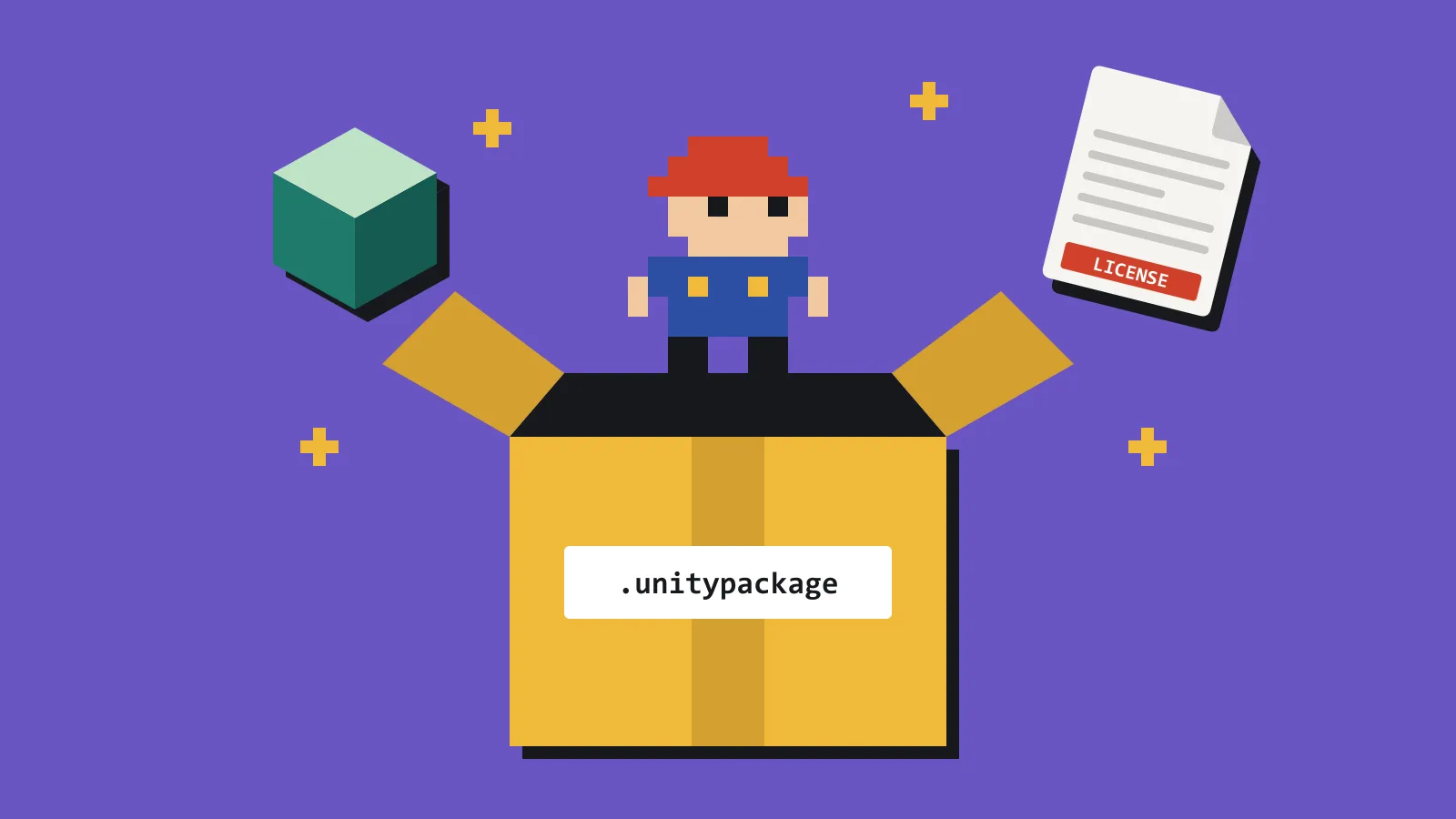
The licence, stored with the pack. Attribution, CC0, and personal-use-only all look the same inside a zip. The question arrives at export time, which is the worst moment to hunt through old email.
One place you open on purpose. A single directory, or a single app. “Wherever it landed” is how the second copy of the same crate gets bought.
Do the chore on arrival. Preview, tag, write the licence, and move the archive out of Downloads. It takes longer than dragging a zip onto the desktop. It takes less time than redrawing a tileset you already own.
Start with the backlog, but not all of it. Take the five newest archives in Downloads, give each its own folder, and put a short text file inside with your tags, the licence, and the shop it came from. The older ones can wait until you next go looking for something. Then the habit is already in place.
A folder and a text file will do the job. If you would rather not maintain them by hand, this is the problem we built AssetHoard to solve. It is a local-first desktop library for the game assets you already own, and it previews Unity packages, Godot resources, Unreal assets, and everyday formats without opening the editor.