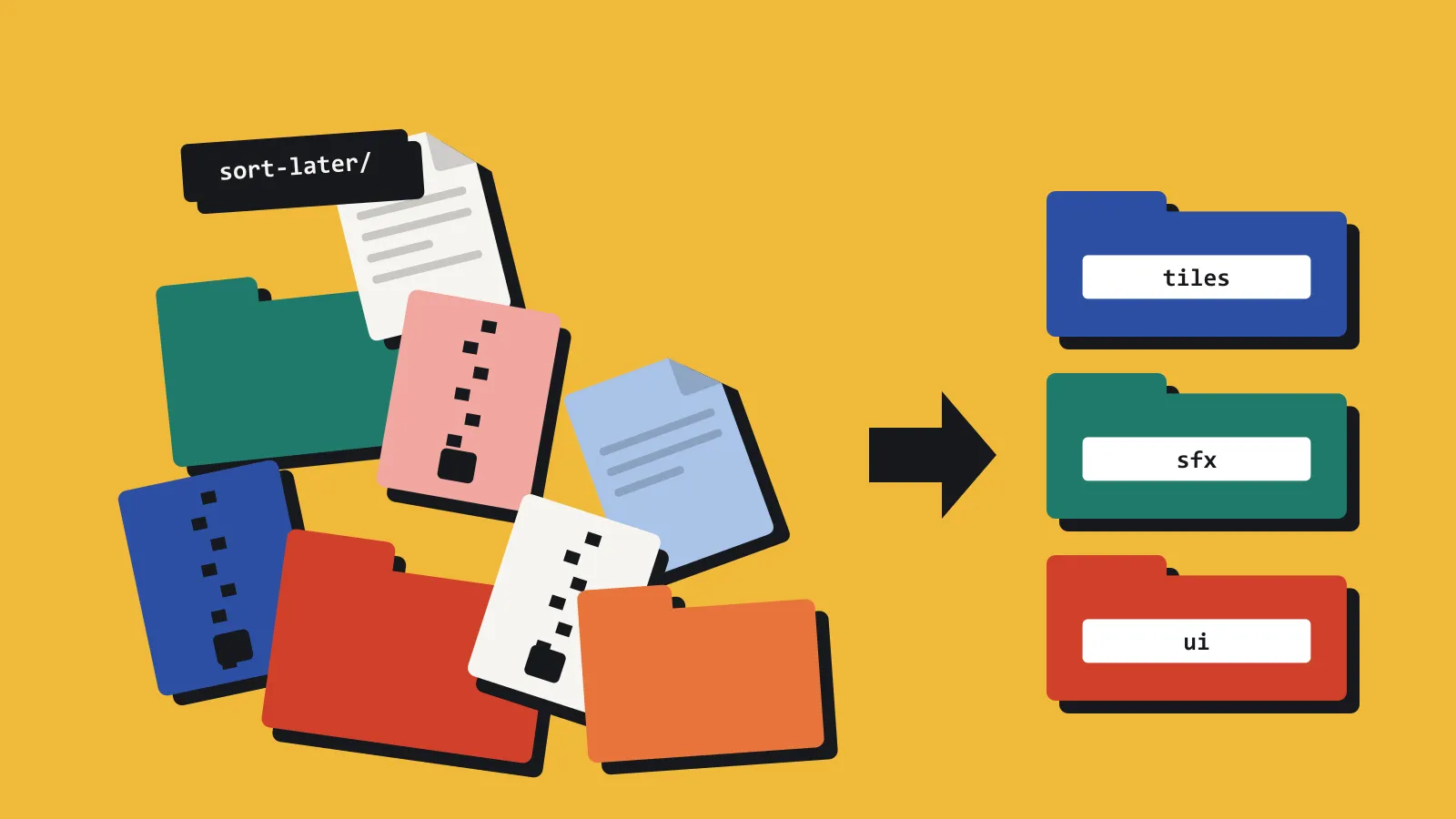
Keep the art packs out of the Git repository
Binary packs make clones slow and diffs useless. Keep the game in Git, and keep the library somewhere you can preview.
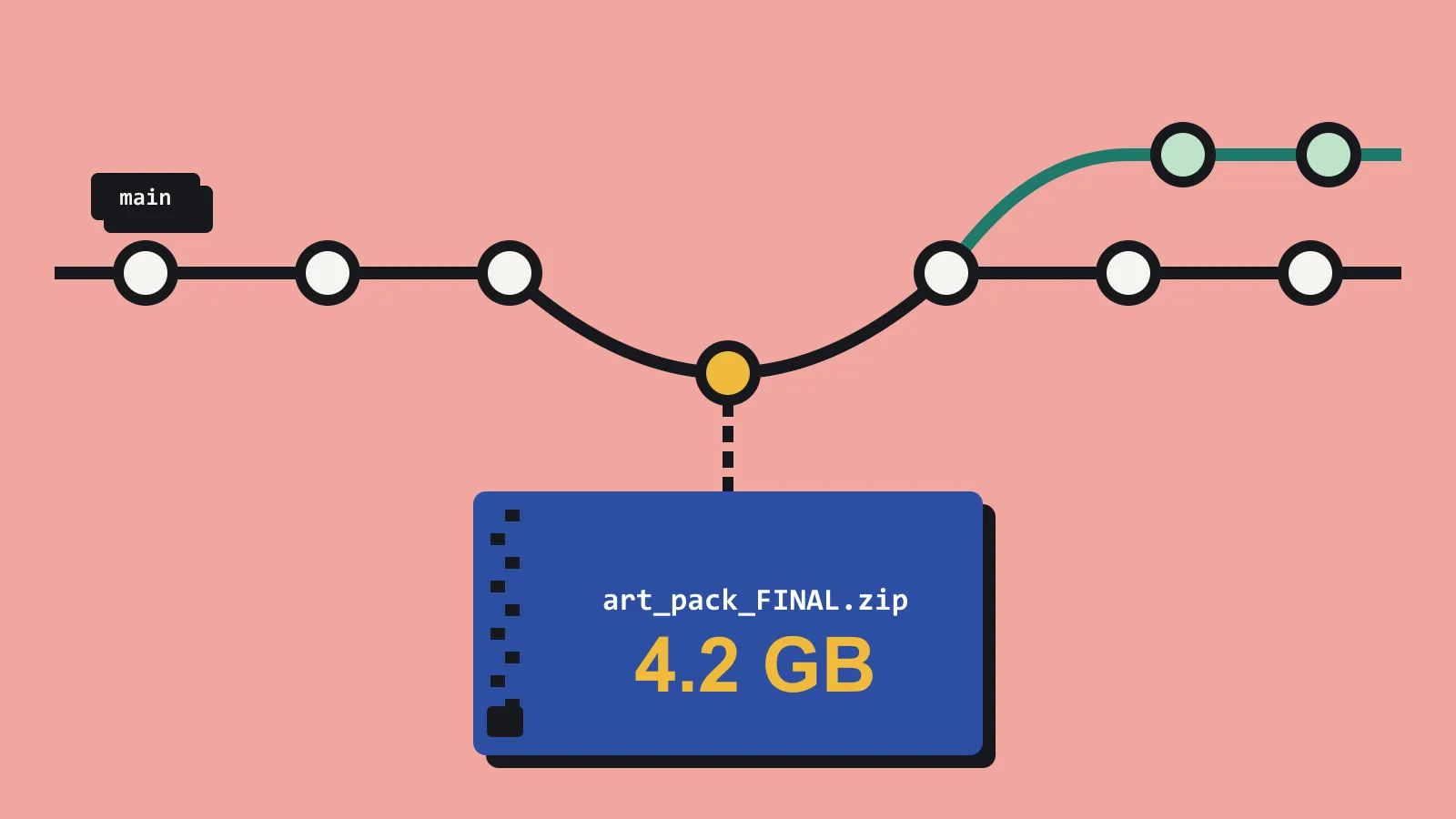
Git is for the game: scenes, scripts, the small textures made for this project, and the export presets. It is a poor cupboard for two gigabytes of packs you might use.
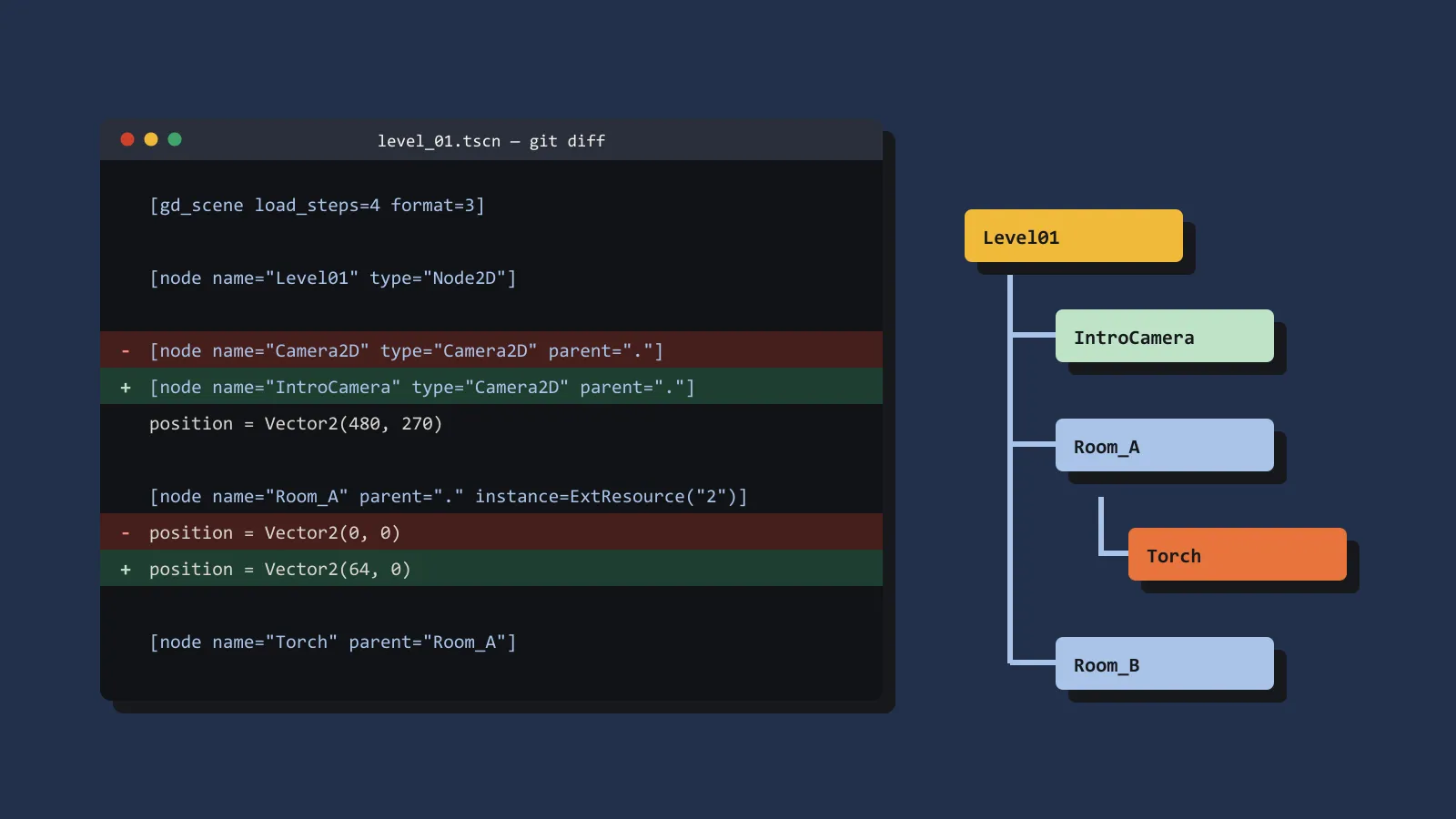
The symptoms are familiar. The repository takes twenty minutes to clone onto a new laptop. A one-line script change sits beside a diff Git cannot show, because an art file changed underneath. Git LFS helps until the storage quota arrives and the new machine cannot fetch the files. You are a solo developer, so the new collaborator is you in three months.
Split the problem in two.
What belongs in Git
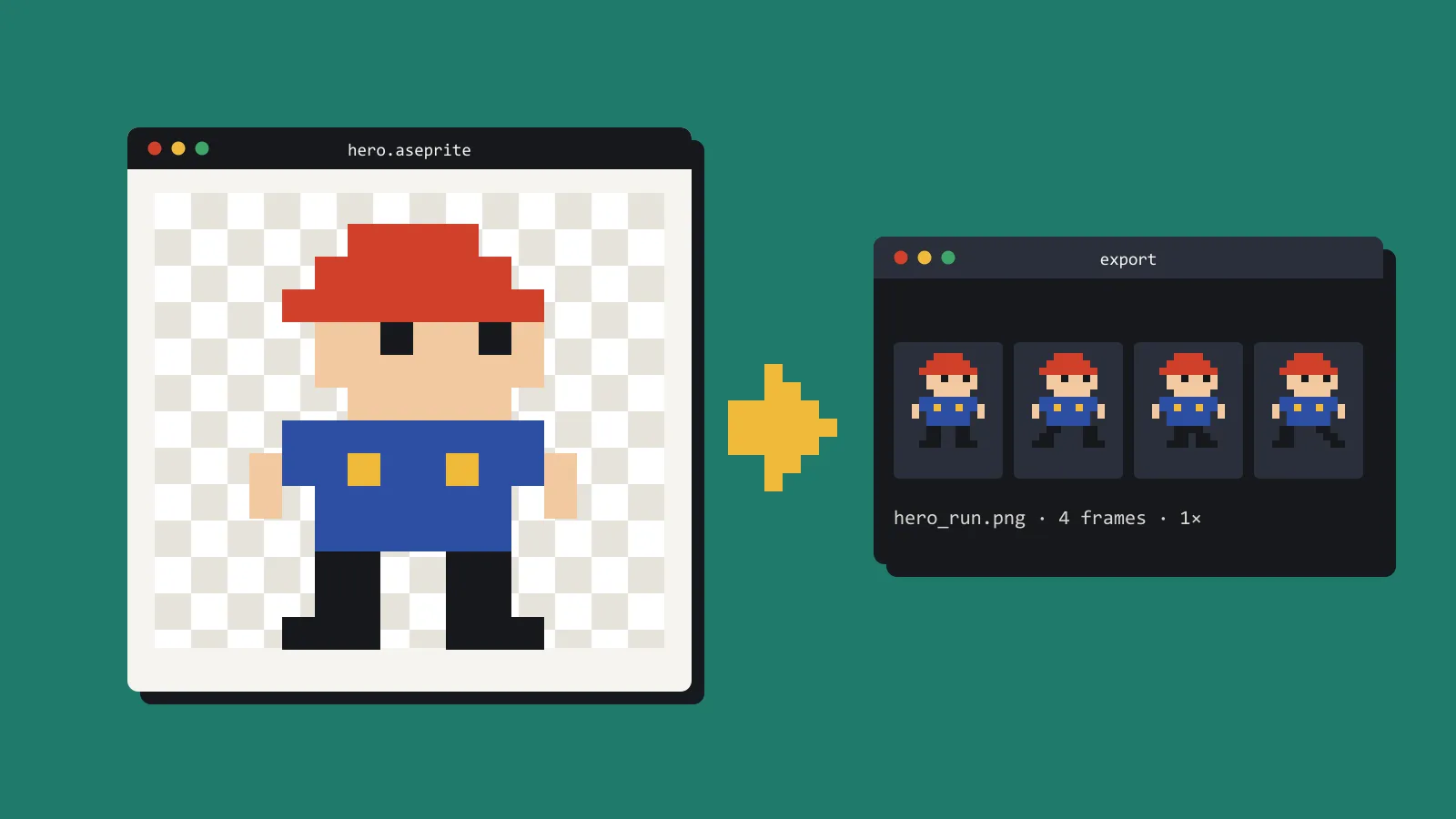
The project holds what the build needs, at the size the game needs. A 256-pixel prop, not the 4K source you might reuse on another title. Commit that. Review it. Tag a release against it.
Ignore patterns earn their keep. Vendor zips, demo scenes, and lock files from the art tool should not be a surprise commit. Check status at the end of a long art day. That is when a 400 megabyte pack sneaks in.
Rewriting history to remove it is possible, but it is a bad afternoon. Catching it before the commit takes ten seconds. Run git status and read the list of new files before you stage anything. If a path surprises you, it does not go in.
If a binary truly has to live in the repo, prefer the exported file the engine imports. Keep the vendor archive in the library. Write the licence into a text file next to the code. Git is good at text.
What belongs in the library
Everything else: shop zips, full packs, source files, near-duplicates, the door you did not use. Keep a short text note per pack with where it came from and what the licence allows, so the answer survives the shop page disappearing. It does not have to be in Git. It has to be backed up, and it has to be searchable, so you can answer whether you already own a barrel without cloning anything.
A second disk, a plain folder with a ruthless naming scheme, or a local asset manager will all do. Whichever you pick, it should stay on the machine and not become another remote you log into before you can see a sprite.
The test is a fresh clone. Do it today: clone the repository into an empty folder, open it in the engine, and follow your own notes. Time it. If a new checkout builds with the steps in your notes, the repo is the right size. If it only builds on the machine that already has the packs, the packs are still pretending to be source control.