Make the export boring before you touch the store page
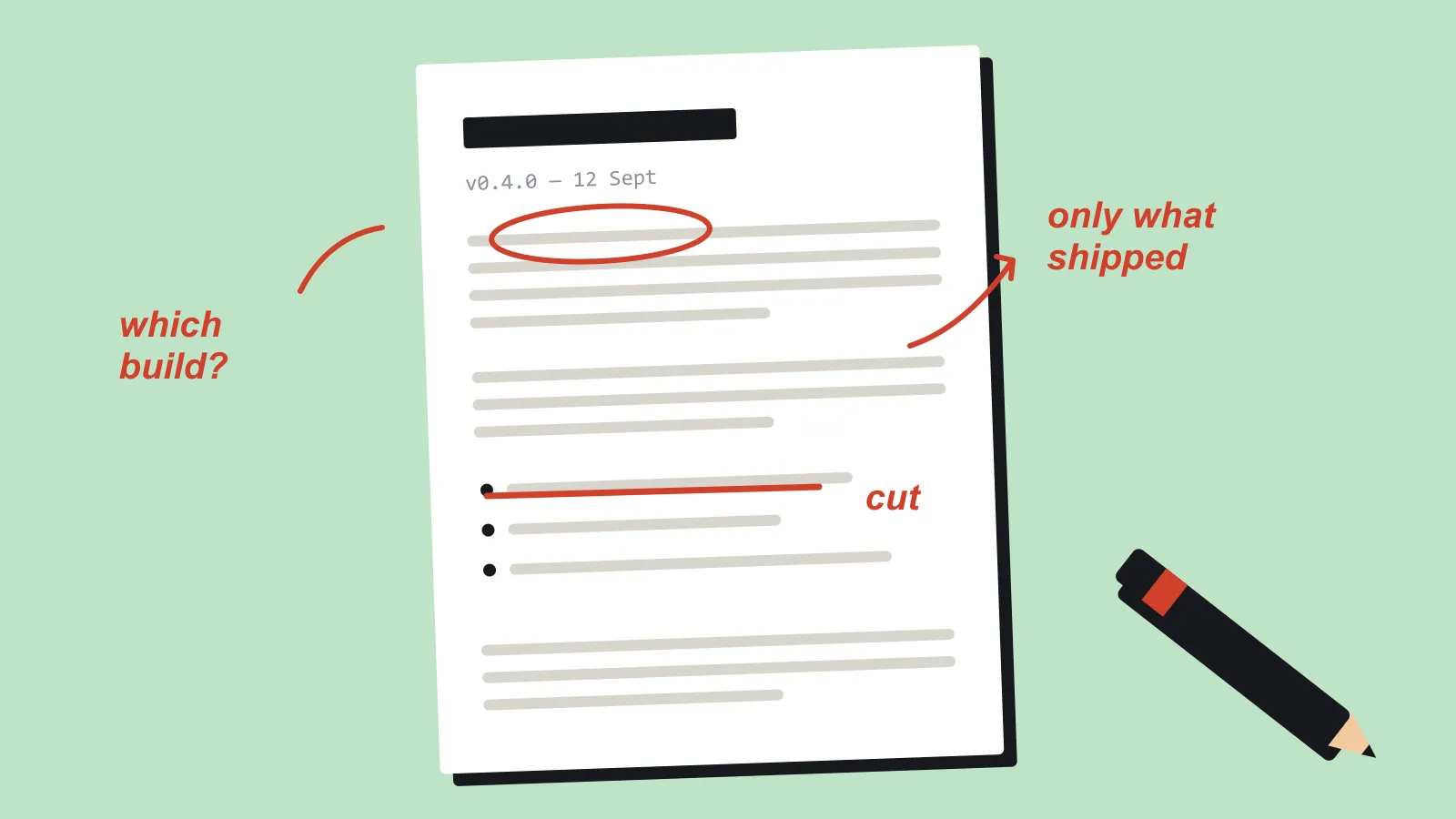
Run the export preset twice before you write a store page. The release note should describe the build you actually uploaded.
The interesting part of a release is the game. The part that decides whether the interesting part arrives is the export preset, and it should be dull.
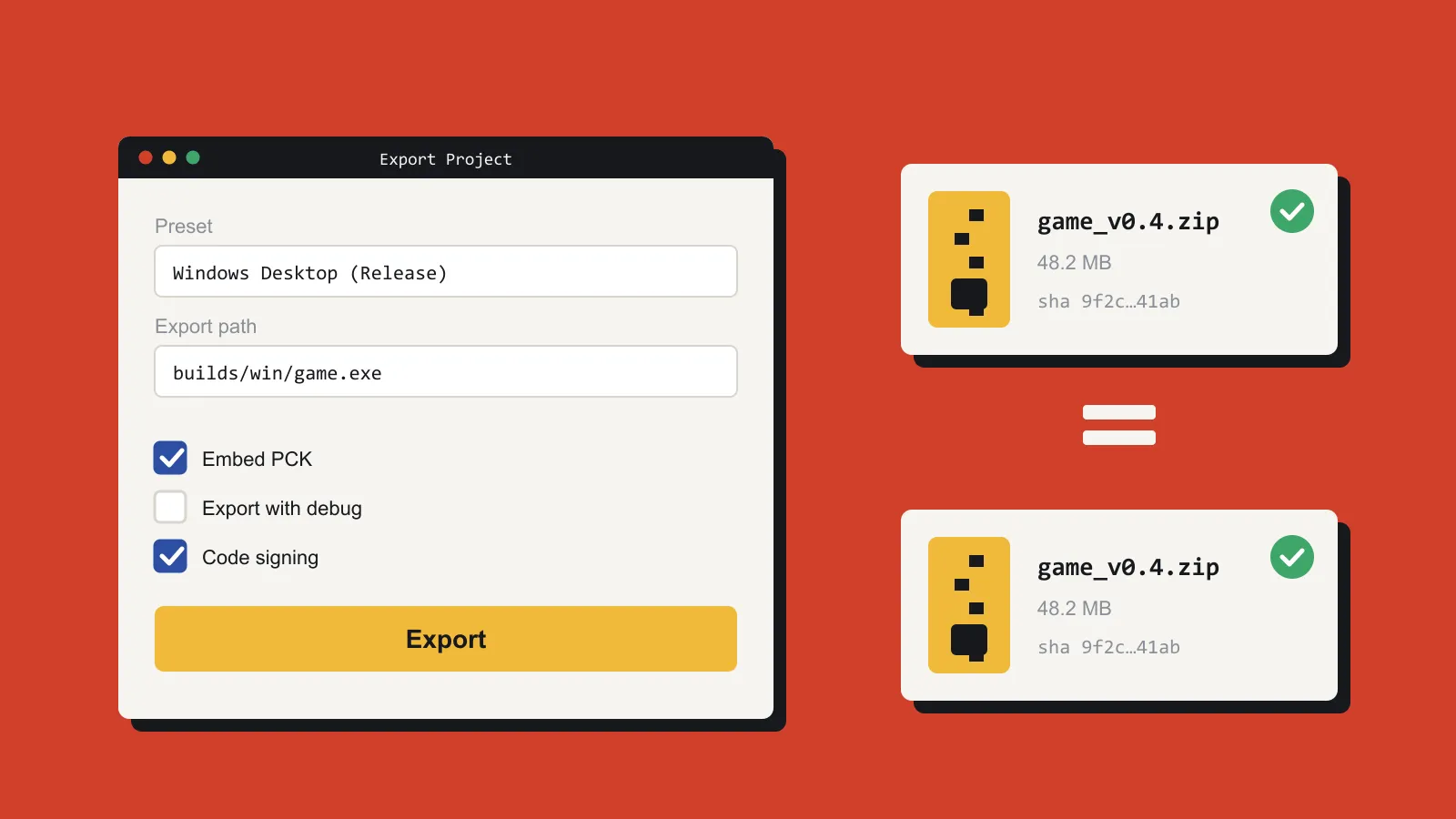
Dull means one command, or one button, produces the build you intend to upload. The version in the window title matches the version in the filename. Debug menus are off. The default resolution is the one you tested, not the one your monitor happens to use. A second run of the same preset produces the same folder, with the same name, without you renaming a copy.
Do that for every target you claim. If the page says Windows and Linux, both presets get a run on the day you upload. “Linux worked in March” is not a platform. A web export needs a refresh with the console open. Godot and Unity will both let you ship a build that prints errors into a place the player will never see, and you will not see them either, unless you look once before the upload.
Check the output folder as well as the build. Old zips, a leftover debug binary, and a test save file all travel well. Open the finished archive in a fresh folder, ideally on a machine that does not have the editor installed, and run it. Missing files and a missing runtime only show up there.
Write the steps in the project, even when you are the only author. Which editor version, which preset name, whether you upload the folder or the zip. Future you will have switched versions and forgotten which tickbox mattered. In Godot, the export templates have to match the editor version, and “why won’t it export” is a bad question to meet on release day.
Run the preset twice and compare. The file sizes should match, and so should the folder layout. If they do not, something in the build depends on the clock, your machine, or a file you forgot you had.
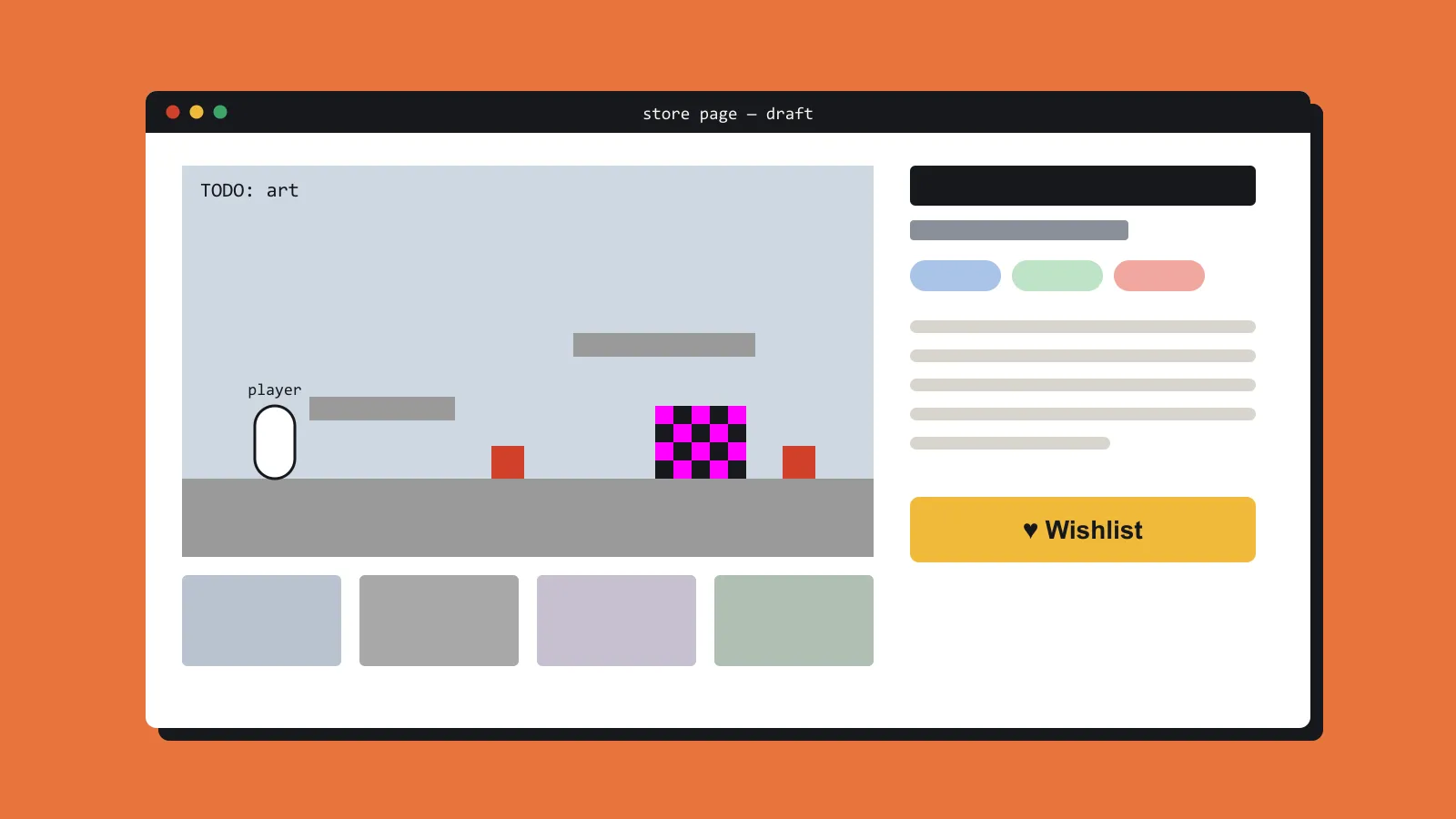
Only then open the store page. Screenshots from a build that still says it is a dev cut teach the player to expect a dev cut. Bump the number. Play for ten minutes from the exported binary, not from the editor, and then take the shots. Editor play and exported play are different products. Fullscreen, input, and the question of where a save file went only show up in one of them.
A release note can then be short. Version, platforms, what changed, what you tested, what you know is broken. That is a useful note. A paragraph about how excited you are is not.