Your first Steam build in Godot 4.7, checked before you upload
A pre-export checklist for solo devs shipping Godot 4.7 games on Steam, covering templates, GodotSteam, SteamPipe, review times and what changes in 4.8.
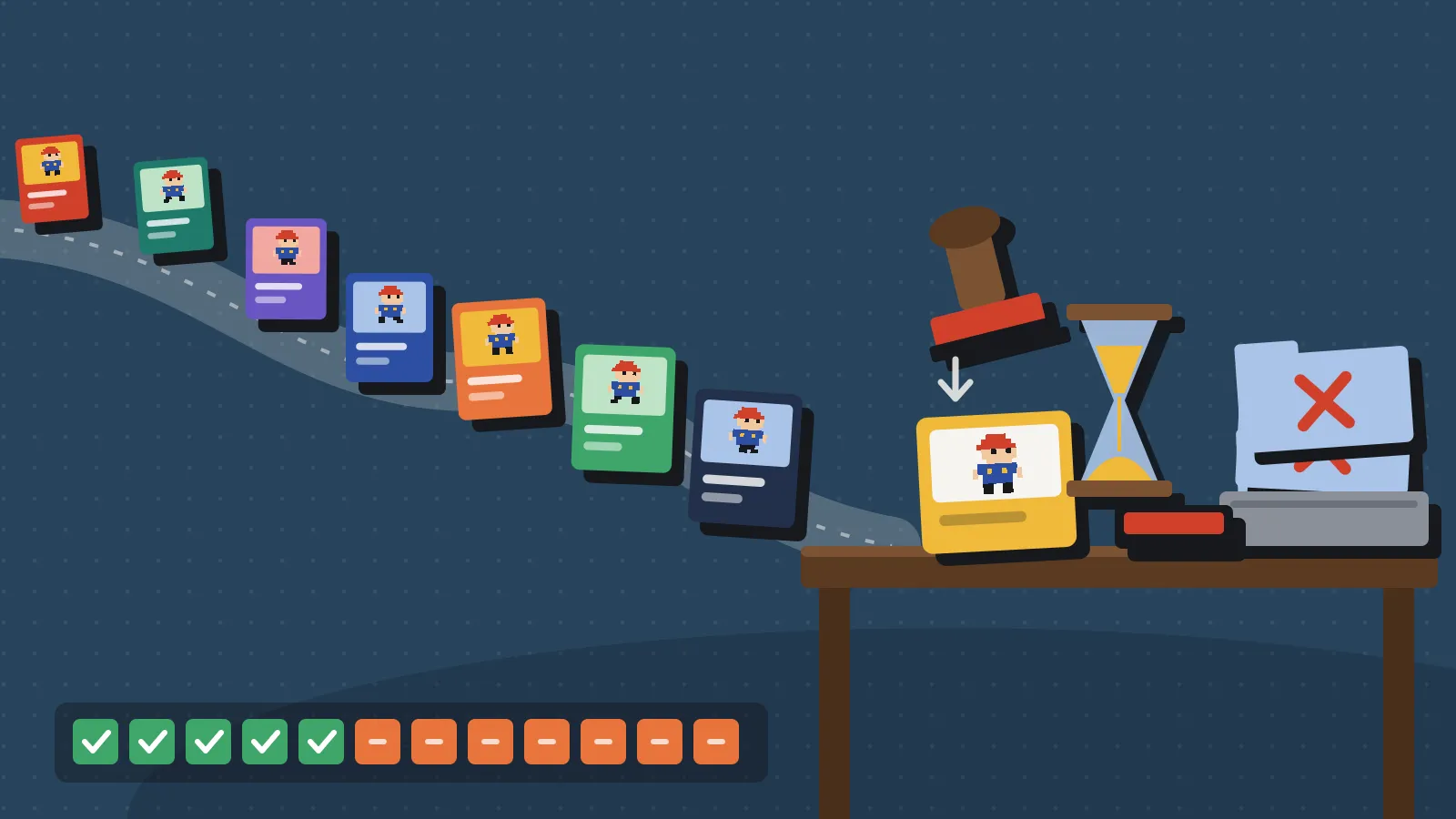
Valve’s build review can now take up to 12 business days, against a usual 3 to 5, according to a VGC report from 4 November 2026. Valve says failed builds that need a second review are a big part of the queue. So your first Godot build should pass first time. This checklist is for Godot 4.7.2, the current stable release from 18 August 2026, and notes what shifts in 4.8.
We built it from the Godot, GodotSteam and Steamworks docs. A GameDev.net post from 21 November by juegostudiosinc, an eight-point export checklist for small teams, prompted it and is a good companion read.
Lock the engine and the export setup
Start with the files and settings every later build depends on.
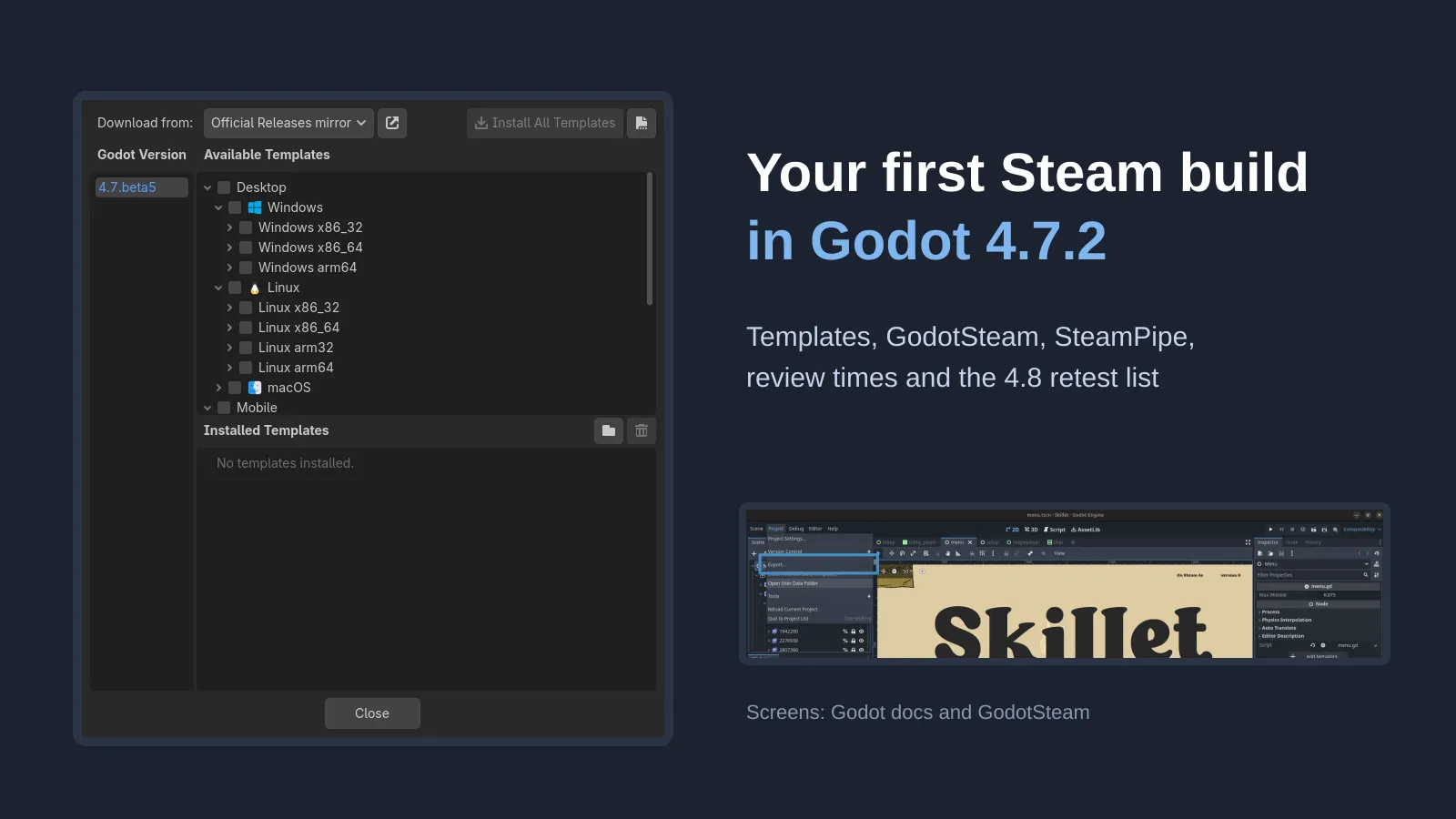
- Pin one Godot version. Write down 4.7.2 (or whatever you use) and install export templates from Editor > Manage Export Templates in that same editor. Templates are downloaded per engine version, so a mismatch fails the export.
- Commit
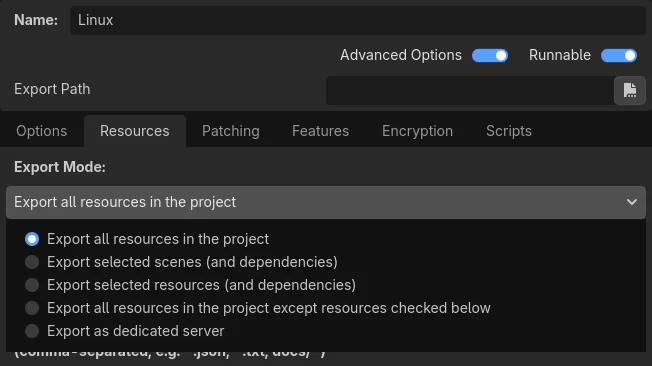
export_presets.cfg. The Godot export docs say it holds nothing secret. Passwords and keys live in.godot/export_credentials.cfg, which should stay out of Git. - Check what the PCK picks up. Non-resource files such as
.json,.txtand.csvare left out unless you add them to the export filter. Files and folders whose names start with a period are never exported. - Export from the command line once.
godot --path <project> --export-release "Windows Desktop" game.exegives you a repeatable build. The output path is relative to the project, not your shell. - Mind the embed limit. On Windows, an embedded PCK only works up to roughly 3.89 GB for the whole executable, so about 3.75 GB of game data.
- Skip encryption unless you need it. PCK encryption uses a 256-bit AES key, but only with export templates you compile yourself with that key. Official templates won’t read it. The include filters also start empty, so nothing gets encrypted by default.
Platform details that trip people up
Windows. Since Godot 4.1 the exporter builds the ICO file from a PNG, WebP or SVG icon. You no longer need rcedit for that. Code signing on export needs SignTool from the Windows SDK, or osslsigncode on other systems, plus a signing certificate, per the Windows export page. Steam doesn’t require a signed build, but an unsigned one can trigger SmartScreen for some players.
macOS. Official templates produce one Universal 2 .app for Intel and Apple Silicon. Notarising needs an Apple Developer ID certificate. You can use Xcode’s notarytool on a Mac, or rcodesign from Linux or Windows, then staple the ticket. The macOS export page adds two gotchas. Turn off the Debugging entitlement or notarisation fails. Turn on Disable Library Validation if you use a GDExtension, which GodotSteam’s plug-in is.
Linux. The default x86_64 export is the one you want for Steam and Steam Deck. The other six architectures are niche.
GodotSteam and the Steam side
GodotSteam 4.24 targets Godot 4.x and Steamworks SDK 1.65. It comes as a pre-compiled editor (the module) or a GDExtension plug-in. Pick one. The common issues page warns that mixing them breaks most features.
- Module users export with GodotSteam’s templates. Stock templates give you a crash where the game can’t find the Steam identifier, per the GodotSteam shipping tutorial.
- Plug-in users export with stock Godot templates. Then ship the extra
godotsteam.dll,libgodotsteam.soor.dylibalongside the game. - Always ship the Steam API library. That’s
steam_api64.dllfor 64-bit Windows and the 64-bitlibsteam_api.soon Linux. On Mac it sits inside the app bundle. - Leave out
steam_appid.txt. It’s only for running outside the Steam client, and Valve advises against shipping it. On Windows, watch for a hidden.txt.txtextension while testing. - Test the overlay through Steam. GodotSteam says the overlay has been unreliable from the editor since Vulkan arrived in Godot 4. The Compatibility renderer sometimes helps. It should work once Steam launches the exported game.
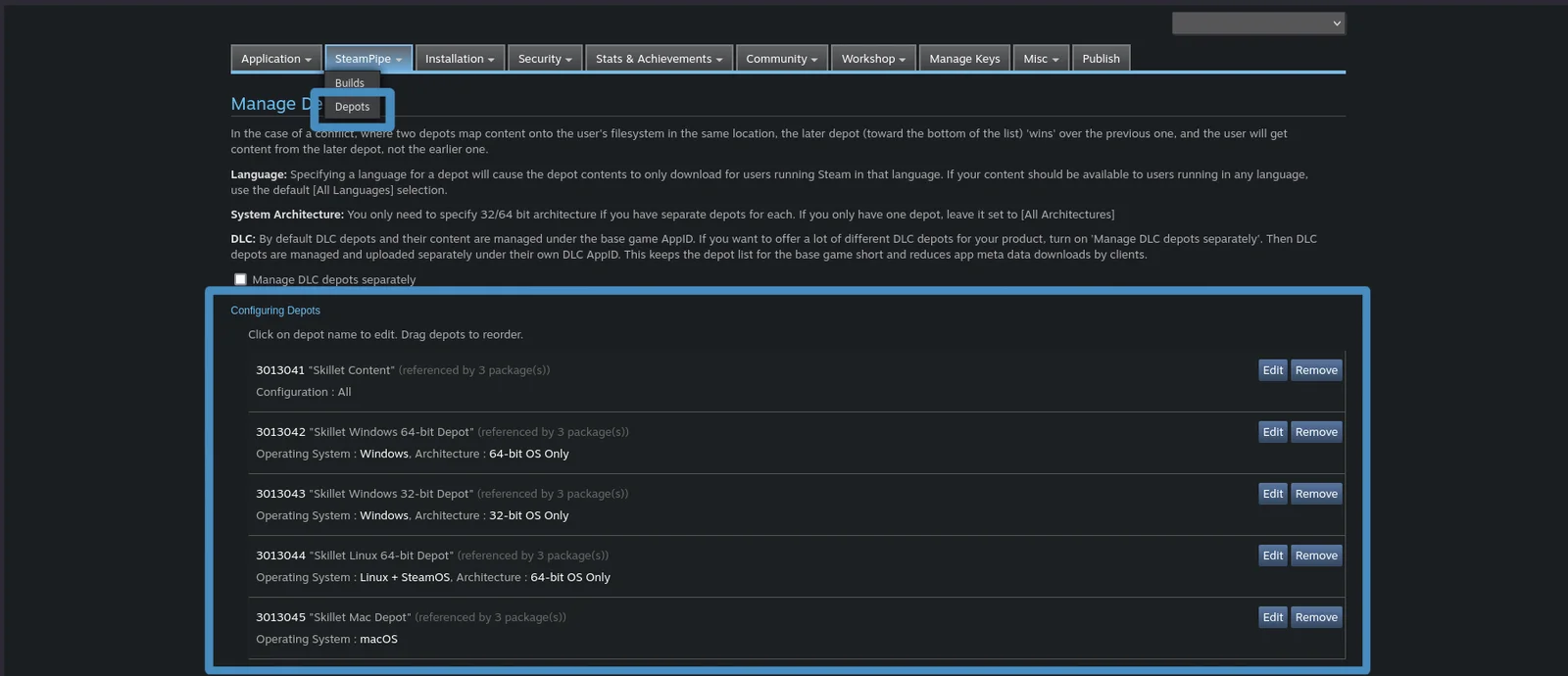
On Steamworks, the SteamPipe upload guide sets the order. Create depots, add a launch option, and put every depot in your packages. Then upload with steamcmd +run_app_build and set the build live on a beta branch first. Missing package depots are the usual cause of an “invalid content configuration” error. Valve also recommends a dedicated build account with only the edit and publish permissions it needs.
What it means for a solo dev
The Steamworks review checklist wants a Release build, not Debug. The game must install on a clean machine, launch through Steam and stay playable for at least 5 minutes. Listed features, achievements and Cloud saves must work. If you’re still planning Steam achievement sets, finish them first. With reviews taking up to 12 business days, each rejection can cost you two weeks or more.
Steam Deck review is separate and starts only after a build passes. Valve aims to finish within about a week. The compatibility page asks for 1280x800, text at least 9px tall (12px recommended) and 30fps at 800p. If you already ship on Deck, our SteamOS 3.9 retest list covers what to check again.
For C#, GodotSteam has no .NET build yet. Its docs point to community C# bindings instead. Factor that in before you pick a language for a Steam game. Our Godot comparison row has the wider picture.
What to do now, and what 4.8 changes
Ship your first build on 4.7.2. Godot 4.8 beta 4 landed on 18 November 2026, and the team says a release candidate is imminent. But a beta is the wrong base for a review you can’t afford to fail twice. When you do move, re-test these points from the 4.8 beta 1 notes:
- C# projects need .NET 10. The minimum moves up from .NET 8.
- macOS exports gain an architecture selector. Editor binaries now ship per architecture, though universal packages remain.
- Release exports that use the local debugger now fail. Strip any leftover debug hooks.
- New projects ignore joypads when the window is unfocused. Check this against the Steam overlay and Deck input.
- Some export options stop being saved. Options without the storage flag drop out of the preset file, so diff
export_presets.cfgafter upgrading.
Also wait for GodotSteam to confirm 4.8 support before you upgrade a Steam project.
Sources
- Exporting projects, Godot 4.7 docs, source of the cover and export screenshots
- Exporting for Windows, Godot 4.7 docs
- Exporting for macOS, Godot 4.7 docs
- Exporting for Linux, Godot 4.7 docs
- Compiling with PCK encryption key, Godot 4.7 docs
- Manually changing application icon for Windows, Godot 4.7 docs
- Godot download archive (4.7.2, 18 August 2026)
- Dev snapshot: Godot 4.8 beta 4
- Dev snapshot: Godot 4.8 beta 1
- GodotSteam: Exporting and shipping, source of the cover and depot screenshots
- GodotSteam: Common issues
- GodotSteam: What are you making?
- Steamworks: Uploading to Steam
- Steamworks: Review process
- Steamworks: Steam Deck compatibility review
- VGC: Steam says it’s running behind on pre-release reviews
- GameDev.net: Before your first Steam build in Godot 4, an eight-point export checklist for small teams