What ships in Unity 6.7 LTS, and what waits for Unity 7
Unity's Unite Tokyo roadmap splits the next year between 6.7 LTS and Unity 7, due in early 2027. Here's what a small team gets, and when to move.
Unity published its latest roadmap after Unite Tokyo on 17 November 2026, as a 69-page slide deck linked from unity.com/roadmap. It splits the coming year in two. Some features are labelled for Unity 6.7 LTS, the next long-term support release. The bigger changes are labelled for Unity 7, which GamesIndustry.biz reported in July would reach beta in December 2026 and full release in the first quarter of 2027. The Unity 7 alpha has been public since 5 October.
The deck is mostly feature names and short bullet points, not dates. Here’s how to read it if you’re one person or a small team deciding what to build on.
What the deck puts in Unity 6.7 LTS
The 6.7 slides are mostly 2D and UI work, and they’re the parts you can plan around soonest.
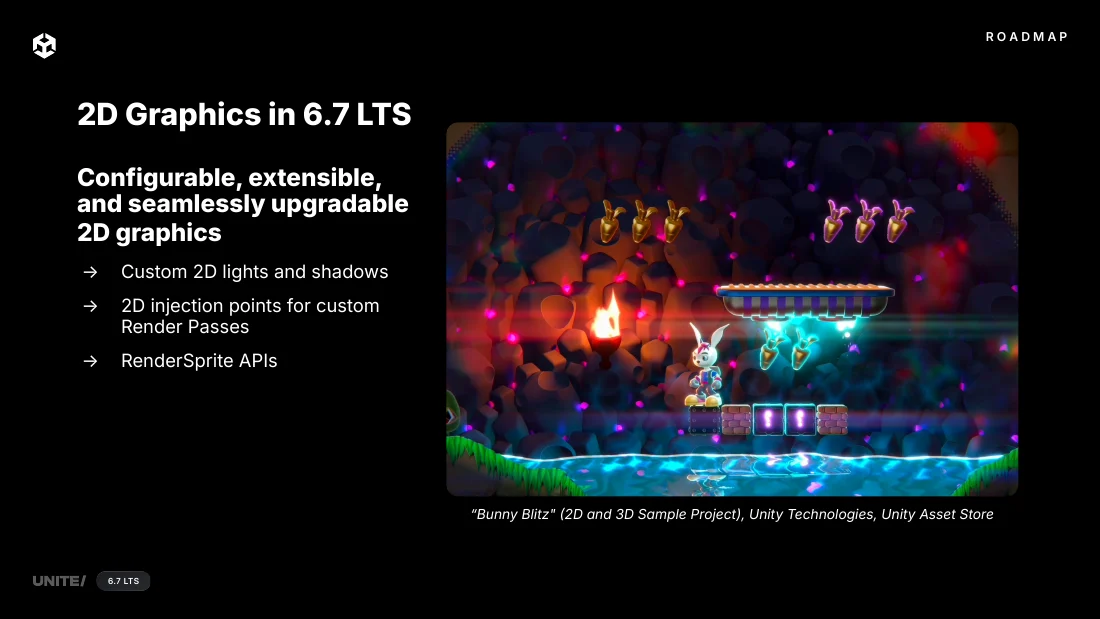
For 2D, the deck lists custom 2D lights and shadows, hooks for your own render passes in the 2D renderer, and new RenderSprite APIs. Physics Core 2D gets Pose, Area and Constraint components, so its multithreaded solver works through ordinary components rather than code. There’s also a set of 2D profilers covering sprites, Sprite Skin, Tilemaps, 2D graphics and Physics Core 2D.
UI Toolkit, Unity’s newer UI system, gets authoring in the Scene view, keyframe animation, effects through USS (its stylesheet language) and a UI Profiler module. Unity also lists faster selectors and wider device support.
The audio slide marks a scriptable audio pipeline as new in 6.7. You can write generators, effects and outputs that run with Burst and the Job System, so custom audio shouldn’t stall the main thread.
Unity hasn’t put a release date for 6.7 LTS in the deck. For context, 6.3 LTS shipped on 4 December 2025, and endoflife.date lists its security support running to 4 December 2027.
What waits for Unity 7
Unity 7 carries the deeper engine work. Unity’s line since Unite Seoul in July is that it’s a direct continuation of Unity 6, with an upgrade path kept as close to incremental as possible.
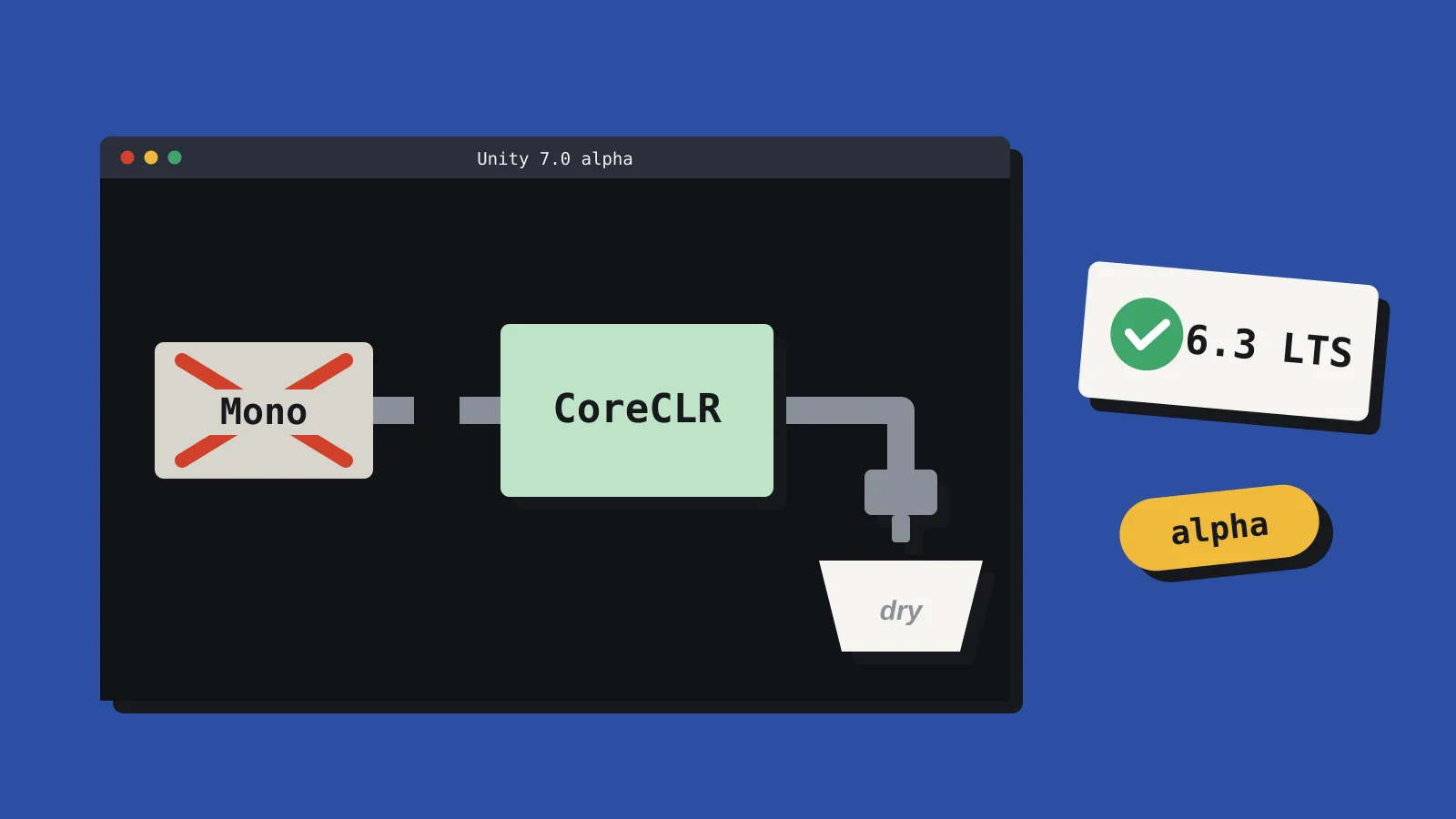
CoreCLR. Unity 7 moves the Editor from Mono to CoreCLR, the modern .NET runtime, with .NET 10 and C# 14. The deck says domain reload gives way to AssemblyLoadContext, and that compilation moves to MSBuild and normal .csproj files. Supported players are CoreCLR and IL2CPP. In practice, the long wait after every script change should shrink, and your editor tooling should look more like ordinary .NET.
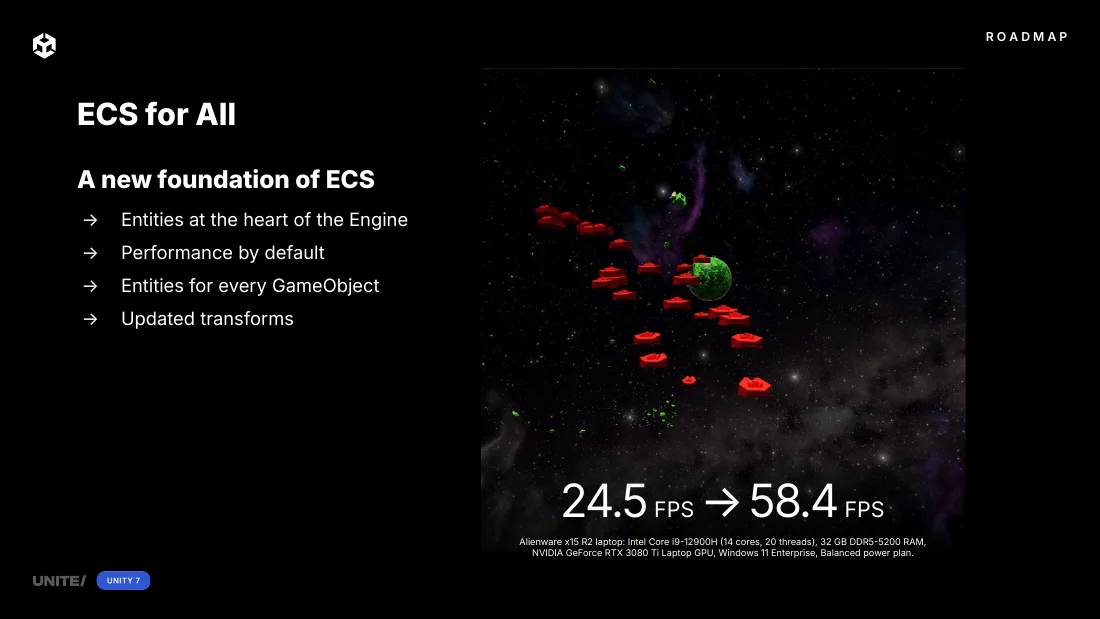
ECS for All. Entities move into the core of the engine, with an entity behind every GameObject and new transforms. Unity’s slide shows one test scene going from 24.5 to 58.4 frames per second on an RTX 3080 Ti gaming laptop. That’s Unity’s own demo, not a benchmark of your game. The authoring slide also promises data components on ordinary GameObjects and prefabs, without subscenes or baking scripts. A staff reply on the alpha forum says the hierarchy without subscenes won’t be in 7.0 itself.
Method Reload. You opt in per method and edit code while the game runs, including pushing changes to a device without a rebuild on IL2CPP platforms. If it works as described, this is the feature most likely to change a solo dev’s day.
Graphics. The deck lists Surface Cache GI for dynamic indirect lighting, screen space reflections that also run on mobile, Ground Truth Ambient Occlusion, volumetric fog and physically based sky for URP. Upscalers listed include STP as the default, DLSS 4.5, FSR 2 to 4 and MetalFX. A new graphics backend, the Unity Graphics Kernel, cut one CPU timing from 31.68 ms to 22.97 ms on a Samsung S23 in Unity’s test. Neural texture compression took the Atrio sample’s texture memory from 600 MB to 420 MB.
2D. Unity 7 adds higher-level 2D character animation, secondary motion driven by 2D physics, faster rendering APIs for Tilemaps and SpriteShapes, and better tools for 2D objects in 3D scenes.
Tools. The Unity CLI gets extensions, generators and agent workflows, with agent guardrails listed as next. Unity Pipeline promises access to projects without the Editor through an API and web dashboard. Accelerator V2, the asset cache, is listed as included with a DevOps licence, with a free self-hosted version coming.
Platform notes worth a look
A few smaller slides matter more to indies than the headline features. The PC slide lists Steam Build Profiles for Windows, Mac and Linux. A light falloff mode makes URP lights fade like the Built-In renderer, which eases moving older Built-In projects to URP. Project Auditor is meant to handle upgrades from 6.7 to 7.0, moves to URP and moves to CoreCLR.
On mobile, a built-in External Dependency Manager handles native iOS and Android dependencies for plug-ins. It matches Google’s EDM4U format and supports Unity 2022.3 and up. Unity also lists official support for Googlebook in 2027.
What it means for a solo dev or small team
If you’re shipping in the next six months, stay on Unity 6. The alpha forum is clear that the .NET compatibility level and first-party packages are still settling. Nothing in the deck is worth a mid-production engine jump.
If you’re starting a project now and plan to release in late 2027 or after, Unity 7 is the likely target. Start on 6.3 LTS or 6.6, keep your packages current, and plan one upgrade pass after the beta.
If you’re making a 2D game, 6.7 LTS looks like the version to aim for. Most of the 2D lighting, physics and profiling work is labelled for it, not for 7.
Treat every performance number in the deck as a direction, not a promise. Each one comes from Unity’s own sample on named hardware.
The roadmap also lands during a busy month for Unity, after the Unity Fellowship grants and the reported buyout talks. Neither changes your licence today, and the roadmap doesn’t mention pricing. Our Unity row in the engine comparison table has the current terms.
What to do now
- Audit your scripts for domain reload habits. Static fields and singletons that rely on a full reset are what CoreCLR’s new reload model will expose. Fix them on Unity 6 first.
- Move off the Built-In renderer if you can. Most of Unity 7’s graphics slides are about URP, and the new falloff mode and Project Auditor are there to help.
- Try the CLI now. It’s already in use, as we saw when teams leaned on Unity CLI at a 24-hour AI jam, and it’s how Unity 7’s tooling is heading.
- Branch a copy for the December beta. Test it on a copy, log what breaks, and file bugs while Unity is still taking them.
- Watch for the 6.7 LTS date. If you’re mid-project, that’s your next safe upgrade, not 7.0.
Sources
- Unity Roadmap, Unite Tokyo 2026 deck, source of the cover and slides (Unity)
- Unity 7.0 Alpha is now available (Unity Discussions)
- Unity 7 roadmap revealed at Unite Seoul (Unity)
- Unity 7 to launch in Q1 2027 (GamesIndustry.biz via GameDev.net)
- Unite Tokyo 2026 keynote report (GameBusiness.jp, Japanese)
- Unity release and support dates (endoflife.date)