What Unity's 24-hour AI jam teams really leaned on
Three games built in 24 hours at Unity's AI Game Jam went on show at G-STAR. Here's which AI tools teams used, what Unity's AI costs, and whether to try it.
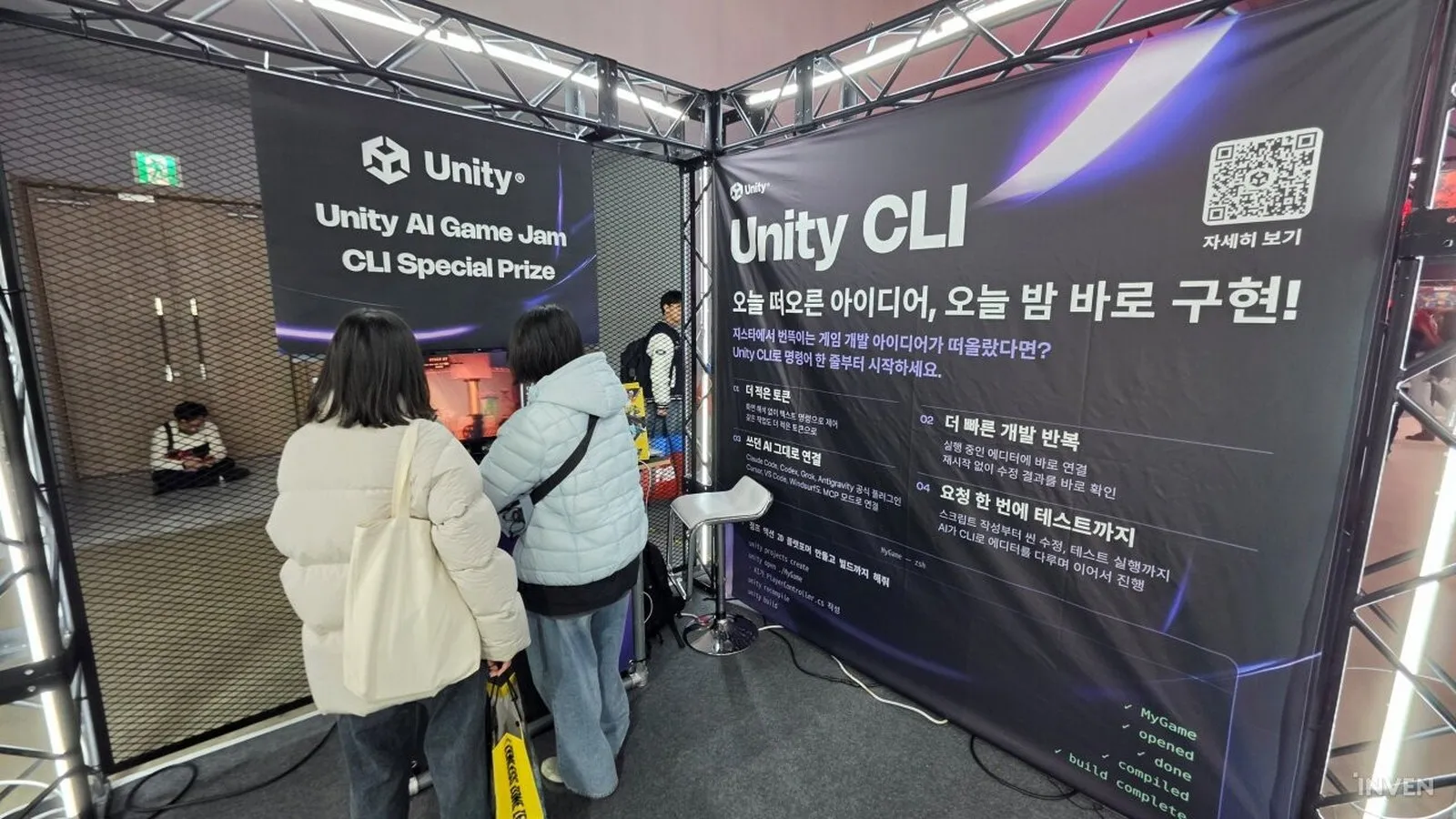
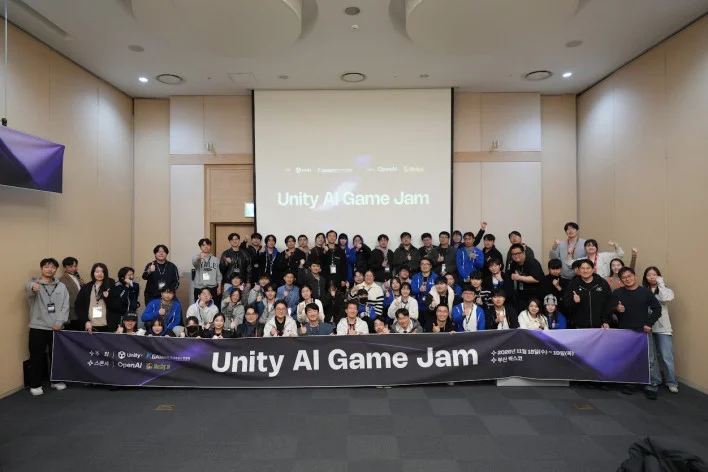
On 18 November 2026, 54 developers spent 24 hours building games with Unity and OpenAI tools in Busan, ahead of G-STAR 2026. Unity picked them from about 500 applicants, according to Bum-joo Kim, Unity’s APAC advocacy leader, speaking to Inven Global. Three winners went on show at Unity’s booth in Exhibition Hall 2. The coverage says a fair bit about where AI helped in a jam. It says less about Unity’s own paid AI tools, and that gap matters if you’re deciding whether to pay for them.
The three winners and what they made
Inven Global’s write-up lists three award winners. Swing & Swing took the main award and the on-site popularity vote. It’s a rope-action game for one player. Your left hand flies a 2D drone on the keyboard, dropping blocks as grapple points. Your right hand swings a 3D character with the mouse.
Colla-Zoo won the Unity CLI special prize. It’s a platformer where escaped lab animals mix heads, torsos and legs from six species. Pressing R reshuffles the parts.
Dungeon Tycoon won the OpenAI special prize. You lay out a dungeon and its monster patrols, then AI-controlled heroes make their own calls about how to tackle it. Inven reports the game ran on $0.26 in API costs.
The jam theme was cooperation, both between teammates and with AI. Inven doesn’t list team sizes or say how the main award was judged beyond the public vote.
What the teams handed to AI, and what they kept
The best detail comes from Inven’s interview with both companies. Bum-joo Kim said job lines blurred. Programmers pitched in on art and artists built their own automation. Teams finished features faster and spent the saved time on balance, UI and polish. He also said more than half the finished games had intro cutscenes or story videos.
On tools, Taeyoung Kim, an account director at OpenAI’s new Korea office, said participants used Codex for code. Bum-joo Kim said teams also used AI for concept art and draft 3D models. OpenAI sent four engineers from its headquarters to mentor on the floor. Both men said mentoring questions moved away from technical bugs and towards art, design and balance.
Design stayed human. Both said deciding what’s fun, and playtesting to check it, is still the developer’s job. That matches Shigeru Miyamoto’s view that AI can do the work but not the making. Bum-joo Kim’s advice was to learn the basics, such as C#, graphics terms and animation concepts, so your prompts can be specific.
Now for what’s missing. Neither article names Unity’s in-editor Assistant or its Generators as tools the teams used. The Unity prize went to Unity CLI instead. That’s the command-line tool that installs the editor, creates projects and runs an MCP mode so outside agents such as Codex can drive the editor. At this jam, “Unity AI” looks like Unity’s agent plumbing paired with OpenAI’s models.
What Unity’s AI tools cost and need today
Unity’s explainer page, published 28 July 2026, splits its AI offer into four parts:
- An in-editor Assistant with Ask, Agent and Plan modes, which reads your scene, packages and code.
- Generators for placeholder materials, cubemaps, sounds and 3D models, each tagged as AI-generated.
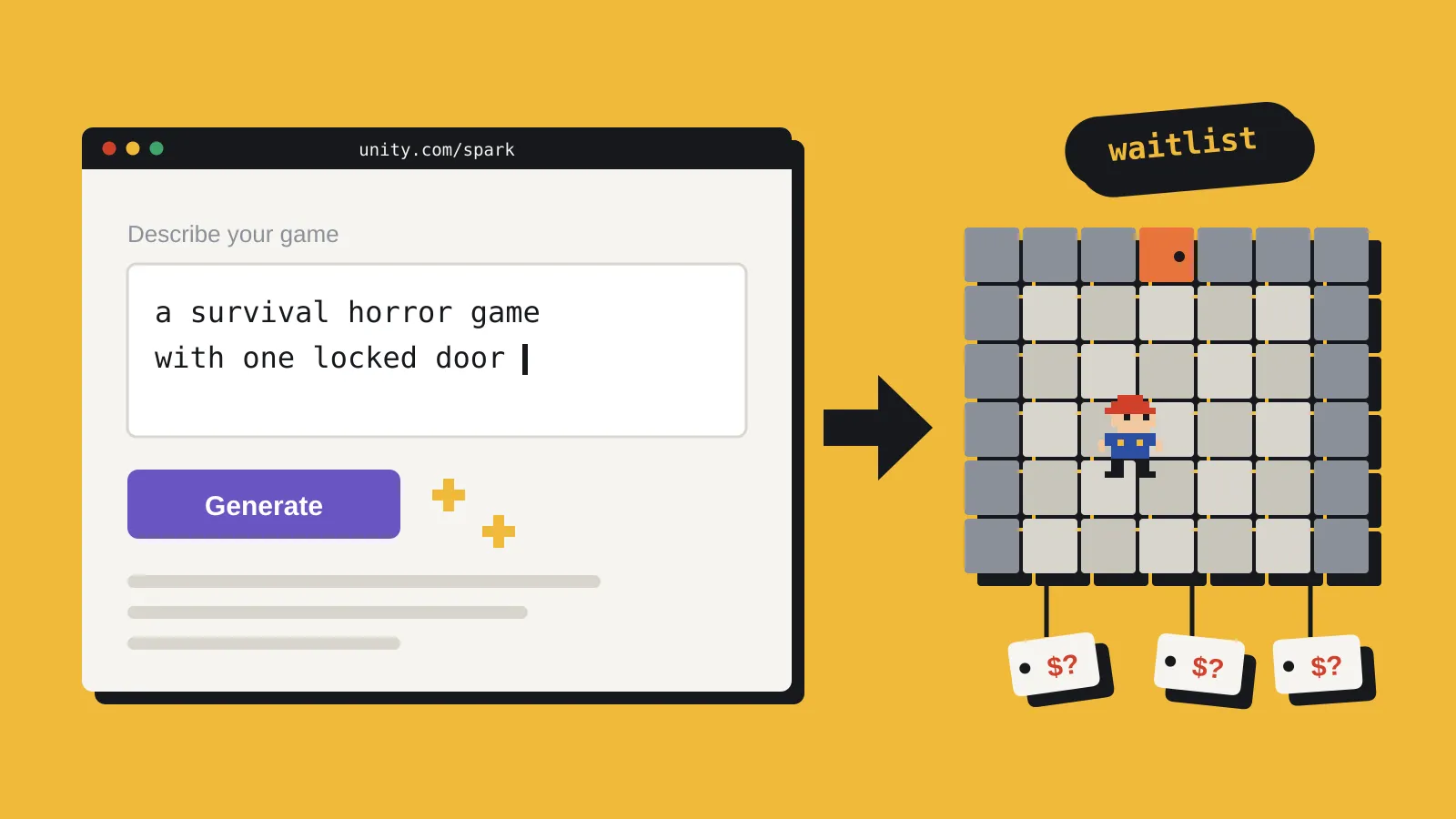
- An AI gateway that plugs Claude, Codex, Gemini and other agents into the editor.
- A Unity MCP server so external tools and IDEs can control the editor.
All of it needs Unity 6 or later. Unity calls that a hard requirement.
The Assistant and Generators spend Unity AI Credits. On the Personal plan you get a 14-day trial with 1,000 credits. It needs a card and rolls into a $10 a month subscription unless you cancel. Pro, Enterprise and Industry seats include the tools and a monthly credit allowance. Agents on the gateway bill through your own subscription with that provider, not Unity credits.
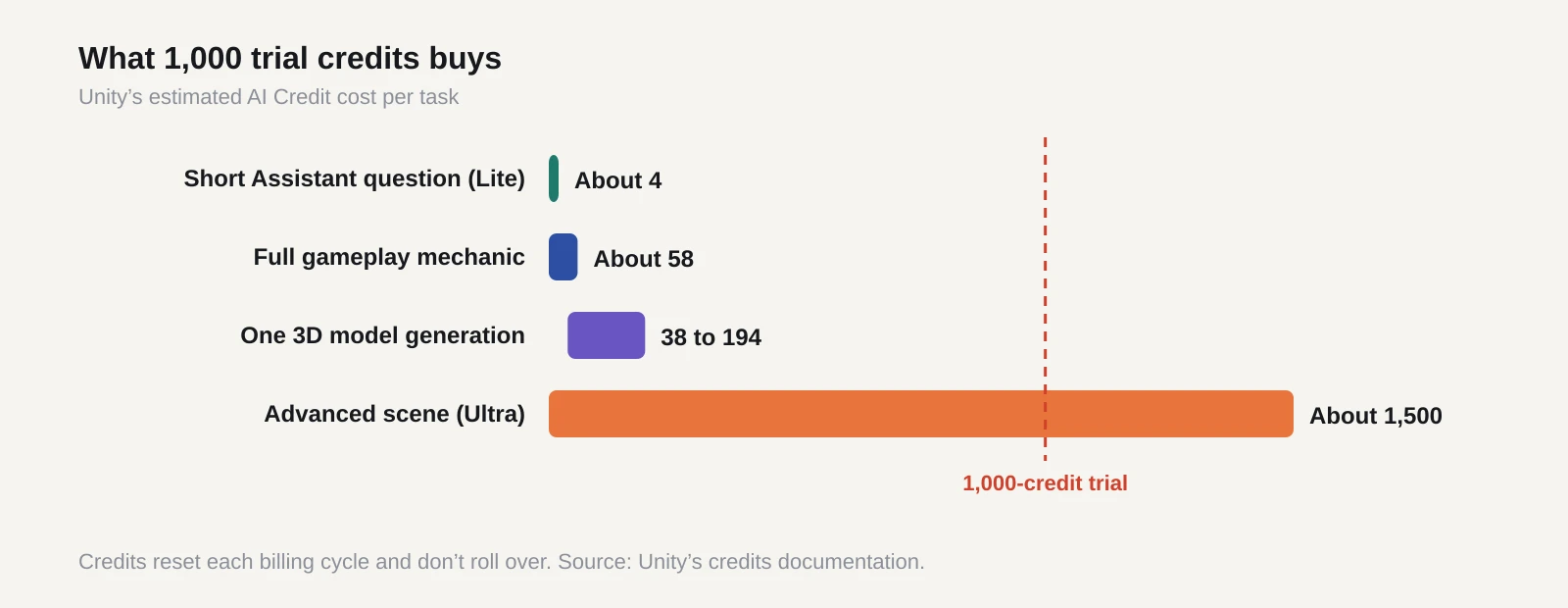
Unity’s credits documentation says credits reset each billing cycle and don’t roll over. Its estimates show a wide spread. A short Assistant question on the Lite model costs about 4 credits. A full gameplay mechanic costs about 58. One 3D model generation runs 38 to 194. On the Ultra model, an advanced scene can reach about 1,500. So 1,000 trial credits buys plenty of small questions or a handful of heavy jobs. Unity’s credit terms say purchases are final and non-refundable.
On ownership, Unity’s models and partners page says you own your input and output data. It lists Assistant models from Google (Gemini), Anthropic (Claude), Kimi and Z.ai, all hosted by Unity. Training on your content is off by default. The explainer adds that its generator filters reduce copyright risk but aren’t foolproof, and it suggests replacing placeholders before you ship.
What it means for a solo dev or small team
The jam suggests the main gain is time. Teams used AI to get features and rough art in place, then spent their hours on feel. That suits a solo dev who usually runs out of time before the game plays well.
The catch is the setup. If you already pay for Codex or Claude, the gateway route may cost you nothing extra in Unity credits. But Unity’s explainer lists the gateway and MCP server under Pro, Enterprise and Industry. It doesn’t spell out what Personal users get. And if your live project sits on Unity 2022 LTS, none of this runs there.
Some IGF jurors won’t vote for any AI use, so plan your disclosure before a jam game turns into a festival entry. Unity’s AI-generated tag helps you find every placeholder later. If you’d rather jam for prize money, Epic’s AI MegaJam pays out $65,000 and makes AI optional.
What to do before your next jam
Our verdict is yes, try it, if you’re already on Unity 6 and the jam allows AI. The trial is cheap to test. Just don’t read the Busan results as proof of Unity’s own Assistant, because the coverage credits Codex and the CLI.
- Check your version. Install Unity 6 in a fresh test project through Unity Hub or the CLI.
- Pick where your AI spend sits. Either use the Assistant on credits or connect an agent you already pay for.
- Start the 14-day trial a day or two before the jam, so you can test the setup and it won’t lapse mid-event. Set a reminder to cancel if you don’t want the $10 plan.
- Watch your credits. Use Lite for quick questions and save Ultra for big jobs. Check usage in the Unity Dashboard.
- Treat generated models and art as greybox. Replace them before shipping and keep a list for disclosure.
- Spend the hours you save on balance and playtesting, as the Busan teams did.
Sources
- Made in just 24 hours: 3 award-winning games from Unity AI Game Jam featured at G-STAR 2026, source of the cover (Inven Global)
- Inven Global interview with Unity’s Bum-joo Kim and OpenAI’s Taeyoung Kim on the AI Game Jam, 20 November 2026, source of the group photo
- What are Unity’s AI tools? (Unity)
- About Unity Credits (Unity documentation)
- Unity AI Models and Partners (Unity legal)
- AI Credits Beta Terms (Unity legal)
- Unity AI product page (Unity)