O3DE 26.10 moves its editor to Qt 6 and drops PhysX 4
O3DE's latest release modernises its editor, adds experimental Apple Silicon builds and drops PhysX 4. Here's who should upgrade, and who should look elsewhere.
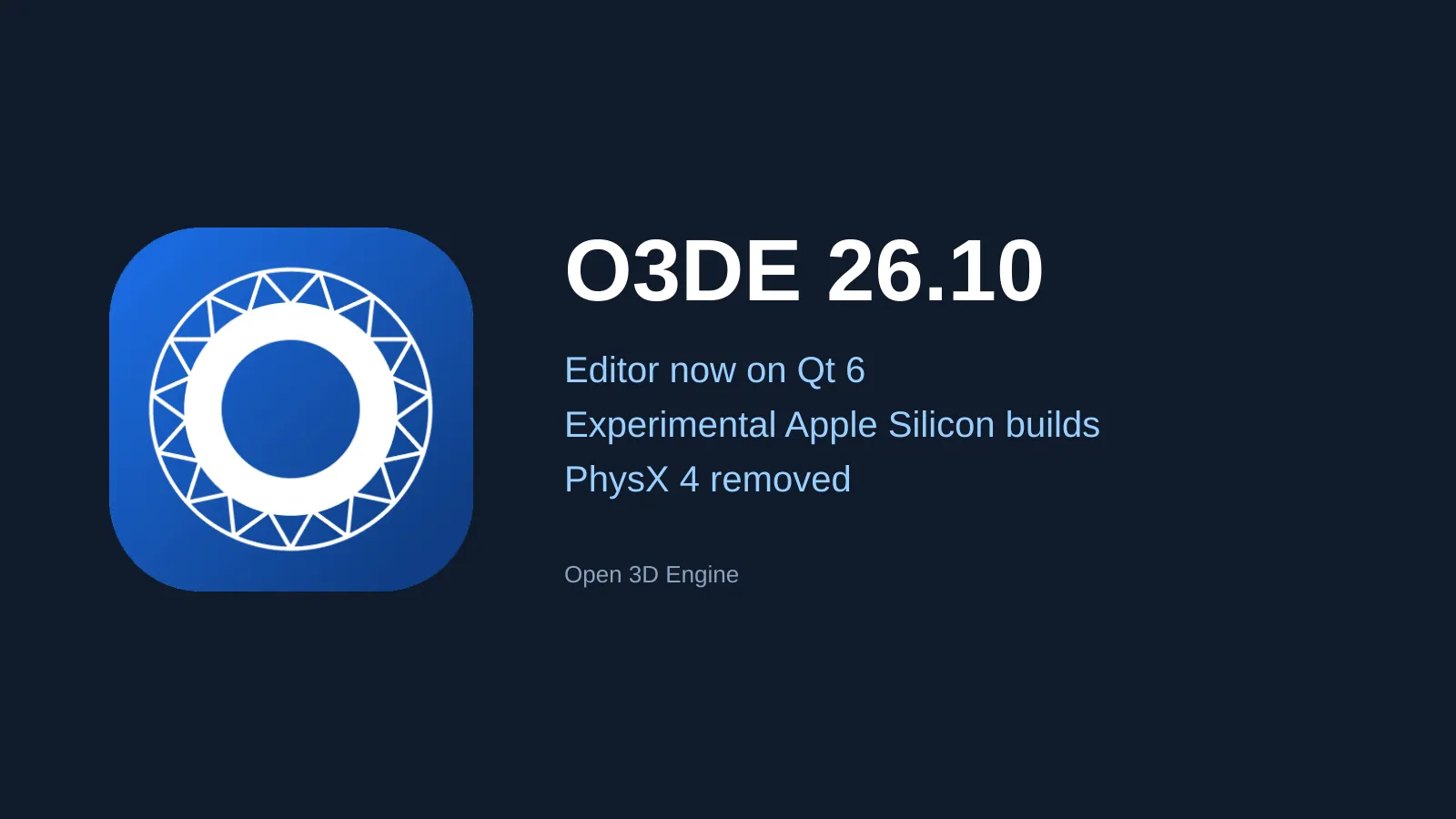
O3DE 26.10 is out. The release notes lead with three changes: the Editor now runs on Qt 6, Apple Silicon Macs get experimental native builds, and the ROS 2 robotics Gems gain a season of simulation work. The release also removes PhysX 4 for good and carries more than 200 fixes. O3DE, the Open 3D Engine, is the free engine that grew out of Amazon’s Lumberyard, and it’s licensed under Apache 2.0 or MIT with no royalties.
What’s new in 26.10
The Editor moves to Qt 6. The Editor and its tools now build against a standard Qt 6.10.2. That replaces the custom Qt 5.15.2 build O3DE had carried for years, which no longer gets upstream security fixes. The upgrade came with a reworked Entity Inspector, consistent keyboard shortcuts across the Inspector, Outliner, Asset Editor and LyShine (the UI editor), and undo in the Asset Editor.
Easier project and component set-up. The Class Wizard can now target any project or Gem (O3DE’s name for a plug-in module). It generates basic, level, system and UI components, as well as data assets. Project templates can inherit from each other, and a new GameplayGem template scaffolds component controllers with their buses, reflection and unit tests. Levels can also live inside a Gem’s asset folders, not only in the project.
Platforms. O3DE now builds natively for Mac ARM64, and macOS builds no longer need Apple’s own Clang. The notes call Apple Silicon support experimental. On Linux, the game launcher has initial Wayland support. There’s also groundwork for a future WebAssembly target, though configuring still stops at missing third-party packages.
Physics and navigation. PhysX 4 is gone, completing the deprecation announced in 26.05. Projects that still name the old Gem are pointed at PhysX 5 automatically through a Gem alias. PhysX gains an optional enhanced-determinism mode, off by default and set per scene. Navigation adds DetourCrowd, which gives agents collision avoidance and smoother steering.
Rendering. Ground Truth Ambient Occlusion arrives as an alternative to SSAO, for more physically based contact shadows. Unlit materials gain cutout and blended opacity, double-sided rendering, optional shadows and a billboard mode. Decals now render properly on metallic surfaces and can have a maximum draw distance.
Core clean-up. Parts of AZStd, O3DE’s own standard library, now alias the C++ standard library, and the old Sandbox plug-in system from CryEngine is gone in favour of Gems. The engine builds under C++23 and C++26, and the Android NDK moves from r25 to r27d.
Known issues before you upgrade
The notes list three known problems. On Linux, the Editor crashes at start-up if you force it onto native Wayland, so leave it on X11 or XWayland. DX12 can crash on shutdown, which is fixed on the development branch. Terrain can flicker on Vulkan, with a fix in review.
If you maintain custom Editor tools, budget time for the Qt 6 move. The release notes list dozens of styling and behaviour fixes found during testing, which suggests your own Qt code may need the same attention. If you used Sandbox plug-ins, they need to become Gems.
What it means for a solo dev or small team
O3DE is a heavy engine. Its download page lists 16 GB of RAM as the minimum (8 GB may work if you limit compile threads), a GPU with 2 GB of VRAM and 40 GB of disk space. The recommended set-up is 32 GB of RAM, 6 GB of VRAM and 100 GB or more of disk. Windows is the primary platform for the Editor and for building from source.

That makes it a better fit for C++ programmers who want to own and change their engine than for someone who wants to open an editor and start making a game. Our engine comparison row for O3DE sums it up: a modular, studio-style open engine, with a steep learning curve and a thin base of indie tutorials.
This release doesn’t change that picture, but it removes some friction. The Qt 6 Editor should be more stable and better maintained. The Class Wizard and GameplayGem template cut boilerplate when you start new gameplay code. And if you’re on an Apple Silicon Mac, you can now try a native build, as long as you treat it as experimental.
If you want a free engine with full source and less weight, compare it with the alternatives we’ve covered. Stride 4.4 suits C# developers making 3D PC games. Godot and Defold are lighter options for 2D. If you prefer Rust, our look at Fyrox and Bevy covers two code-first engines.
Where O3DE stands out is simulation. Full support for ROS 2 Lyrical Luth, the SimulationInterfaces updates and the Isaac Sim joint-chain fix all point at robotics users. If you’re making a game with physics-driven machines, the enhanced-determinism option is worth testing too.
What to do now
- Check your hardware first. If you have less than 16 GB of RAM or 40 GB of free disk, O3DE will be a struggle.
- Back up, then upgrade on a branch. Open your project in 26.10 and confirm the PhysX Gem resolves to PhysX 5.
- Test your custom Editor tools. Anything built on Qt 5 or the old Sandbox plug-in system needs updating.
- On Linux, stay on X11 or XWayland. Leave the platform setting unset until native Wayland support for the Editor lands.
- Try GTAO. Swap it in for SSAO in a test level and compare the look and frame time on your target hardware.
- Try the GameplayGem template for your next feature, so new code starts with a controller, a bus and unit tests already in place.