Blender's tablet plan targets daily builds, iPad and Android
Blender's developers have mapped a first tablet release with daily builds and store testing, but no date yet, so sculpting on the couch stays a test-build job for now.
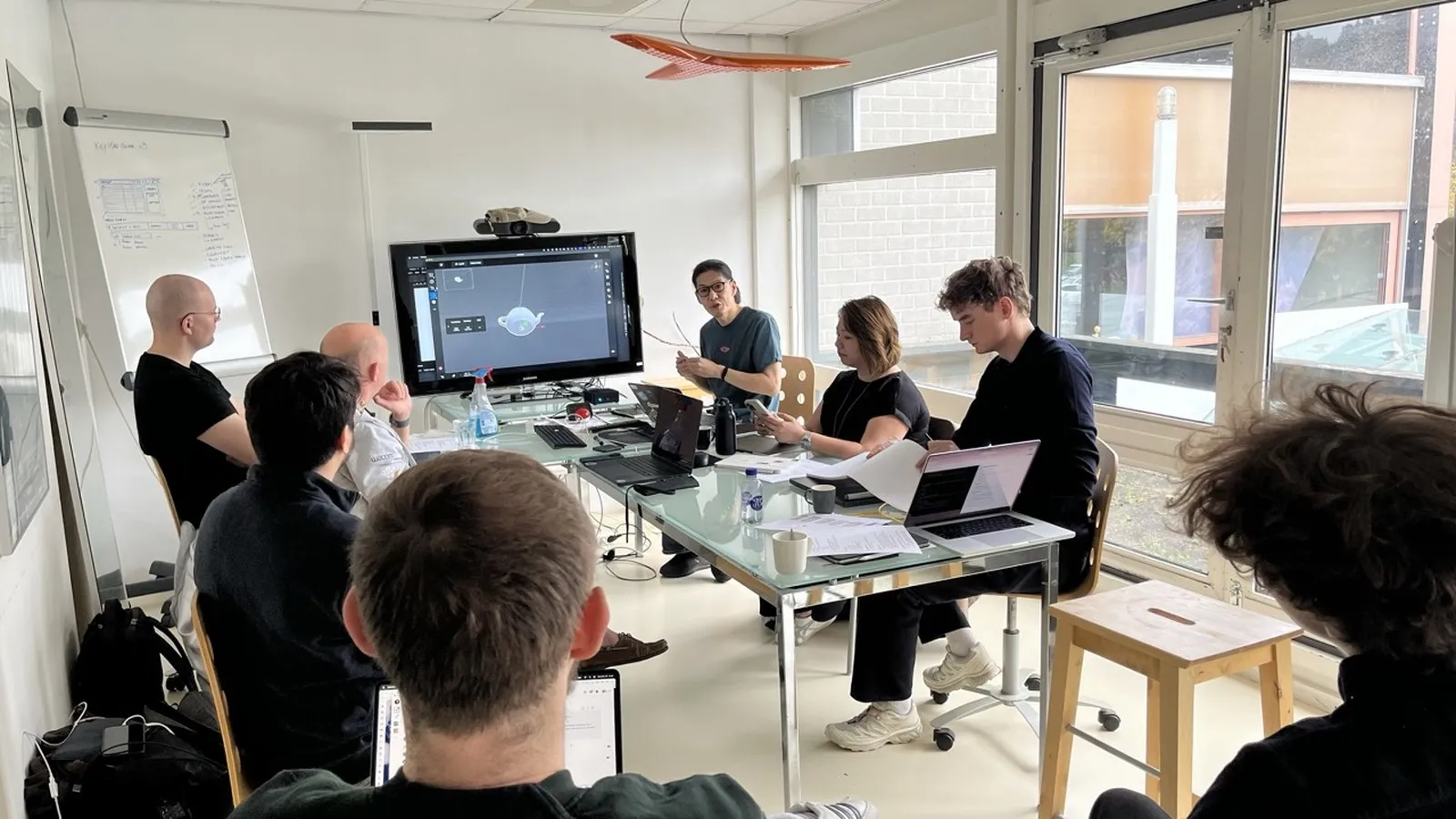
Blender’s developers published a plan in November 2026 for the first tablet release of Blender. It follows a week-long workshop at Blender HQ in Amsterdam in October. The plan, posted on the Blender Developers Blog and summarised by BlenderNation on 24 November, covers daily tablet builds, early test uploads to app stores, touch and pen polish, a way to hand files back to your desktop and a touch-first “compact UI”. It gives goals, not a date or version number.
What the plan actually covers
The headline idea is to ship early and improve after. According to BlenderNation, a feature can go out as soon as it covers one real use case. Not every workspace will be tuned for touch at first, but the full desktop interface stays available.
The first hardware targets are named. On Android, that means high-end tablets such as the Wacom MovinkPad Pro. On Apple, it means recent iPads, with the M-series iPad Pro and iPad mini 8 given as examples, per BlenderNation. German site Tutkit reports that other tablets may run it with bugs or slow performance, and that support should widen as the community tests devices the team doesn’t own.
Early on, you’ll need a keyboard, mouse or trackpad connected for full use. Proper touch and pen-only work comes later.
The touch and pen work in scope includes:
- editable gestures with sensible defaults for each platform
- an on-screen keyboard, mostly using the operating system’s own
- a top-level search for operators (Blender’s term for commands)
- a status bar with buttons you can tap
- a “modifier wheel”, a floating radial menu standing in for Ctrl, Shift and Alt
Builds, stores and when you can try it
The plan calls for daily tablet builds that roll out continuously to stores, including Google Play and the App Store. Tutkit reports these test builds will appear on builder.blender.org, Blender’s existing download site for nightly builds. The team also wants to publish test versions to the stores early, so store review problems surface before launch.
There’s a catch. BlenderNation says the Blender Foundation knows about the app stores’ restrictions around the GPL, the open-source licence Blender uses, and will look at alternatives where needed. Neither source we could read says what a store build will cost. Desktop Blender is free, and nothing we found suggests that changes, but we couldn’t confirm pricing for store builds.
This plan follows a winding path. In July 2025, the first tablet post named the iPad Pro with Apple Pencil as the first platform, with sculpting and basic object editing first. By early 2026 the iPad work was paused and Android moved ahead, according to a Remio summary citing a February developer post.
At Blender Conference in September 2026, 9to5Google reported a target of the first half of 2027 for Android, plus a demo APK (Android install file) you could download from blender.org. The November plan puts iPads back on the target list next to Android. It doesn’t restate the 2027 goal, so treat that as the last public estimate, not a promise.
Desktop handoff and the compact UI
The handoff part matters most for indie devs. The workshop discussed three cases: working offline on the go, working on the couch with a laptop nearby, and read-only review for a supervisor. Two commands are planned, per BlenderNation. “Continue on device” moves your whole file across. “Send to device” sends part of a file, such as a single data-block (one mesh, material or similar item) with whatever it depends on.
That suggests tablet and desktop Blender will share the normal .blend format, since it’s the same program. Neither source confirms version matching rules, though, so keep both installs on the same release when it arrives.
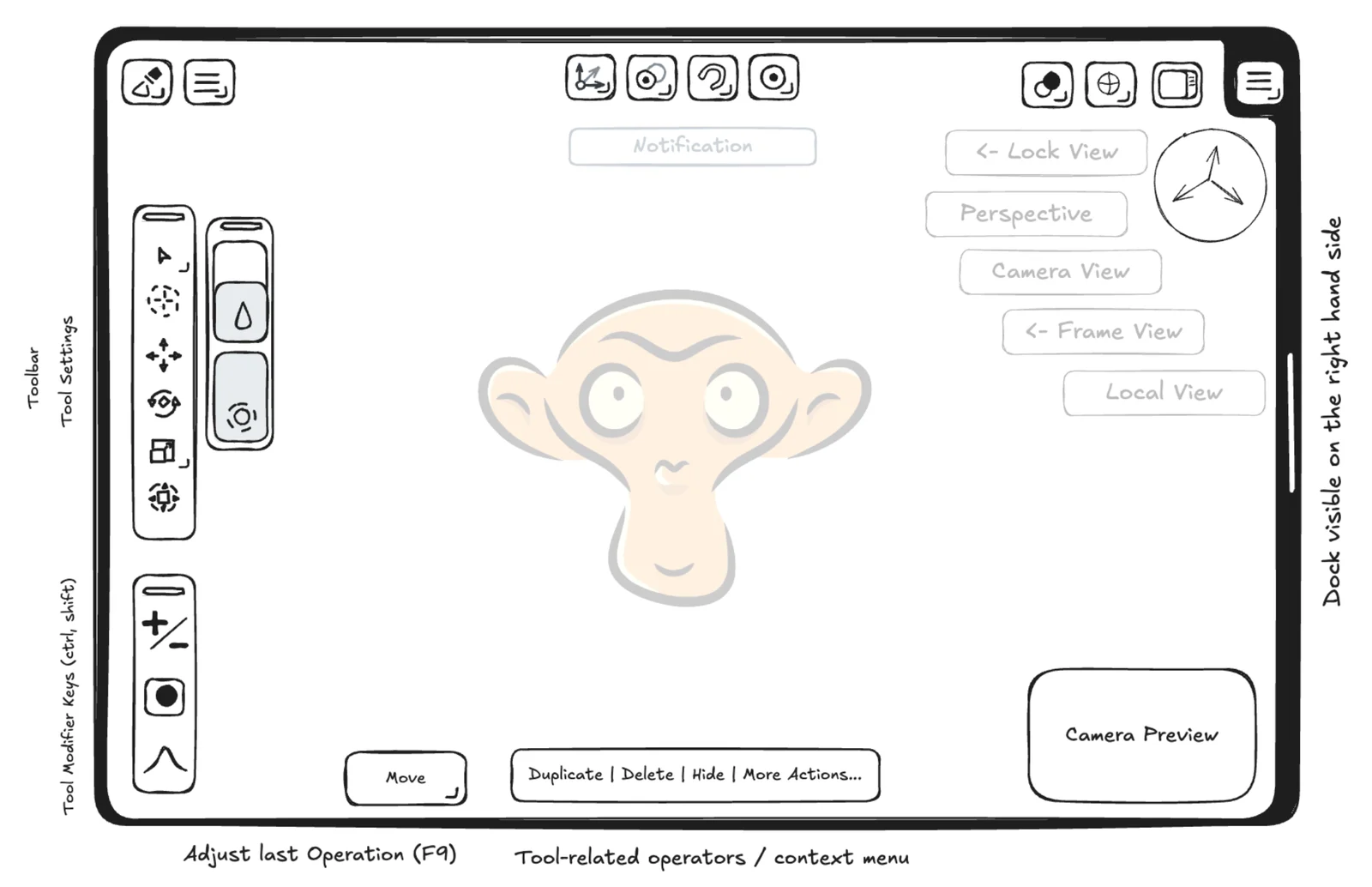
“Compact UI” is the internal name for the touch-first layout. The viewport sits in the centre. Other editors open briefly and get out of the way, and buttons live at the screen edges. The team is exploring it through five use cases: portfolio review, scene assembly, sculpting, asset creation and storyboarding. It’s at the mockup and prototype stage.
What it means for a solo dev
If you want to block out a sculpt on a tablet and finish it on your PC, Blender is heading straight at that. The handoff commands are the first sign of a real two-device workflow without exporting to OBJ or glTF and back.
But you can’t do it reliably today. The first release needs a keyboard or mouse. Tutkit lists handoff and the compact UI among later phases. Remio notes that a tester’s Lenovo tablet crashed on the demo APK because it seemed to lack a required graphics feature. So “Android tablet” doesn’t mean “any Android tablet”.
Texture painting fans should temper hopes too. Asset creation is on the use-case list, but no source details painting tools on tablet. Add-ons were not a priority, according to the team’s earlier DevTalk FAQ. If your texturing depends on add-ons like the Ucupaint layer system, plan on doing that part at your desk.
If you’re mid-project, nothing here should change your pipeline yet. Your desktop install, such as the 5.3 release we covered, is still where the work gets finished.
What to do now
A few practical steps while you wait:
- Check your hardware. If you’re buying a tablet partly for Blender, the safest bets are the devices named in the plan: Wacom MovinkPad Pro, M-series iPad Pro or iPad mini 8. Anything else is a gamble until testers report back.
- Watch builder.blender.org. That’s where daily tablet builds are expected first. Back up your .blend files before opening them in any test build.
- Follow the official task. The plan’s development task on projects.blender.org is the place to track progress and report device bugs.
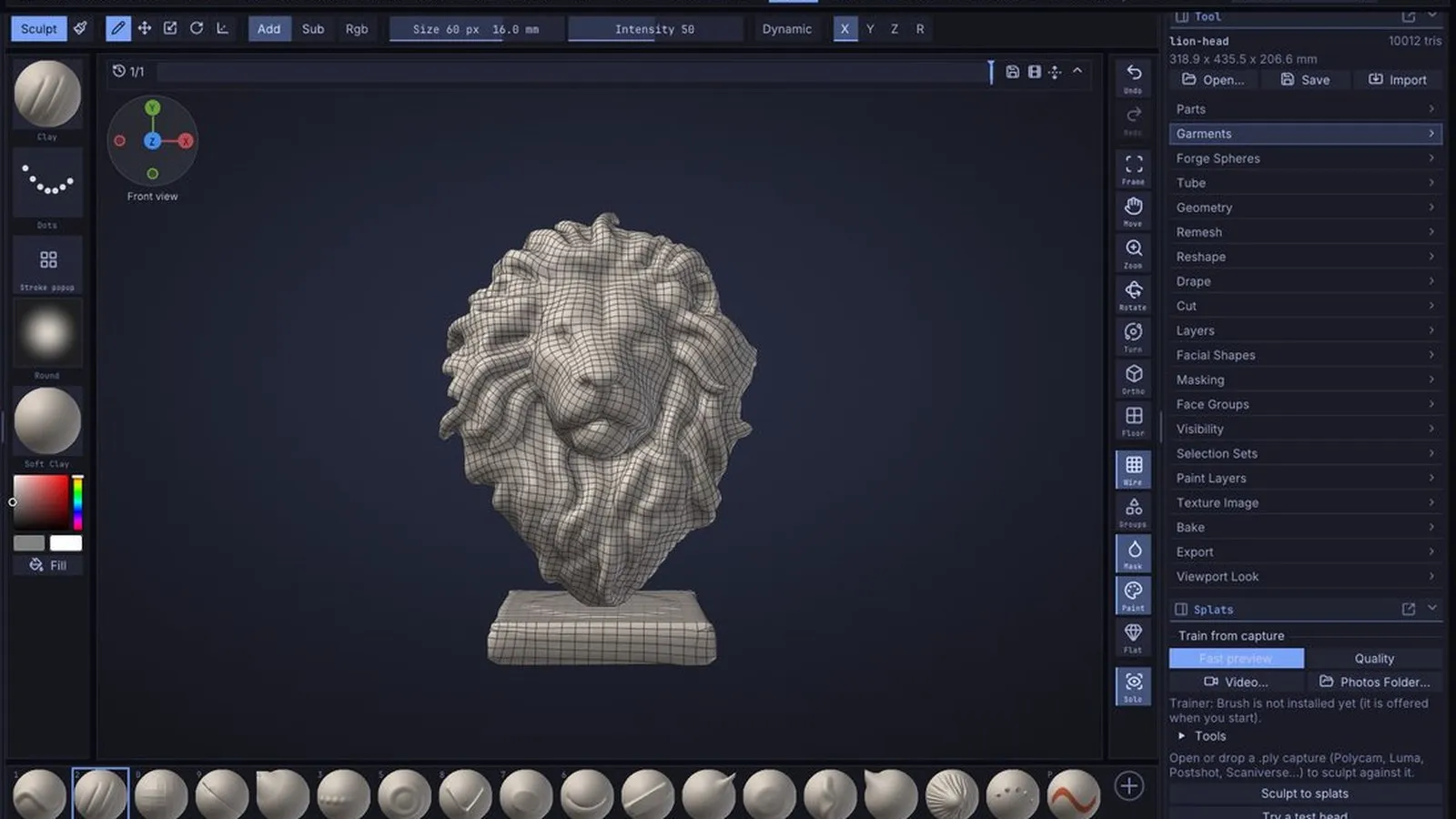
- Use what works now. Nomad Sculpt costs A$29.99 on the Australian App Store and exports glTF, OBJ, STL and PLY, which desktop Blender imports.
- Keep your options mapped. Our Blender entry in the tools comparison covers the desktop side.
We’ll check back when the first daily tablet build lands.
Sources
- Blender on Tablet: Path to Release, Blender Developers Blog, source of the photo and mockup
- Blender on Tablet: The Plan for a First Release, BlenderNation
- Beyond Mouse & Keyboard, Blender Developers Blog
- Blender team plans tablet version, Tutkit
- Blender Android app 2027, 9to5Google
- Blender Android app coming in 2027, Remio
- Blender and Tablets, Blender DevTalk
- Nomad Sculpt, App Store Australia